

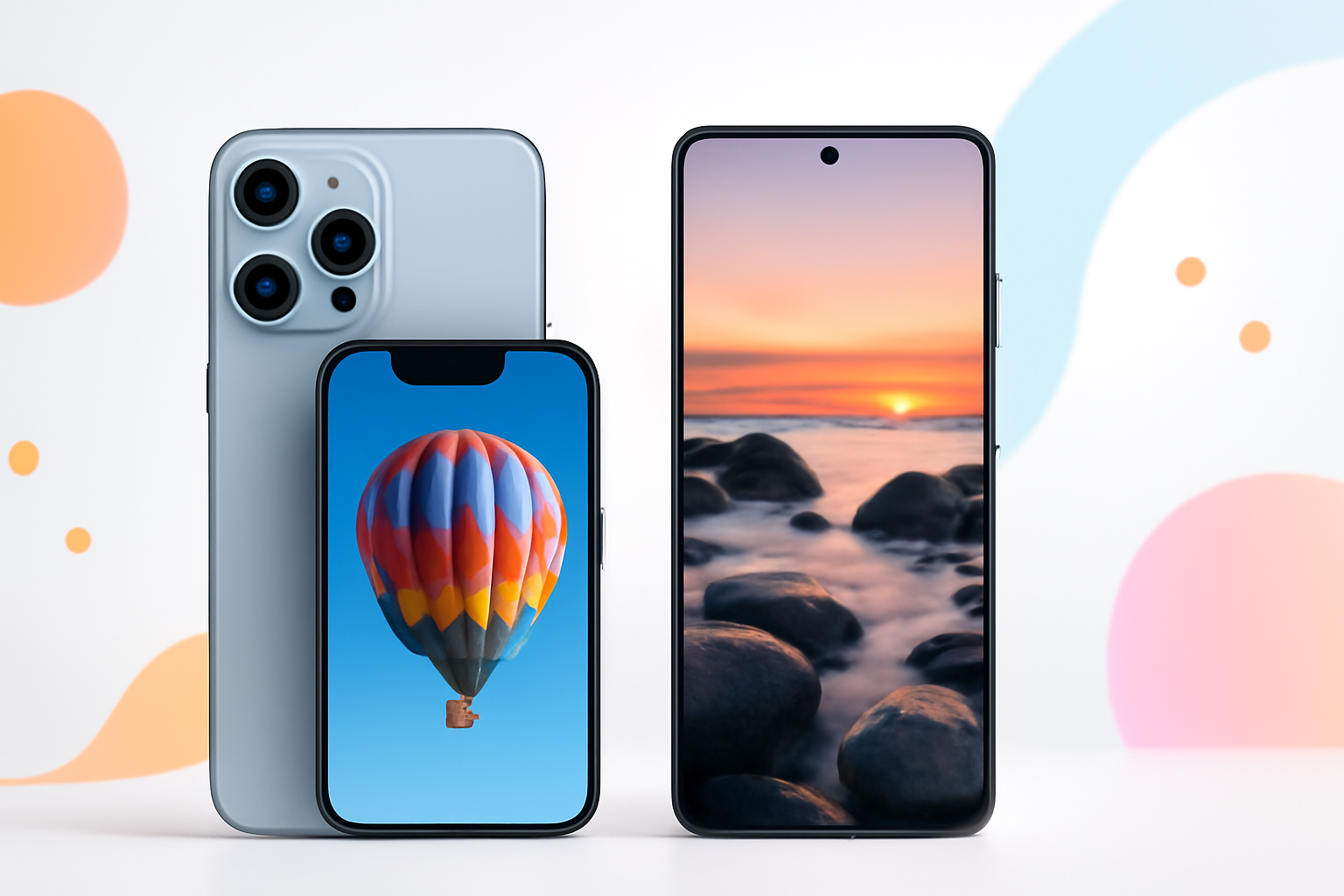
iPhone vs Android for Photography: Which One Actually Takes Better Photos?
Ask ten photographers which phone takes better pictures and you’ll get ten different answers. Some swear by the iPhone’s natural color science. Others won’t shoot on anything but a Samsung or a Pixel. The truth? Both platforms are genuinely excellent — but they’re excellent in very different ways, and that matters depending on how you actually shoot.
This isn’t about spec sheets. It’s about what happens when you point a phone at something real — a sunset, a birthday cake, a friend laughing — and what comes out the other side.
How iPhone and Android Handle Color Differently
One of the first things people notice when switching between platforms is color. Apple has always favored a warmer, more natural rendering. Skin tones look realistic. Whites don’t blow out easily. The processing is conservative — it tries to show you what the scene actually looked like.
Android manufacturers, particularly Samsung, lean toward punchy, vivid colors straight from the camera. Blues pop. Greens are saturated. It looks great on social media and immediately impressive on a small screen. Some people love it. Others find it artificial.
Google’s Pixel phones sit somewhere in the middle. They use computational photography aggressively — meaning software does a lot of heavy lifting — and the results are often stunning, especially in tricky lighting. Google has a particular talent for making photos look effortlessly good without looking overly processed.
If you care about accurate color reproduction, iPhone or Pixel tend to win. If you want eye-catching, punchy images straight from the camera, Samsung’s Galaxy lineup delivers.
Low Light Photography: Where the Real Battle Happens
Low light is where phone cameras earn their reputation — or lose it. Every major manufacturer has poured engineering resources into night photography, and the gap between platforms has narrowed dramatically in recent years.
iPhone Night Mode
Apple’s Night Mode activates automatically when the camera detects low light. It captures multiple exposures over a short window and combines them into a single image. The results are impressively clean, with minimal noise and good shadow detail. It’s intuitive — you barely have to think about it.
One consistent strength is how iPhone handles artificial light sources. Indoor shots under LED or tungsten lighting often look more natural compared to some Android competitors that can overcorrect white balance.
Android Night Photography
Google Pixel’s Night Sight is arguably the gold standard for night photography on any mobile device. It can pull extraordinary detail out of near-darkness in ways that feel almost unrealistic. The processing is aggressive, but it rarely looks fake.
Samsung’s Nightography mode has improved significantly. It tends to brighten shadows more heavily, which can either rescue a dark scene or make it look artificially lit, depending on the situation.
Zoom Capabilities: A Spec That Actually Matters
Optical zoom is one area where Android — specifically Samsung — has genuinely outpaced Apple at various price points. The Galaxy S Ultra series has offered 10x and even 100x zoom, while iPhone has moved more gradually.
That said, raw zoom numbers can be misleading. A 100x “Space Zoom” shot from Samsung looks more impressive as a concept than as an actual usable photo — at those extremes, you’re dealing with significant softness and noise. Practical zoom in the 3x to 10x range is where differences matter most for everyday shooting.
- iPhone Pro models now offer up to 5x optical zoom (on the 15 Pro Max), with solid detail retention up to around 15–20x digital zoom
- Samsung Galaxy S Ultra offers 10x optical zoom, with usable results well beyond that in good light
- Google Pixel relies heavily on software super-resolution zoom, which punches above its hardware on paper but varies in real-world conditions
If telephoto shooting matters to you — wildlife, sports, events where you can’t get close — a Samsung Ultra-tier device currently offers more flexibility. For most casual use, the differences are smaller than the spec sheet suggests.
Video Quality: iPhone’s Undisputed Stronghold
This is where the conversation shifts decisively. For video, iPhone remains the benchmark. The stability, color grading potential, and codec options on recent iPhones are simply ahead of the competition.
Apple Log (introduced in iPhone 15 Pro) gives serious videographers a flat, unprocessed recording format that’s easy to grade in post. Combined with ProRes video recording, it’s the kind of capability that was previously locked behind dedicated cinema cameras.
Cinematic Mode, while sometimes overused, produces genuinely impressive shallow depth-of-field video that looks expensive. The autofocus tracking during video is also more reliable and consistent than most Android competitors.
Android has improved — Samsung and Pixel both offer solid 4K video — but they still trail when it comes to color science consistency, dynamic range, and stabilization in challenging conditions. Content creators who shoot video primarily would almost always choose iPhone.
Software, Processing, and the AI Factor
Modern smartphone photography isn’t just about lenses and sensors — it’s about computational photography, and both platforms are betting heavily on AI-assisted processing.
| Feature | iPhone | Android (Pixel / Samsung) |
| Portrait Mode | Reliable, natural blur | Pixel edges out in edge detection; Samsung can over-sharpen |
| Scene Recognition | Subtle, rarely overdone | More aggressive, sometimes artificial |
| AI Object Removal | Magic Eraser (limited) | Google’s Magic Eraser and Samsung’s Object Eraser are more developed |
| RAW Support | ProRAW on Pro models | Available across more price points |
| Night Photography | Strong, natural results | Pixel often brighter with more detail |
Google’s photo editing tools, particularly within Google Photos, are genuinely ahead. The ability to erase objects, adjust lighting with AI, and enhance photos after the fact is more polished than anything Apple currently offers natively.
Which Price Range Gets You the Best Camera?
Here’s something worth knowing: camera quality doesn’t scale evenly with price across both platforms.
Apple’s base iPhone models have always had a more limited camera system than their Pro counterparts. The jump from iPhone 16 to iPhone 16 Pro is significant — different lens setup, better sensor, ProRAW, Apple Log video. It’s not just minor. You’re essentially buying a different camera experience.
Android is more generous with camera hardware at mid-range price points. A mid-tier Pixel or even some OnePlus models can take genuinely excellent photos without requiring you to spend flagship money. Samsung’s A-series has solid cameras that would have been considered impressive just a few years ago.
- If you’re buying on a budget and care about photos, Android midrange often delivers better value
- If you’re spending full flagship money, iPhone Pro and Pixel Pro both deliver exceptional quality in different ways
- For video specifically, even a base iPhone tends to outperform Android in its price tier
The Ecosystem Question: Editing and Sharing Your Photos
Taking the photo is only half the story. What you do with it afterward depends heavily on your ecosystem.
iPhone integrates tightly with Apple Photos, iCloud, and apps like Lightroom and VSCO. If you shoot on iPhone and edit on a Mac or iPad, the workflow is genuinely seamless. Live Photos, portrait effects, and metadata all carry over perfectly.
Android users often work across more fragmented systems, but Google Photos remains one of the best photo management apps on any platform — and it’s free with a Google account. If you already live in Google’s ecosystem, it feels just as smooth.
Editing third-party apps like Lightroom Mobile work equally well on both platforms, so professional editing workflows aren’t tied to one ecosystem.
So Which One Should You Actually Choose?
Honestly, it comes down to what you value most as a shooter.
- Choose iPhone if: you shoot a lot of video, want consistent color across photos and video, value ease of use, or are already embedded in the Apple ecosystem
- Choose Pixel if: you shoot in low light frequently, want AI-assisted editing tools, or want the best straight-from-camera stills without manual adjustment
- Choose Samsung if: telephoto zoom matters to you, you want maximum hardware versatility, or you prefer vivid, punchy colors in your images
The iPhone vs Android for photography debate doesn’t have a single winner — it has different winners depending on the shot. A wildlife photographer who needs reach might prefer Samsung. A wedding videographer might never consider anything but iPhone. A street photographer shooting at night might love what a Pixel does in the dark.
The best camera phone for you is the one that matches how you actually shoot — not the one with the best spec sheet or the most impressive marketing campaign. Pick up both if you can, shoot in the same conditions, and trust what you see with your own eyes.
That’s still the most reliable camera review in existence.
