

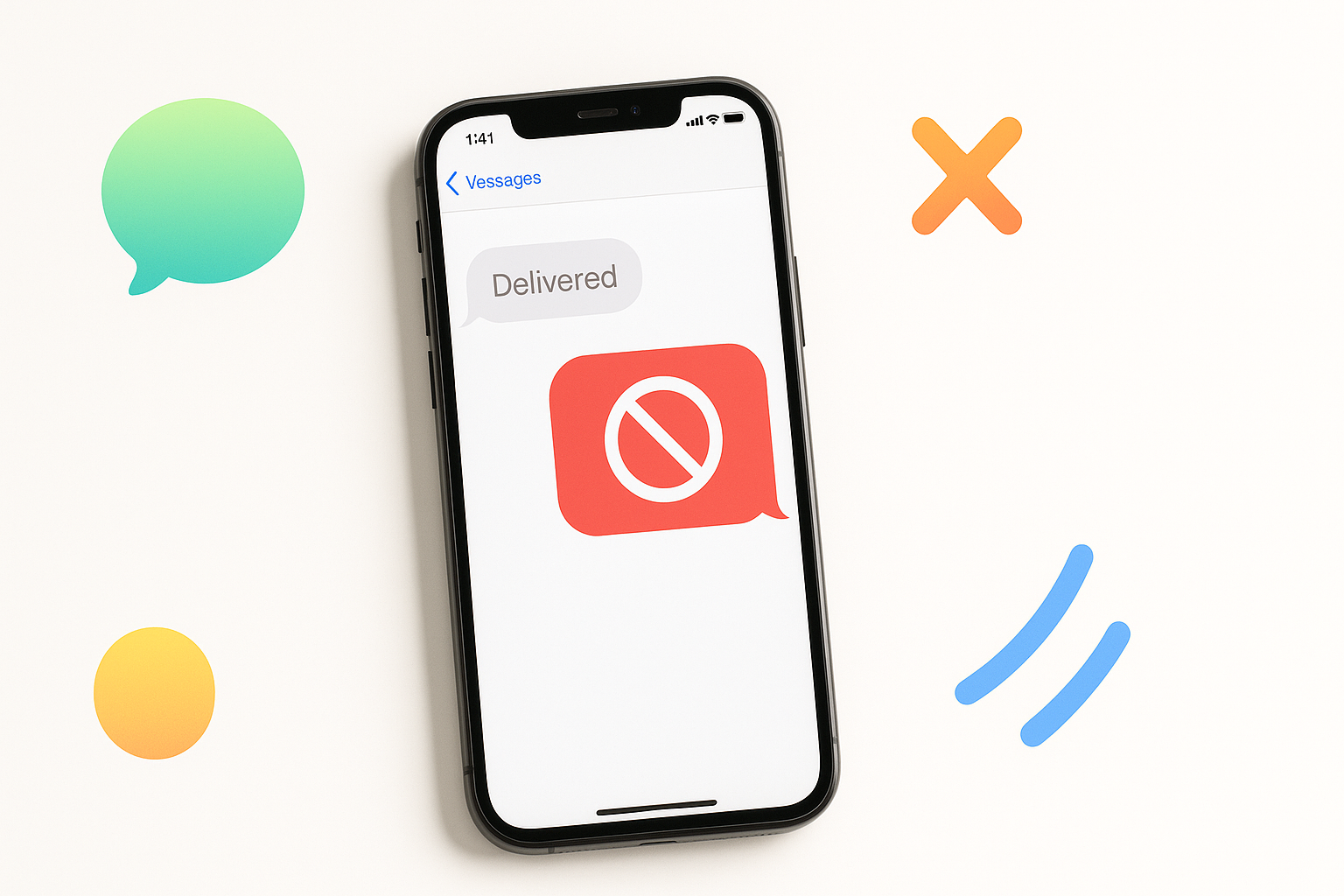
The Telltale Signs of an iMessage Block
Getting blocked on iMessage feels like digital rejection, but the tricky part is that Apple doesn’t send you a notification when it happens. Unlike other messaging platforms that clearly indicate when you’ve been blocked, iMessage keeps things subtle – perhaps too subtle.
The uncertainty can drive you crazy. Did your friend really not see your message, or are they actively avoiding you? Understanding how to know if someone blocked you on iMessage requires looking for several clues that, when combined, paint a clearer picture.
Your Messages Turn Green Instead of Blue
The most obvious sign something’s changed is when your typically blue iMessages suddenly appear green. This color shift indicates your messages are being sent as regular SMS text messages instead of through Apple’s iMessage service.
However, don’t jump to conclusions immediately. Green messages can happen for several innocent reasons:
- The recipient turned off iMessage in their settings
- They’re in an area with poor internet connection
- Their phone is dead or turned off
- They switched from iPhone to Android
If messages consistently turn green with one specific contact while staying blue with others, that’s when you should start investigating further.
Delivery Receipts Disappear Completely
When someone blocks you, you won’t see “Delivered” appear beneath your messages. This absence is significant because even when someone’s phone is off or they’re offline, iMessages typically show “Delivered” once the message reaches Apple’s servers.
Pay attention to your message history with this person. If you previously saw “Delivered” or “Read” receipts and they’ve suddenly vanished entirely, blocking might be the culprit.
Keep in mind that some people disable read receipts in their settings, so the absence of “Read” notifications isn’t necessarily concerning. The missing “Delivered” status is the real red flag.
Phone Calls Go Straight to Voicemail
When you call someone who has blocked you, the call typically goes straight to voicemail after one ring or doesn’t ring at all. You might hear a brief tone followed by the voicemail greeting, or the call might immediately redirect to voicemail.
This behavior differs from normal scenarios where:
- The phone rings multiple times before going to voicemail (they’re busy or didn’t answer)
- You hear a busy signal (they’re on another call)
- The call connects normally
Test this by calling from different numbers. If your main number goes straight to voicemail but another number rings normally, you’ve likely been blocked.
FaceTime Calls Won’t Connect
Blocked contacts can’t reach you through FaceTime either. When you try to FaceTime someone who has blocked you, the call will fail to connect entirely or will appear to ring without the other person’s device actually receiving the call.
You might see error messages like “FaceTime Failed” or the call might just keep ringing indefinitely without connecting. Like with regular calls, test this with a different number or device to confirm your suspicions.
How Blocking Works Behind the Scenes
Understanding Apple’s blocking mechanism helps explain these symptoms. When someone blocks your number, your device doesn’t receive any notification. Instead, your messages and calls are filtered out before reaching the recipient.
Your blocked messages still appear normal on your end – you can type them, send them, and they’ll appear in your conversation thread. The difference is that they never actually reach the other person’s device or notification center.
This creates a one-way communication blackout where you’re essentially talking to yourself without realizing it.
Testing Your Theory Safely
Before confronting someone about potentially blocking you, try these discreet verification methods:
The Different Number Test
Ask a mutual friend to text or call the person from their phone. If their message goes through normally (blue, shows delivered) while yours don’t, you have your answer.
The Email Alternative
Try reaching out through email or social media platforms. If they respond there but continue ignoring iMessage, blocking becomes more likely.
The Group Message Test
Create a group message including the suspected blocker and another mutual contact. If they respond to the group but not your individual messages, this suggests blocking rather than general unavailability.
What Blocking Doesn’t Affect
It’s important to understand what blocking someone on iMessage doesn’t do:
- It doesn’t block you on social media platforms
- You can still see their online activity on other apps
- Mutual friends can still mention both of you in group chats
- You can still email them through non-Apple services
Blocking through iMessage only affects Apple’s communication services: iMessage, FaceTime, and regular phone calls when the block extends to those features.
False Alarms and Alternative Explanations
Before assuming you’ve been blocked, consider these alternative scenarios that can mimic blocking symptoms:
Technical Issues: Apple’s servers occasionally experience outages that can cause message delivery problems. Check Apple’s system status page if you’re experiencing issues with multiple contacts.
Phone Replacement: If someone gets a new phone and restores from backup incorrectly, iMessage settings might not transfer properly, causing temporary communication issues.
Carrier Problems: Sometimes carrier networks experience problems that affect message delivery, especially when switching between iMessage and SMS.
Settings Changes: The person might have changed their Apple ID, phone number, or disabled iMessage temporarily for privacy reasons.
Moving Forward After Confirmation
If you’ve determined that someone has indeed blocked you, respect their decision. Attempting to circumvent blocks through other numbers or having friends message on your behalf can be seen as harassment and may escalate the situation.
Consider whether there was a misunderstanding that led to the block. If you believe the blocking was accidental or based on a miscommunication, try reaching out through a mutual friend or alternative platform to clarify the situation respectfully.
Sometimes people block contacts temporarily during emotional situations and unblock them later. Give the situation time and space rather than immediately seeking ways around the block.
Preventing Future Blocks
To maintain healthy digital relationships and avoid future blocks:
- Respect people’s response times and don’t send excessive follow-up messages
- Pay attention to conversation cues – if responses become short or delayed, give them space
- Avoid sending messages late at night unless it’s an emergency
- Be mindful of controversial topics that might create conflict
Figuring out how to know if someone blocked you on iMessage requires patience and observation. While the signs can be frustrating and ambiguous, combining multiple indicators usually provides a clear answer. Remember that blocking often reflects the other person’s need for space rather than a permanent relationship ending, so handle the situation with maturity and respect.
