

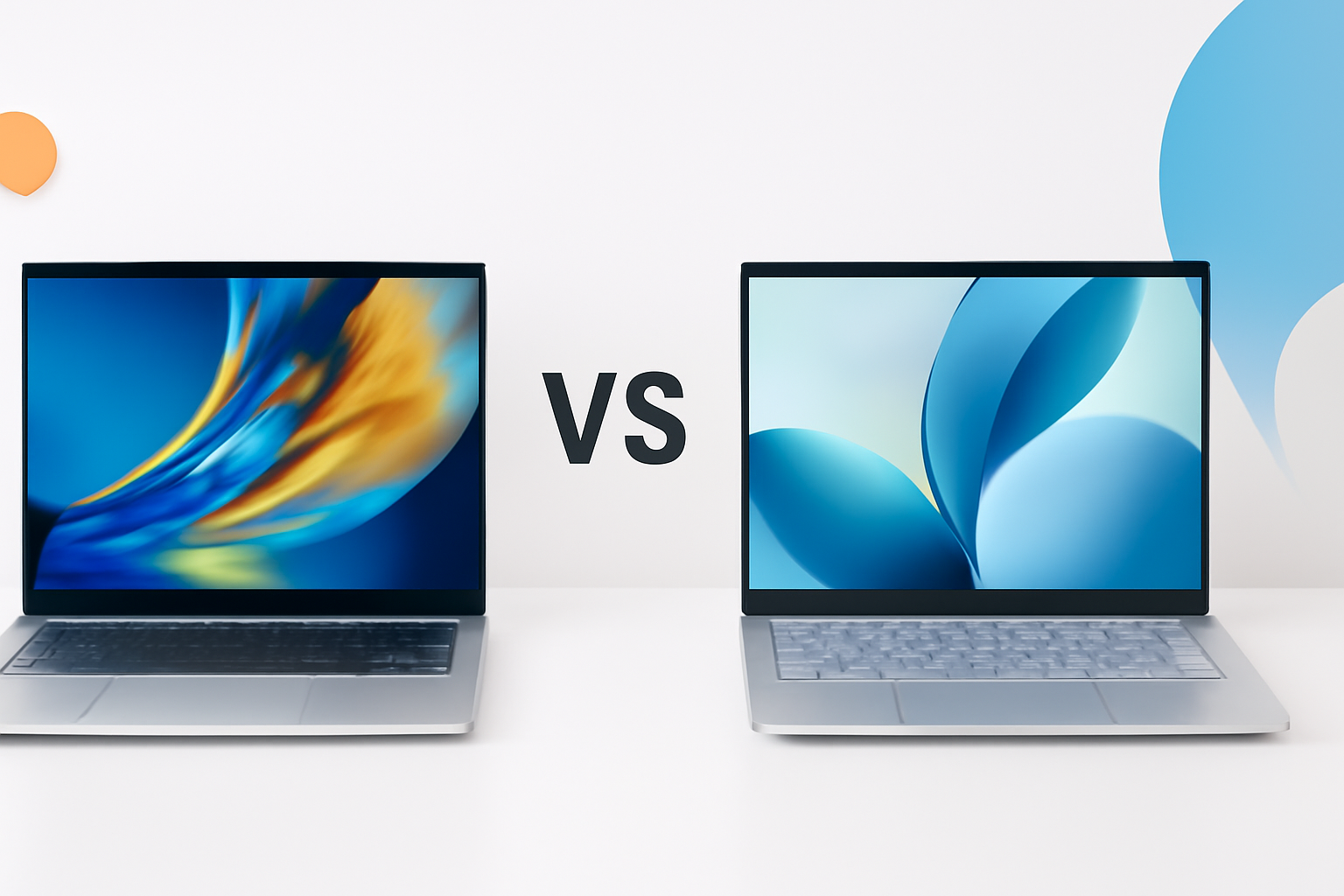
ASUS Vivobook vs HP Pavilion: Which Laptop Actually Delivers More for Your Money?
Choosing between the ASUS Vivobook and the HP Pavilion feels simple on paper — until you start comparing specs side by side and realize both laptops target almost the same buyer. Same price range, similar screen sizes, and near-identical promises of “everyday performance.” So how do you actually pick one?
The honest answer is that the better laptop depends entirely on what you value most. This breakdown cuts through the marketing language and focuses on what these machines are actually like to use day-to-day.
Who These Laptops Are Built For
The ASUS Vivobook series is designed for users who want solid performance in a slim, portable package without spending flagship money. Students, remote workers, and light creative users are the primary audience. ASUS has positioned the Vivobook as a practical workhorse — nothing flashy, but consistently reliable.
HP Pavilion laptops sit in a similar bracket but lean slightly more toward home users and students who prioritize a clean design and familiar ecosystem. HP’s build quality has improved noticeably in recent years, and the Pavilion lineup now offers genuinely competitive specs rather than just coasting on brand recognition.
Neither laptop is meant for hardcore gaming or professional video editing. If that’s your goal, both will leave you frustrated. But for streaming, browsing, document work, light photo editing, and video calls — both are competent options.
Design and Build Quality
ASUS Vivobooks typically come in a slim aluminum-plastic hybrid body. The lid and keyboard deck often feature brushed metal finishes, giving them a more premium feel than their price suggests. The overall construction is solid without feeling heavy — most Vivobook models land between 1.5kg and 1.8kg.
HP Pavilion models lean heavier on plastic but pull it off with better-than-average fit and finish. The chamfered edges and two-tone colorways make them visually distinct. That said, flex on the keyboard deck is more noticeable on certain Pavilion configurations compared to a typical Vivobook.
A few practical differences worth noting:
- Vivobooks tend to be thinner and lighter on average
- HP Pavilion models usually have a more conventional, consumer-friendly aesthetic
- ASUS hinge mechanisms feel slightly more robust on extended use
- Both are available in 14-inch and 15.6-inch variants, with some Vivobook models going up to 16 inches
Display: Where the Differences Start to Matter
This is one area where ASUS genuinely pulls ahead in many configurations. Several Vivobook models ship with OLED panels — a rarity in this price segment. OLED displays offer deeper blacks, richer colors, and better contrast than the IPS LCD panels typically found on HP Pavilion laptops at the same price point.
If you watch a lot of content, work with visuals, or just care about screen quality, the OLED Vivobook models are hard to ignore.
HP Pavilion displays are decent — typically IPS-grade with good viewing angles and reasonable color accuracy — but they rarely wow you. Brightness levels hover around 250-300 nits on standard configurations, which is adequate for indoor use but struggles in bright environments.
Key display specs at a glance
| Feature | ASUS Vivobook | HP Pavilion |
| Panel Type | IPS or OLED (model-dependent) | IPS LCD |
| Typical Brightness | 300–600 nits | 250–300 nits |
| Refresh Rate | 60Hz–120Hz | 60Hz (most models) |
| Color Gamut | Up to 100% DCI-P3 (OLED) | ~45–72% NTSC |
| Touchscreen Option | Available on select models | Available on select models |
Performance: Processors, RAM, and Real-World Speed
Both brands offer Intel Core and AMD Ryzen variants, so comparing processor generations is more useful than brand loyalty here. At similar price points, you’ll generally find comparable CPU performance — Intel Core i5 or AMD Ryzen 5 processors are the sweet spot in both lineups.
Where things diverge is thermal management. ASUS tends to tune its cooling systems more aggressively, allowing the Vivobook to sustain higher performance under load for longer periods. HP Pavilion laptops are competent but throttle more noticeably during extended tasks like video exports or large spreadsheet calculations.
RAM and storage are fairly even across the board at comparable price points — 8GB to 16GB RAM and 512GB SSD are standard. One thing to check: ASUS Vivobook models often come with an extra M.2 SSD slot for upgrades, which adds long-term flexibility. HP Pavilion configurations are sometimes soldered, limiting upgrade options.
Everyday performance summary
- Web browsing and streaming: Both handle this effortlessly
- Office applications: No meaningful difference
- Light photo editing (Lightroom, Photoshop): Vivobook holds a slight edge in sustained workloads
- Multitasking with 15+ browser tabs: Both perform well with 16GB RAM configurations
- Light gaming: Integrated graphics on either won’t impress, though Ryzen variants with Radeon graphics edge ahead
Keyboard and Trackpad Experience
Typing comfort matters more than most spec sheets acknowledge. The ASUS Vivobook keyboard has a slightly deeper key travel and a more satisfying tactile response. The layout is well-spaced, and ASUS includes a NumberPad on the trackpad in many 15-inch models — a neat feature if you work with numbers frequently.
HP Pavilion keyboards are comfortable but softer. The feedback is mushier compared to ASUS, which won’t bother casual users but might frustrate fast typists. HP’s trackpad is smooth and responsive, often matching or slightly exceeding the Vivobook’s precision in gesture handling.
Neither keyboard is backlit on every model — always check before buying, especially if you work in low-light environments.
Battery Life: The Honest Picture
This is where many comparisons give vague answers. Real-world battery life depends heavily on screen brightness, workload, and which configuration you buy. That said, here’s what consistent testing across configurations generally shows:
- ASUS Vivobook (non-OLED): 7–10 hours of mixed use
- ASUS Vivobook (OLED): 5–7 hours — OLED panels consume more power
- HP Pavilion: 6–9 hours of mixed use, typically with more conservative screen brightness defaults
If battery life is your top priority, the non-OLED Vivobook models edge ahead. The OLED models sacrifice runtime for screen quality — a trade-off that’s worth it for some users and not for others.
Port Selection and Connectivity
Both laptops are reasonably well-equipped, but the ASUS Vivobook generally offers a slightly more versatile port layout, including USB-C with DisplayPort support on many models.
| Port | ASUS Vivobook | HP Pavilion |
| USB-A | 2–3 ports | 2–3 ports |
| USB-C | 1–2 (often with DisplayPort) | 1 (charging-capable on newer models) |
| HDMI | Yes (full-size) | Yes (full-size) |
| SD Card Reader | Yes on most models | Yes on most models |
| 3.5mm Audio Jack | Yes | Yes |
Software and Bloatware
Neither brand has a clean slate here, but HP Pavilion laptops typically ship with more pre-installed software — McAfee trials, HP-branded utilities, and various promotional apps are common. Most of it is uninstallable, but it requires cleanup out of the box.
ASUS Vivobooks come with MyASUS, which is actually useful — it handles driver updates, system diagnostics, and fan controls in one place. The bloatware situation is lighter overall compared to HP’s defaults.
Price and Value Assessment
At equivalent price points, the ASUS Vivobook typically offers more compelling hardware — particularly when OLED display options are available. You’re generally getting a better screen, comparable performance, and more upgrade flexibility for the same money.
That said, HP Pavilion laptops frequently go on deeper discounts, especially during retail sales events. If you catch a Pavilion at a significant markdown, the value equation can flip. HP also has a wider physical retail presence, which matters if you prefer buying in person with the option of easy in-store returns.
The Vivobook wins on paper at MSRP. The Pavilion wins when you find it heavily discounted. Know the regular price before assuming a sale is actually a deal.
Which One Should You Actually Buy?
The ASUS Vivobook vs HP Pavilion debate doesn’t have a universal winner — but it does have a clearer answer once you know your priorities.
Choose the ASUS Vivobook if:
- Display quality matters to you (especially if you’re considering an OLED model)
- You want better long-term upgradability
- Portability and a slimmer form factor are important
- You prefer cleaner software out of the box
Choose the HP Pavilion if:
- You find a significantly discounted price
- You prefer buying from a brand with strong local support and retail availability
- The design aesthetic appeals to you more
- You’re buying for a family member who prioritizes simplicity over specs
Both are solid, dependable laptops that will handle everyday computing without drama. The Vivobook simply offers more for the money at full retail price, while the Pavilion earns its place through brand reliability, widespread availability, and occasional pricing advantages that make it genuinely competitive.
Either way, whichever you choose — focus on the specific configuration rather than the product line name. A poorly specced Vivobook will underperform a well-configured Pavilion every time, and vice versa.
