

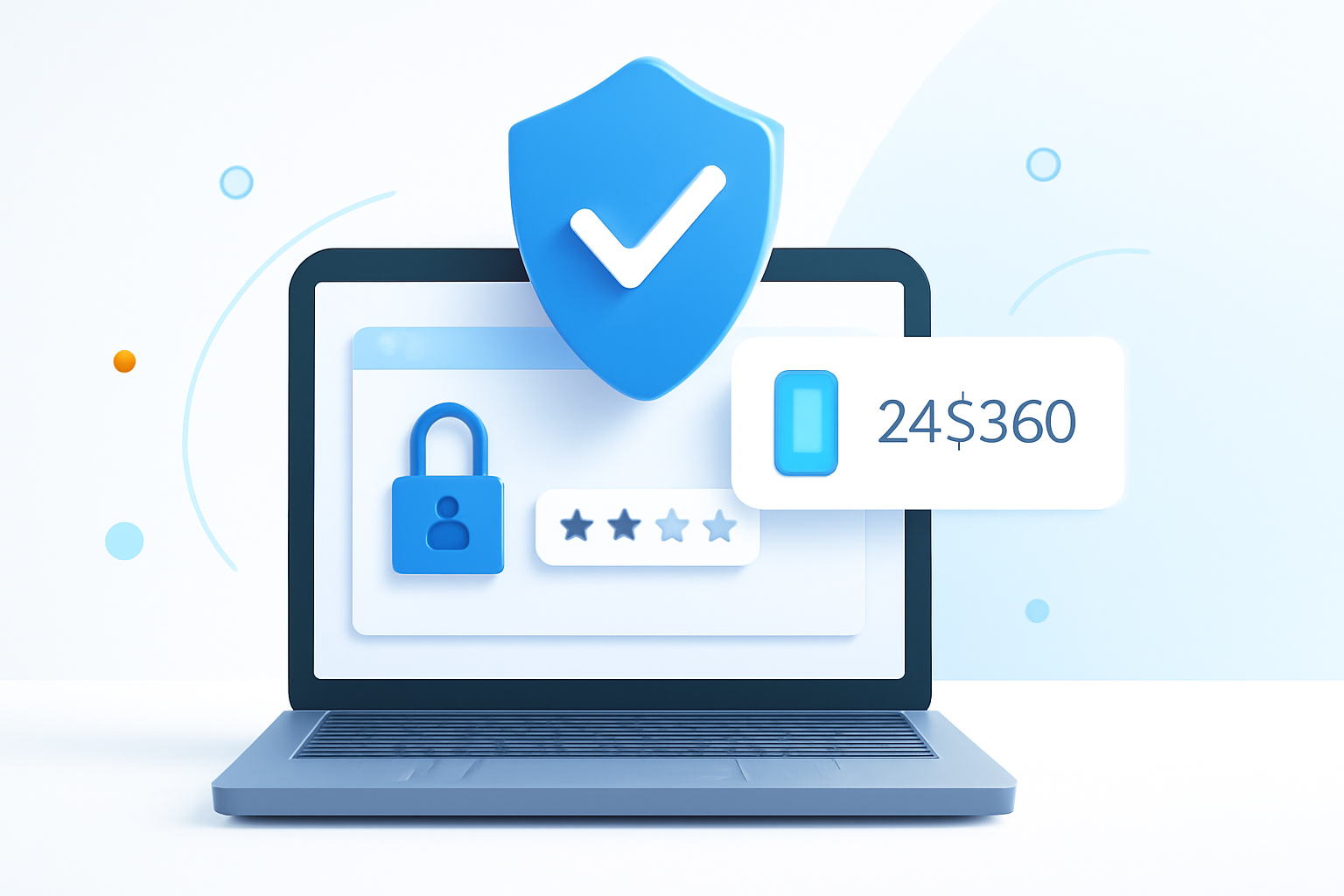
Why Your Password Isn’t Enough Anymore
Hackers crack passwords faster than you can say “cybersecurity breach.” Even the most complex combinations of letters, numbers, and symbols can be compromised through data leaks, phishing attacks, or brute force methods. That’s where two factor authentication steps in as your digital bodyguard.
Two factor authentication (2FA) adds an extra security layer that makes it exponentially harder for unauthorized users to access your accounts. Instead of relying solely on something you know (your password), it requires something you have or something you are.
Think of it like your home security system. A locked door provides basic protection, but adding an alarm system creates multiple barriers that deter intruders. Your online accounts deserve the same multilayered approach.
What Is Two Factor Authentication and How Does It Work?
Two factor authentication is a security method that requires two different forms of verification before granting access to an account or system. These verification methods fall into three categories:
- Something you know: Passwords, PINs, or security questions
- Something you have: Smartphones, hardware tokens, or smart cards
- Something you are: Fingerprints, facial recognition, or voice patterns
The process works by combining two of these authentication factors. After entering your username and password, the system prompts you for a second form of verification. This could be a code sent to your phone, a fingerprint scan, or a number generated by an authenticator app.
The beauty lies in its simplicity. Even if someone steals your password, they still need access to your second authentication factor to break into your account.
Common Types of Two Factor Authentication
SMS Text Messages
This method sends a temporary code to your mobile phone via text message. You enter this code along with your password to complete the login process.
While convenient and widely supported, SMS-based authentication has vulnerabilities. Hackers can intercept messages through SIM swapping or SMS redirection attacks. Despite these risks, it’s still significantly more secure than using passwords alone.
Authenticator Apps
Authenticator applications generate time-based codes that refresh every 30 seconds. Popular options include Google Authenticator, Microsoft Authenticator, and Authy.
These apps work offline and don’t rely on cellular networks, making them more secure than SMS. The codes are mathematically generated based on a shared secret between your device and the service provider.
Hardware Security Keys
Physical devices like YubiKeys or Google Titan Keys plug into your computer’s USB port or connect via Bluetooth. They provide the highest level of security because they’re nearly impossible to duplicate or hack remotely.
Hardware keys use cryptographic protocols that verify both your identity and the legitimacy of the website you’re trying to access, protecting against phishing attacks.
Biometric Authentication
Fingerprint scanners, facial recognition, and voice identification use your unique biological characteristics as the second factor. Many modern smartphones and laptops include built-in biometric sensors.
Biometric methods offer convenience since you don’t need to remember codes or carry additional devices. However, they’re primarily used for device access rather than online account verification.
Setting Up Two Factor Authentication
Most major online services now offer 2FA options in their security settings. The setup process typically involves these steps:
- Navigate to your account’s security or privacy settings
- Look for options labeled “Two-Step Verification,” “2FA,” or “Multi-Factor Authentication”
- Choose your preferred authentication method
- Follow the service’s verification process to link your device or phone number
- Save backup codes in a secure location
Always download and securely store backup recovery codes when setting up 2FA. These codes allow you to regain account access if you lose your authentication device.
Which Accounts Need Two Factor Authentication?
Priority should go to accounts containing sensitive information or those that could cause significant damage if compromised:
- Email accounts: Often used to reset passwords for other services
- Banking and financial services: Direct access to your money
- Cloud storage: Contains personal documents and photos
- Social media platforms: Can be used for identity theft or scams
- Work-related accounts: May contain confidential business information
- Password managers: The keys to all your other accounts
Start with these critical accounts, then gradually enable 2FA on other services that support it.
Addressing Common Concerns
Is It Really Worth the Extra Step?
The minor inconvenience of 2FA pales in comparison to the headache of recovering from a security breach. Studies show that two factor authentication blocks 99.9% of automated attacks, even when attackers have your password.
What If I Lose My Phone?
Most services provide backup options like recovery codes, alternate phone numbers, or backup authentication devices. Some authenticator apps also sync across multiple devices or offer cloud backup features.
Does It Slow Down Login Times?
Modern 2FA methods add only 10-15 seconds to your login process. Many services also offer “trusted device” options that reduce the frequency of 2FA prompts on devices you use regularly.
Best Practices for Maximum Security
Choose authenticator apps over SMS when possible. They’re more secure and work without cellular service. If you must use SMS, ensure your mobile carrier account has strong security measures in place.
Use different authentication methods for different account types. This diversification prevents a single point of failure from compromising multiple accounts.
Regularly review and update your 2FA settings. Remove old devices you no longer use and ensure backup contact information stays current.
Consider using a hardware security key for your most sensitive accounts. While they require an upfront investment, they provide unmatched protection against sophisticated attacks.
The Future of Account Security
Two factor authentication represents just the beginning of enhanced security measures. Organizations are moving toward passwordless authentication, risk-based authentication, and behavioral analysis to create even more robust security frameworks.
However, 2FA remains the most practical and effective security upgrade available to everyday users right now. It strikes the perfect balance between security and usability, making it accessible to people with varying technical expertise.
Your digital life contains years of memories, important documents, and financial information. Two factor authentication gives you control over who accesses this treasure trove of personal data. The few extra seconds spent entering a verification code today could save you months of recovery time tomorrow.
