

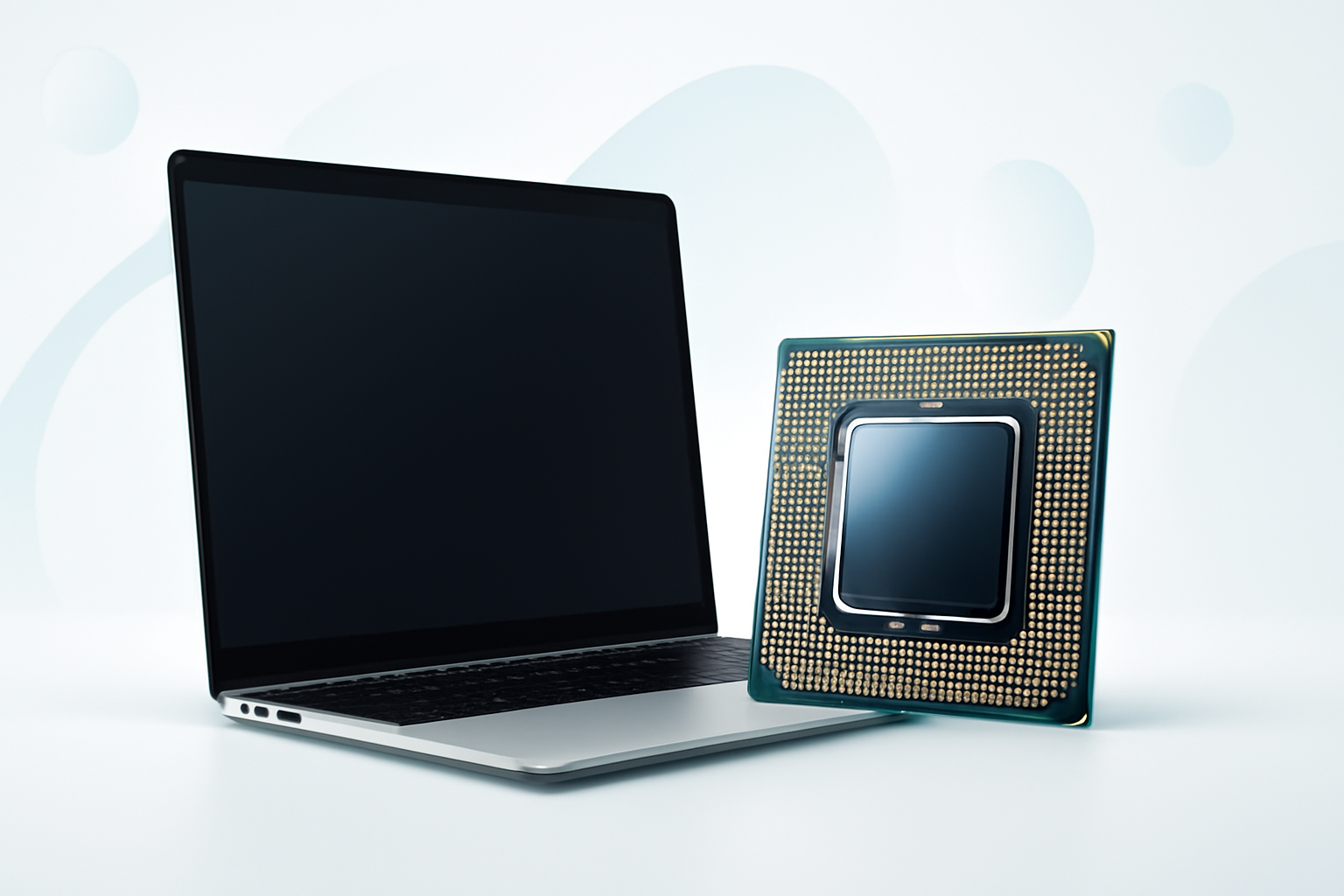
Picking the Right Laptop Processor Without Getting Lost in the Specs
The processor is the single most important component in any laptop. It determines how fast your machine runs, how well it handles demanding tasks, and how long it stays relevant before feeling sluggish. Yet most people buying a laptop spend more time thinking about screen size or color than the chip powering everything under the hood.
That’s a mistake worth avoiding. A good processor for a laptop isn’t just about raw speed — it’s about matching the right chip to the way you actually use your computer. A chip that’s perfect for a video editor could be complete overkill for someone who just browses the web and uses spreadsheets.
So let’s cut through the noise and figure out what actually matters when choosing a laptop CPU.
How Laptop Processors Actually Work
A processor — also called a CPU (Central Processing Unit) — handles all the instructions your laptop needs to run. Every time you open an app, stream a video, or compile code, the CPU is doing the heavy lifting.
Two specs you’ll hear constantly are cores and clock speed. Cores are like separate workers inside the chip. More cores mean the processor can handle more tasks simultaneously. Clock speed (measured in GHz) tells you how fast each core processes instructions.
Modern laptop chips also use an efficiency core design — popularized by Intel’s 12th generation and beyond — where some cores prioritize raw performance and others prioritize battery life. This is why newer laptops can feel fast when you need them to be and still last all day on a single charge.
The Main Players: Intel vs AMD vs Apple
Right now, three manufacturers dominate the laptop processor space, and each takes a slightly different approach.
Intel Core Series
Intel remains the most widely used processor brand in laptops. Their current lineup uses the Core Ultra branding for higher-end models, replacing the older i3, i5, i7, i9 naming structure. For everyday users, a Core i5 or Core Ultra 5 offers an excellent balance of performance and price. Power users and creators tend to gravitate toward the i7, Core Ultra 7, or i9 options.
Intel’s chips are widely compatible, and you’ll find them across every price range — from budget laptops to premium ultrabooks.
AMD Ryzen Series
AMD’s Ryzen processors have gained serious ground over the past few years. The Ryzen 5 and Ryzen 7 chips are known for offering competitive performance, often at a lower price point than comparable Intel chips. AMD also integrates strong graphics into many of their mobile chips, making Ryzen-based laptops a smart pick for casual gaming and creative work without a dedicated GPU.
The Ryzen 9 sits at the top for demanding workloads, rivaling Intel’s best in multithreaded tasks like video rendering and 3D modeling.
Apple Silicon (M-Series)
If you’re open to a Mac, Apple’s M-series chips — M3, M3 Pro, M3 Max — are genuinely in a class of their own for efficiency. They deliver remarkable performance per watt, which translates to fast speeds and long battery life in the same package. The trade-off is the Apple ecosystem and a higher price tag.
For creative professionals especially, the MacBook Pro with an M3 Pro or M3 Max chip is hard to beat on raw performance combined with battery longevity.
What Is a Good Processor for a Laptop, by Use Case
The “best” chip depends entirely on what you’re doing. Here’s a practical breakdown:
| Use Case | Recommended Processor Tier | Examples |
| Basic browsing, email, streaming | Entry-level | Intel Core i3, AMD Ryzen 3, Intel N-series |
| Work productivity, multitasking | Mid-range | Intel Core i5, AMD Ryzen 5 |
| Content creation, photo/video editing | Upper mid-range | Intel Core i7, AMD Ryzen 7, Apple M3 |
| Gaming, 3D rendering, software dev | High-performance | Intel Core i9, AMD Ryzen 9, Apple M3 Pro/Max |
Most people land in the mid-range category and don’t need to spend more. A Ryzen 5 or Core i5 handles web browsing, video calls, Office apps, light photo editing, and even casual gaming without breaking a sweat.
Clock Speed, Core Count, and Cache — What to Prioritize
Spec sheets can be overwhelming. Here’s what each number actually means for real-world use:
- Clock Speed (GHz): Higher is faster for single-threaded tasks like opening apps or loading web pages. Look for base clocks above 2.5 GHz and boost clocks above 4.0 GHz for solid everyday performance.
- Core Count: More cores help with tasks that run multiple processes at once — video editing, running virtual machines, compiling code. For general use, 4–6 cores is plenty.
- Cache (L3): A larger cache means the processor stores more data close at hand, reducing load times. This matters more in professional workloads than casual use.
- TDP (Thermal Design Power): This measures how much heat a chip generates. Lower TDP chips run cooler and longer on battery. Ultra-low voltage (U-series) chips are common in thin laptops and trade peak performance for efficiency.
Don’t Overlook Integrated Graphics
Many laptops don’t have a dedicated graphics card — they rely on graphics built directly into the processor. This is called integrated graphics, and the quality varies significantly between chips.
AMD’s Radeon 780M (found in Ryzen 7000 mobile chips) and Intel’s Arc integrated graphics offer noticeably better performance than older integrated solutions. If you want to game casually or work with visuals without a dedicated GPU, pay attention to which generation of integrated graphics the laptop includes.
Apple’s M-series chips have some of the strongest integrated graphics available in any laptop at the moment — capable of running demanding creative apps and even some games smoothly.
Battery Life vs Performance: The Laptop-Specific Trade-Off
Desktop processors can push maximum performance without worrying about power draw. Laptops don’t have that luxury — they have to balance speed with battery endurance.
This is why chip series letters matter just as much as the model number:
- U-series (Intel): Ultra-low power, great battery life, lighter workloads
- H-series (Intel): High-performance, suited for gaming or creative work, drains battery faster
- HX-series (Intel): Workstation-grade power, often found in large, plugged-in machines
- AMD Ryzen HS/U: Similar breakdown — HS chips offer better efficiency, H chips push for performance
A Core i7-H chip in a thin laptop will often underperform a Core i5-H chip in a laptop with better cooling, simply because it can’t sustain its boost speeds without throttling. Build quality and thermal design matter almost as much as the chip itself.
Common Mistakes People Make When Choosing a Processor
- Buying based on generation number alone. An Intel Core i7 from four generations ago can easily be outperformed by a current Core i5. Always check benchmark scores, not just the name.
- Ignoring thermals and cooling. A powerful chip in a poorly ventilated chassis will throttle constantly and never reach its rated speeds.
- Overspending for tasks that don’t need it. If you’re writing documents and watching Netflix, you do not need a Ryzen 9. You’re paying for power you’ll never use.
- Not considering future-proofing. Laptop processors can’t be upgraded after purchase. It’s worth spending a little more today to avoid feeling underpowered in two years.
A Quick Benchmark Reality Check
Numbers on spec sheets don’t always translate to real-world experience. Before committing to a laptop, check independent benchmarks from sites like Notebookcheck, AnandTech, or Tom’s Hardware. These give you real performance data under sustained load — not just peak burst speed, which any modern chip can hit briefly before throttling.
Look specifically for sustained performance scores, not just peak Cinebench results. That sustained number tells you how the chip actually performs over time, which is what you’ll experience when editing a 30-minute video or running a long compile.
So, What Actually Makes a Good Laptop Processor?
A good processor for a laptop is one that handles your specific workload consistently, stays within the thermal limits of its chassis, and doesn’t obliterate battery life in the process. For most people, that’s a current-generation mid-range chip — an Intel Core i5 or AMD Ryzen 5 from within the last two generations.
Power users doing heavy creative work or development will get genuine value from stepping up to a Ryzen 7, Core i7, or an Apple M3. But pushing to the i9 or Ryzen 9 tier makes sense only in specific professional contexts where those extra cores are genuinely put to work.
The best move is to decide what you actually need the laptop to do, check benchmarks for the specific chip in the specific laptop you’re considering, and resist the urge to buy more than the task demands — or less than you’ll need two years from now.
