

Your Messages Under Digital Lock and Key
Imagine sending a postcard through the mail versus sealing a letter in an envelope that only you and your recipient can open. That’s essentially the difference between regular digital communication and what end to end encryption offers your online conversations.
End to end encryption transforms your messages, photos, and calls into scrambled code that becomes readable only when it reaches your intended recipient. Even if someone intercepts your communication along the way—whether it’s hackers, governments, or even the platform hosting your messages—they’ll see nothing but meaningless gibberish.
This security method has become the gold standard for protecting digital privacy, but understanding how it actually works can help you make smarter choices about which apps and services truly keep your information safe.
How End to End Encryption Actually Works
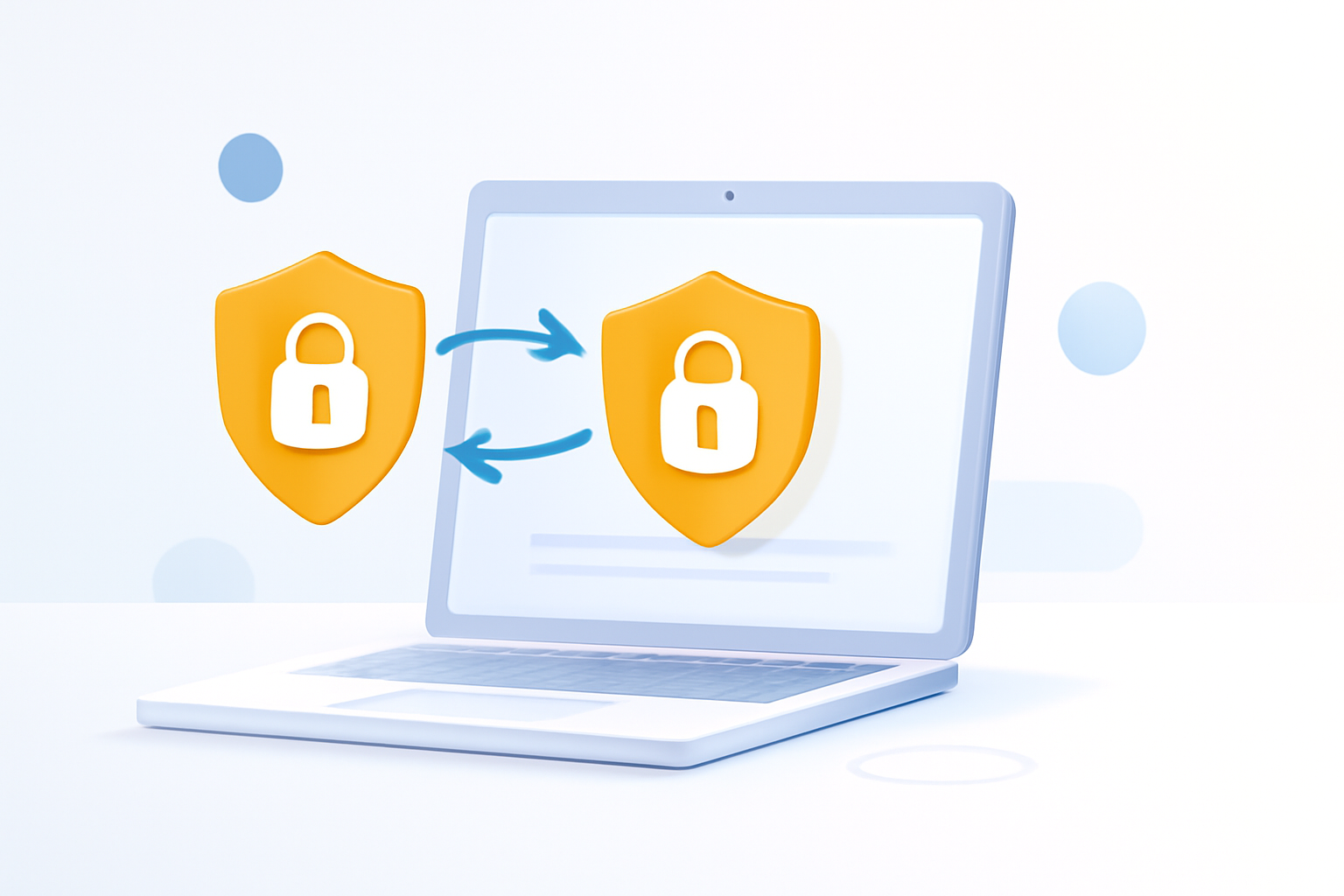
Think of end to end encryption like a special lockbox system between you and your friend. When you want to send a message, your device automatically locks it with a digital key that only your friend’s device can unlock.
Here’s what happens behind the scenes:
- Your device creates a unique “public key” and a secret “private key”
- You share your public key with others, but your private key never leaves your device
- When someone sends you a message, they use your public key to lock it
- Only your private key can unlock messages sent to you
The clever part? Even the company running the messaging service can’t read your conversations. They’re just passing along locked boxes they can’t open.
This differs dramatically from standard encryption, where companies encrypt your data for storage but can still access it themselves. With end to end encryption, you and your recipient hold the only keys.
Why Your Digital Privacy Depends on This Technology
Data breaches happen constantly. Major companies lose customer information to hackers, governments request access to private communications, and even well-intentioned employees might accidentally access your personal data.
End to end encryption solves these problems by ensuring that even if someone gains access to a company’s servers, your actual messages remain protected. The attackers would find encrypted data that’s essentially useless without the private keys stored safely on users’ devices.
Consider these real-world scenarios where this protection matters:
- Business communications containing sensitive financial information
- Personal medical discussions with family members
- Political conversations in countries with restrictive governments
- Any private moments you wouldn’t want exposed in a data breach
The technology also prevents “man-in-the-middle” attacks, where criminals try to intercept communications as they travel across the internet.
Popular Apps and Services That Use End to End Encryption
Many everyday apps now include this security feature, though the level of protection varies:
Messaging Apps
| App | Default Protection | Notes |
| Yes | Automatic for all messages | |
| Signal | Yes | Considered the gold standard |
| Telegram | No | Requires “Secret Chat” mode |
| Facebook Messenger | No | Offers “Secret Conversations” |
| iMessage | Yes | Between Apple devices only |
Video Calling
FaceTime, WhatsApp video calls, and Zoom (in certain modes) all offer encrypted video communications. However, features like cloud recording often disable the encryption.
Email Services
ProtonMail and Tutanota provide encrypted email services, though both sender and recipient typically need accounts with the same service for full protection.
What End to End Encryption Cannot Protect
Understanding the limitations helps set realistic expectations about your digital security.
This encryption only protects data in transit between devices. It doesn’t secure:
- Messages stored on your device if someone gains physical access
- Screenshots or photos of conversations
- Metadata like who you’re talking to and when
- Information you voluntarily share with apps or websites
If your device gets hacked with malware, attackers might capture your messages before they’re encrypted or after they’re decrypted. Similarly, if someone looks over your shoulder while you’re typing, no encryption can protect that information.
Cloud backups often break encryption too. If your encrypted messages get backed up to iCloud or Google Drive without additional protection, they become accessible to those companies.
Common Misconceptions About Encrypted Communication
Several myths persist about how this technology works and what it means for users.
Myth: Only criminals need encryption
Reality: Everyone benefits from protecting their personal communications, just like everyone locks their front door.
Myth: Encryption makes you completely anonymous
Reality: While your message content stays private, services can still see who you’re messaging and when.
Myth: All encryption is the same
Reality: End to end encryption specifically means only you and your recipient can read messages, unlike other types where companies retain access.
Myth: Encrypted apps are too complicated for regular users
Reality: Most modern encrypted messaging works exactly like regular texting—the security happens automatically in the background.
How to Verify Your Communications Are Actually Protected
Many apps claim to offer encryption, but verifying this protection requires checking a few key indicators.
Look for these features in genuinely secure messaging apps:
- Security verification codes – Apps like WhatsApp and Signal let you compare security codes with your contacts to confirm your connection is encrypted
- Open source code – Security experts can review the app’s programming to verify encryption claims
- Perfect forward secrecy – Even if someone steals your keys, they can’t decrypt old messages
- Clear privacy policies – Companies should explicitly state they cannot read your messages
Be suspicious of apps that store encryption keys on company servers or require you to create accounts with personal information that could be linked to your communications.
Making Smart Choices for Your Digital Security
Understanding what end to end encryption means helps you choose communication tools that match your privacy needs. While not every conversation requires maximum security, having encrypted options available protects you when situations change.
Start by switching your most sensitive communications to genuinely encrypted platforms. Consider apps like Signal for highly private conversations, ensure your messaging apps have encryption enabled by default, and remember that your overall digital security involves more than just encrypted messaging.
The goal isn’t paranoia—it’s simply ensuring your private communications stay private, just as you’d expect with a sealed letter in the physical world.
