

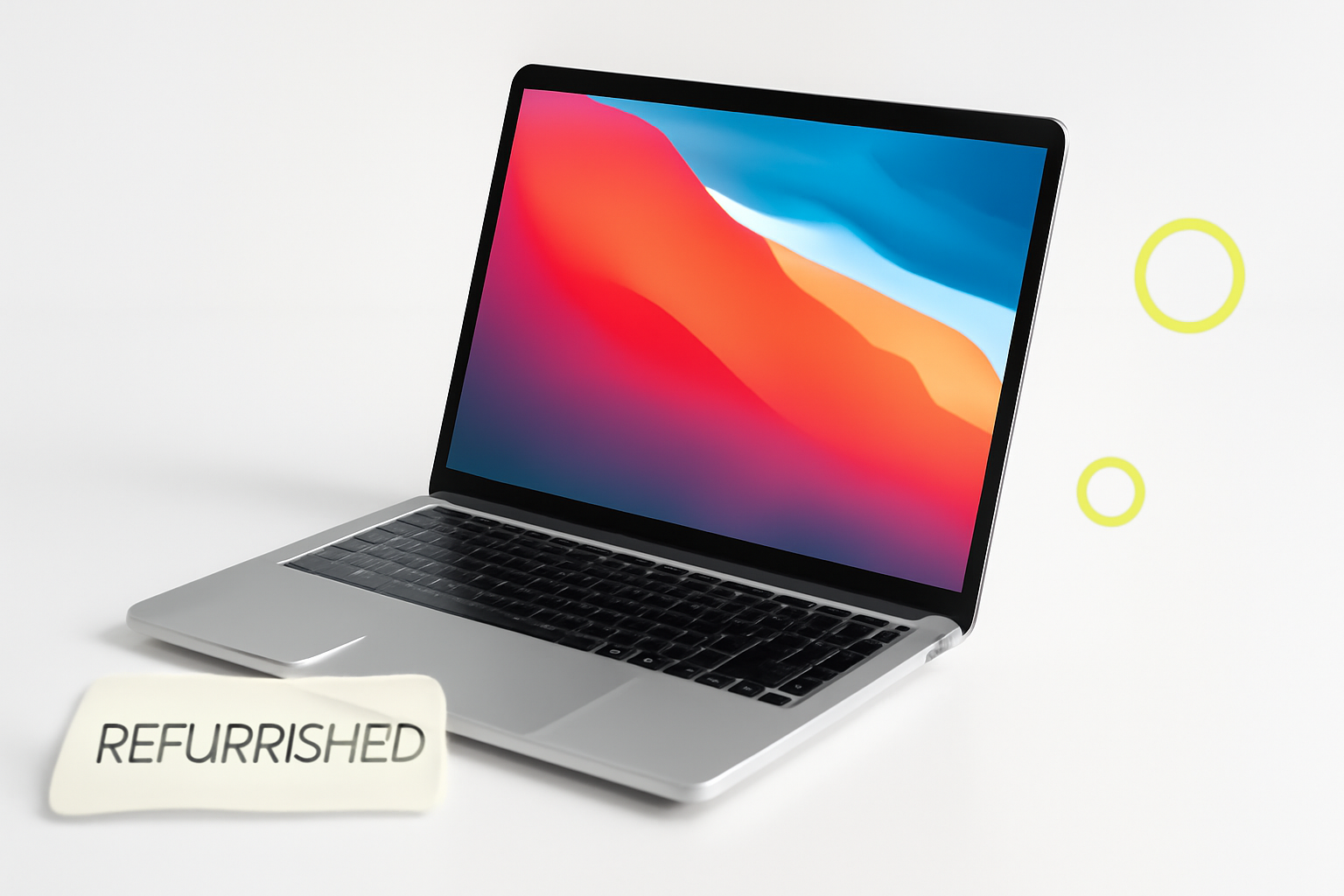
Buying a Refurbished MacBook Without Getting Burned
A refurbished MacBook can be one of the smartest purchases you make — or one of the most frustrating. The difference usually comes down to one thing: where you buy it. Get that right, and you walk away with a machine that performs like new at a fraction of the price. Get it wrong, and you’re stuck with a laptop that dies six months later with no recourse.
So if you’re searching for a refurbished MacBook and want to know where to buy safely, this is the breakdown you actually need — not a list of obvious tips, but a real look at which sources are trustworthy, what to watch for, and how to protect yourself at every step.
What “Refurbished” Actually Means (It Varies More Than You Think)
The word “refurbished” gets thrown around loosely, and that’s part of the problem. Depending on who’s selling, a refurbished MacBook could mean wildly different things.
- Apple Certified Refurbished: Tested, repaired, and reset by Apple. Comes with a new battery, new outer shell, and a one-year warranty. This is the gold standard.
- Manufacturer-refurbished (third-party sellers): Inspected and repaired by someone other than Apple. Quality depends entirely on that company’s standards.
- Seller-refurbished: Often just a used Mac that’s been wiped and relisted. Almost no quality guarantee.
- Open-box: Returned but barely used. Usually still in good shape, but sold “as-is” in many cases.
Understanding which category you’re buying from changes everything about the risk involved.
Where to Buy a Refurbished MacBook Safely
Apple’s Certified Refurbished Store
If you want the lowest risk option, Apple’s own refurbished store is it. Every MacBook sold there has been fully tested, repaired with genuine Apple parts, and reset to factory settings. You also get a full one-year limited warranty — the same one that comes with a brand-new device.
Apple also offers the option to add AppleCare+, which extends coverage to three years. That alone makes it a dramatically safer buy than most alternatives.
The main downside? Stock is limited and unpredictable. You might find exactly what you need, or you might check back for weeks waiting for the right model to appear. Prices are also only modestly discounted — typically 15% to 20% off retail — so don’t expect a bargain-bin deal.
Apple Certified Refurbished MacBooks come with a new battery and outer enclosure, accessories, and manuals. It’s the closest thing to buying new without paying the new price.
Best Buy Refurbished and Open-Box
Best Buy’s open-box and refurbished MacBooks can be solid options, especially if you buy in-store and can inspect the device before committing. Their Geek Squad Certified Refurbished label means the device has passed a 100-point inspection, and most come with a 90-day to one-year warranty depending on the condition grade.
Condition grades matter here. Best Buy uses labels like “Excellent,” “Satisfactory,” and “Fair.” Stick with Excellent or Certified unless you’re comfortable with cosmetic wear and you’re getting a significant discount to justify it.
One practical tip: Best Buy’s return policy on open-box items can be shorter than on new products, so confirm the window before you buy.
Amazon Renewed
Amazon Renewed is a mixed bag, but it’s not inherently sketchy. Products listed under this program are inspected by Amazon-qualified suppliers and come with a 90-day Amazon Renewed Guarantee — meaning if something goes wrong, Amazon steps in.
The risk here is variability. Unlike Apple or Best Buy, the actual refurbishment quality depends on whichever third-party seller fulfilled the listing. Read seller reviews carefully, check the return policy, and prioritize sellers with high ratings and a track record specifically with electronics.
For a MacBook specifically, filter for listings in “Excellent” condition and confirm whether the battery health is disclosed. Any reputable seller should be transparent about battery cycle count or capacity.
Back Market
Back Market has become one of the more respected refurbished electronics platforms globally. They act as a marketplace but vet their sellers and enforce quality standards, with a minimum 12-month warranty on all purchases and a 30-day return window.
What sets them apart is their grading system and the way they handle disputes. If a device doesn’t match its description, Back Market’s customer service steps in directly. It’s not perfect, but it’s considerably more buyer-friendly than buying used through an individual seller.
You can also find solid discounts here — sometimes 30% to 40% off retail on older MacBook Pro and MacBook Air models. If you’re looking at an M1 MacBook Air or a previous-gen Intel model, Back Market is worth checking alongside Apple’s own store.
Swappa
Swappa is a peer-to-peer marketplace for used and refurbished tech, but with a key difference: every listing is reviewed by the Swappa team before it goes live. They reject devices that are reported stolen or blacklisted, and they verify that listings are accurately described.
Prices on Swappa tend to be fair because it’s a community-driven platform — sellers set their prices based on real market demand. PayPal Goods and Services is the standard payment method, which adds another layer of buyer protection.
Just be aware that Swappa is closer to a “used marketplace” than a traditional refurbished retailer. Devices aren’t professionally refurbished in most cases — they’re just vetted used electronics. For a MacBook with strong specs and good cosmetic condition, it can be a great deal. Just ask the seller about battery health and any prior repairs.
eBay (With Caution)
eBay is risky but not off-limits. The platform has a massive selection of used and refurbished MacBooks, and eBay Money Back Guarantee gives you some protection if a listing turns out to be misrepresented.
The key is filtering smartly. Look for:
- Sellers with at least 98% positive feedback and a substantial number of reviews
- Listings that clearly state the exact model, year, storage, RAM, and battery health
- “Returns accepted” clearly listed
- Listings from established electronics resellers rather than individual accounts with little history
Avoid any listing that uses vague language like “tested and working” without specifics, or that shows stock photos instead of actual images of the device.
Questions to Ask Before You Buy Anywhere
Regardless of where you shop, a few questions can save you a headache later. Before completing a purchase, make sure you know the answers to these:
- What’s the battery cycle count? Apple considers a MacBook battery worn after around 1,000 cycles. Anything under 500 is generally good.
- Is the device iCloud locked or Activation locked? If yes, walk away unless the seller can provide proof of ownership and unlock it before purchase.
- What parts have been replaced? Logic board replacements are fine. Display replacements are usually fine. Third-party non-Apple battery replacements can be a flag depending on quality.
- Does it come with a warranty? Even 90 days of coverage is better than nothing. Without any warranty, you’re fully exposed if something fails.
- Can you check the serial number? Run it through Apple’s warranty checker at checkcoverage.apple.com to verify the model, original purchase date, and coverage status.
How to Compare Your Options at a Glance
| Source | Warranty | Return Window | Discount vs. New | Risk Level |
| Apple Certified Refurbished | 1 year | 14 days | 15–20% | Very Low |
| Best Buy (Certified) | 90 days–1 year | 15 days | 15–30% | Low |
| Back Market | 12 months | 30 days | 25–40% | Low–Medium |
| Amazon Renewed | 90 days | 30 days | 20–35% | Medium |
| Swappa | None (buyer protection via PayPal) | Seller-dependent | 25–45% | Medium |
| eBay | Varies | Seller-dependent | 30–50% | Medium–High |
Red Flags That Should Make You Walk Away
A few warning signs come up repeatedly in bad refurbished MacBook purchases. If you spot any of these, reconsider:
- No disclosed battery health or the seller refuses to share it
- Price significantly below market value with no clear explanation
- Seller only accepts wire transfer, Zelle, or cryptocurrency
- iCloud activation lock still enabled
- Stock photos only, no actual photos of the device
- Listing describes a MacBook with specs that don’t match any real model (a common sign of fraudulent listings)
Which MacBook Models Are Worth Buying Refurbished Right Now
Not every generation is a smart buy used. Here’s a quick take:
MacBook Air M1 — Excellent value refurbished. Efficient, fast, and Apple Silicon means fewer heat and performance issues. Battery life holds up well even in older units.
MacBook Pro M1/M2 (13-inch or 14-inch) — Strong performance for creative work and software development. Look for 16GB RAM if you’re doing anything beyond everyday tasks.
Intel-based MacBooks (pre-2020) — These are still functional for lighter use, but Apple Silicon has made them feel dated quickly. Buy these only if the price is very low and you have modest needs.
Protecting Yourself After Purchase
Once you have the MacBook in hand, a few steps go a long way toward protecting your investment.
First, check the serial number on Apple’s support site the moment it arrives. Confirm the model matches what was advertised. Run a hardware diagnostic by restarting while holding the D key — this triggers Apple Diagnostics and will flag most common hardware issues.
Check battery health under System Settings → Battery → Battery Health. If you’re already at 80% or below on a device advertised as “excellent,” that’s a legitimate complaint to raise with the seller.
If the device came with any warranty — whether from Apple, Back Market, or the seller — register it and save your purchase receipt. You’ll need both if anything goes wrong.
Finding a Refurbished MacBook That’s Worth the Money
Buying a refurbished MacBook safely isn’t complicated, but it does require being deliberate about where you shop and what questions you ask. Apple’s certified store remains the safest bet for peace of mind. Back Market and Swappa offer better discounts with reasonable protections. Amazon Renewed and Best Buy sit comfortably in the middle. eBay can work, but only if you know how to filter listings and use buyer protections properly.
The goal isn’t just to find a cheap laptop — it’s to find a MacBook that’s going to last. Put a little time into vetting the source, understanding what’s covered, and checking the condition before money changes hands, and you’ll be in a genuinely strong position to get real value from a refurbished machine.
