

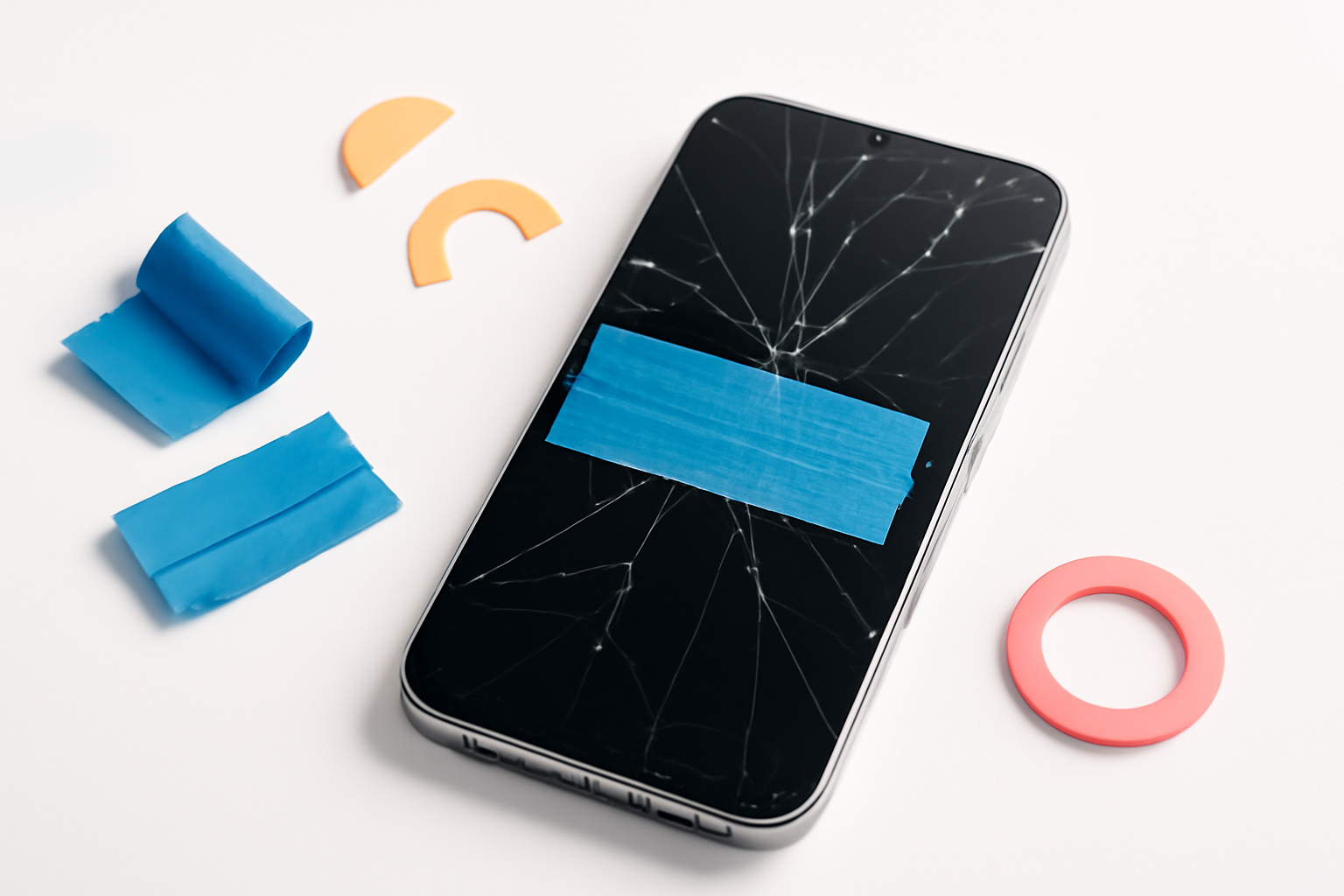
Your Screen Just Cracked — Here’s What to Do Before It Gets Worse
That sickening crunch when your phone hits the floor. You pick it up, flip it over, and there it is — a spiderweb of cracks spreading across the screen. It happens to almost everyone at some point, and the first instinct is usually panic followed by a quick Google search.
Here’s the good news: you don’t always need to rush to a repair shop immediately. There are several practical ways to fix a cracked phone screen temporarily that can buy you days or even weeks while you sort out a proper repair. These aren’t permanent solutions, but they can keep your phone functional, protect your fingers, and prevent the damage from spreading.
Let’s talk about what actually works — and what’s just a waste of time.
Why a Cracked Screen Isn’t Just a Cosmetic Problem
A lot of people assume a cracked screen is purely an aesthetic issue. It isn’t. A cracked display can:
- Allow moisture and dust to enter the phone’s internals
- Cause sharp glass edges that can cut your fingers
- Lead to touch sensitivity problems over time
- Make the crack spread rapidly with continued use
- Damage the LCD or OLED layer underneath if pressure is applied
The outer glass and the display panel beneath it are separate components. Right now, your cracked glass might not be affecting the screen’s function at all. But if you ignore it, fragments can push into the display layer and turn a cheap repair into a very expensive one.
Speed matters here. Even temporary fixes help contain the damage.
How to Fix a Cracked Phone Screen Temporarily: Your Practical Options
1. Apply a Screen Protector Over the Crack
This is one of the most effective short-term fixes, and most people don’t think of it right away. A good tempered glass screen protector placed over the cracked surface can:
- Hold loose glass fragments in place
- Create a smooth surface for touch input
- Protect your fingers from sharp edges
- Prevent dust and debris from getting under the glass
Before applying it, gently clean the cracked screen with a microfiber cloth. Don’t press hard — you don’t want to push loose shards into the display panel underneath. Apply the screen protector carefully, working out air bubbles from the center outward.
This won’t fix anything structurally, but it genuinely extends the phone’s usability and prevents further splintering. It’s also cheap — you can grab a decent tempered glass protector for a few dollars.
2. Use Clear Packing Tape as an Emergency Fix
If you need something right now and can’t get to a store, clear packing tape works in a pinch. Cut a piece slightly larger than the cracked area and apply it smoothly over the screen, pressing out any bubbles.
The downsides are real — it reduces touch sensitivity, looks messy, and won’t last long. But if your screen has exposed sharp edges and you need to use your phone for the next few hours, it does the job. Think of it as a bandage, not a treatment.
Avoid using duct tape or any opaque tape. You want to still be able to see the screen, obviously.
3. Try a Liquid Screen Protector
Liquid screen protectors are a bit more involved but can do a surprisingly decent job on minor cracks. These products typically contain a silicon dioxide solution that fills in micro-scratches and hairline cracks when applied and buffed into the glass.
They won’t fill in deep or wide cracks, and they won’t structurally repair the glass. But for light surface damage, they can reduce the appearance of cracks and add a thin protective layer over the damaged area.
Apply it in a clean, dust-free environment. Buff it in with the cloth provided, and let it cure for the time specified on the packaging — usually around 10 minutes. It’s not magic, but it works better than most people expect for hairline-type damage.
4. Use Super Glue Very Carefully
This one comes with a serious warning: use the wrong type, apply too much, or get it anywhere near a speaker grille or port, and you’ll cause more damage than you started with.
That said, a tiny amount of clear super glue — think cyanoacrylate gel, not the runny kind — applied along the crack line can help hold glass fragments together and prevent further splintering. Apply it with a toothpick for precision. Use the absolute minimum amount needed. Wipe away any excess immediately with a dry cloth before it cures.
Never apply glue near buttons, the front camera, or any opening. And never apply it over the entire screen surface — that’s a fast way to ruin the touch layer permanently.
5. Get a Professional Assessment, Even If You’re Not Ready to Repair Yet
Some phone repair shops will do a quick, free assessment of the damage. This is worth doing even if you plan to wait on the full repair. They can tell you whether the crack is purely on the outer glass or whether it’s already affecting the display panel — information that seriously impacts how urgently you need to act.
Many cracks look worse than they are. Equally, some cracks that seem minor have already compromised the LCD underneath. Knowing which situation you’re in helps you make a smarter decision.
What to Avoid When Dealing With a Cracked Screen
People try all sorts of things in desperation. Some of them are genuinely harmful.
| Avoid This | Why It’s a Bad Idea |
| Toothpaste on the screen | Abrasive and can scratch the display further; doesn’t repair cracks |
| Nail polish or nail polish remover | Chemicals can damage the oleophobic coating and touch sensitivity |
| Pressing hard on the cracked area | Can push glass into the LCD panel beneath |
| Applying heat to “re-seal” the glass | Can warp the display panel or damage internal components |
| DIY screen replacement without experience | High risk of damaging flex cables, face ID components, or battery |
The temptation to try kitchen hacks is understandable when a repair feels expensive. But most of these approaches either do nothing useful or actively make the damage worse.
How to Slow Down the Cracking
Even after applying a temporary fix, how you use and handle your phone matters. The crack will likely spread over time regardless, but you can slow that process down significantly.
- Put it in a protective case immediately. A case with raised edges around the screen adds a buffer zone and reduces stress on the cracked glass during everyday use.
- Avoid extreme temperatures. Heat and cold cause materials to expand and contract. This puts stress on already-compromised glass and can cause the crack to branch outward.
- Don’t put your phone in the same pocket as keys or coins. Objects pressing against a cracked screen accelerate the damage.
- Use a wireless charger if you have one. Plugging and unplugging a cable flexes the phone slightly each time — that micro-movement adds up.
- Back up your data now. This isn’t about slowing the crack, but it’s critical. If the screen becomes completely unresponsive before you get it repaired, recovering your data becomes significantly harder.
When It’s Time to Stop Waiting and Get It Properly Repaired
Temporary fixes are exactly that — temporary. There are clear signs that you need to stop delaying and book a proper repair:
- Dark spots or blotchy areas appearing on the screen (LCD bleed)
- Touch input stops working in certain areas or entirely
- The crack has visibly spread across a large portion of the screen
- Glass fragments are loose and risk falling into the device
- The phone is exposed to any moisture and you don’t have water resistance
At this point, you’re likely looking at a display replacement rather than just a glass replacement — which is typically more expensive. Getting it fixed while the damage is still contained to the outer glass can save you real money.
What Does a Professional Repair Actually Cost?
Costs vary a lot depending on your phone model and where you go. Here’s a rough breakdown:
| Phone Type | Typical Screen Repair Cost |
| Budget Android phones | $40–$80 |
| Mid-range Android phones | $80–$150 |
| iPhone (older models) | $100–$200 |
| iPhone (recent Pro models) | $200–$400+ |
| Samsung Galaxy S/Z series | $200–$450+ |
Third-party repair shops are usually cheaper than manufacturer repairs. Just make sure they use quality replacement parts — a poor-quality display replacement can affect brightness, color accuracy, and touch responsiveness in ways that are immediately noticeable.
If your phone is still under warranty or you have phone insurance, check those options first. AppleCare+ and many carrier insurance plans significantly reduce the out-of-pocket cost for screen damage.
Keeping Your Phone Going Until You Can Fix It Properly
A cracked screen doesn’t mean your phone is dead — but it does mean the clock is ticking. The temporary fixes covered here genuinely work in the short term. A screen protector over the crack, careful handling, a protective case, and avoiding habits that stress the glass can keep your phone functional for days or weeks without the damage getting dramatically worse.
What these approaches can’t do is reverse the damage or make the crack disappear. Eventually, a proper screen replacement is the only real answer. But knowing how to fix a cracked phone screen temporarily means you can do it on your schedule, not in a panic — and that’s a position worth being in.
Back up your data, apply a screen protector, get a case, and book that repair appointment when you’re ready. Your future self will thank you.
