

Picking a POS System for Your Retail Store Without the Headache
Walk into any retail store and the point of sale system is quietly running the show. It’s processing payments, tracking inventory, pulling sales reports, and often managing staff schedules — all at once. Yet so many retailers rush this decision, pick something based on price alone, and end up locked into software that doesn’t fit how they actually work.
Choosing the right POS system for retail is one of those decisions that looks simple on the surface but has a lot of moving parts underneath. Get it right and your daily operations run smoother. Get it wrong and you’re fighting your own tools every shift.
Here’s how to approach it properly.
Start With Your Store, Not the Software
Before you look at a single demo or pricing page, spend some time mapping out how your store actually operates. Different retail environments have very different needs.
A clothing boutique needs robust size and variant tracking. A hardware store needs a large product catalog with strong search functionality. A gift shop with high foot traffic during seasonal rushes needs a system that won’t freeze during a busy Saturday afternoon.
Ask yourself these questions first:
- How many products do you carry, and do they have multiple variants like size or color?
- Do you sell online as well as in-store?
- How many employees handle transactions on a typical day?
- Do you need to manage stock across multiple locations?
- What payment methods do your customers expect?
Your answers shape everything else. A single-location boutique and a multi-store chain have almost nothing in common when it comes to POS requirements.
The Core Features That Actually Matter
Marketing pages for POS systems are full of features that sound impressive but rarely get used. Focus on the functions your store will rely on every single day.
Inventory Management
Good inventory management is non-negotiable in retail. You need real-time stock tracking, low-stock alerts, and the ability to add products quickly. If your system doesn’t update inventory the moment a sale goes through, you’re flying blind.
Look for systems that support purchase orders, supplier management, and stock transfers if you operate more than one location. These might sound like advanced features, but they save enormous amounts of time once you’re past the startup phase.
Payment Processing
Modern shoppers expect flexibility. Credit and debit cards are a given, but contactless payments, digital wallets like Apple Pay and Google Pay, and even buy-now-pay-later options are increasingly common. Your POS hardware should support all of these without requiring workarounds.
Pay attention to transaction fees, not just the monthly software cost. A flat rate per transaction sounds predictable, but interchange-plus pricing can be more cost-effective for higher-volume stores. Run the numbers based on your actual sales volume before committing.
Reporting and Analytics
A good POS system should tell you more than just what sold today. You want to know which products are your best performers, which are sitting on shelves too long, what your busiest hours are, and how individual staff members are performing on sales.
Reports should be readable without needing an accounting degree. If the analytics dashboard feels confusing during a free trial, it won’t get easier once you’re dealing with real pressure.
Customer Management
Loyalty programs and customer profiles aren’t just for big retailers anymore. Knowing that a customer bought a specific product six months ago gives you a real chance to make a relevant recommendation or offer. Even a basic CRM function built into your POS can meaningfully improve repeat purchase rates.
Cloud-Based vs. On-Premise: What’s the Difference?
Most modern retail POS systems are cloud-based, meaning your data lives on remote servers and you access the system through the internet. On-premise systems store everything locally on your hardware.
| Feature | Cloud-Based POS | On-Premise POS |
| Setup cost | Lower upfront | Higher upfront |
| Monthly fees | Ongoing subscription | Usually minimal after setup |
| Internet dependency | Needs reliable connection | Works offline |
| Updates | Automatic | Manual, often costly |
| Remote access | Yes, from anywhere | Limited or no |
| Scalability | Easy to scale | Requires hardware investment |
For most independent and small-to-mid-sized retailers, cloud-based systems offer the better combination of flexibility, lower startup costs, and ongoing support. Just make sure your internet connection is reliable — or that the system has an offline mode for when it isn’t.
Hardware Compatibility and Setup Costs
Software is only half the equation. You also need to think about the physical hardware your POS will run on — and how much of it you already own.
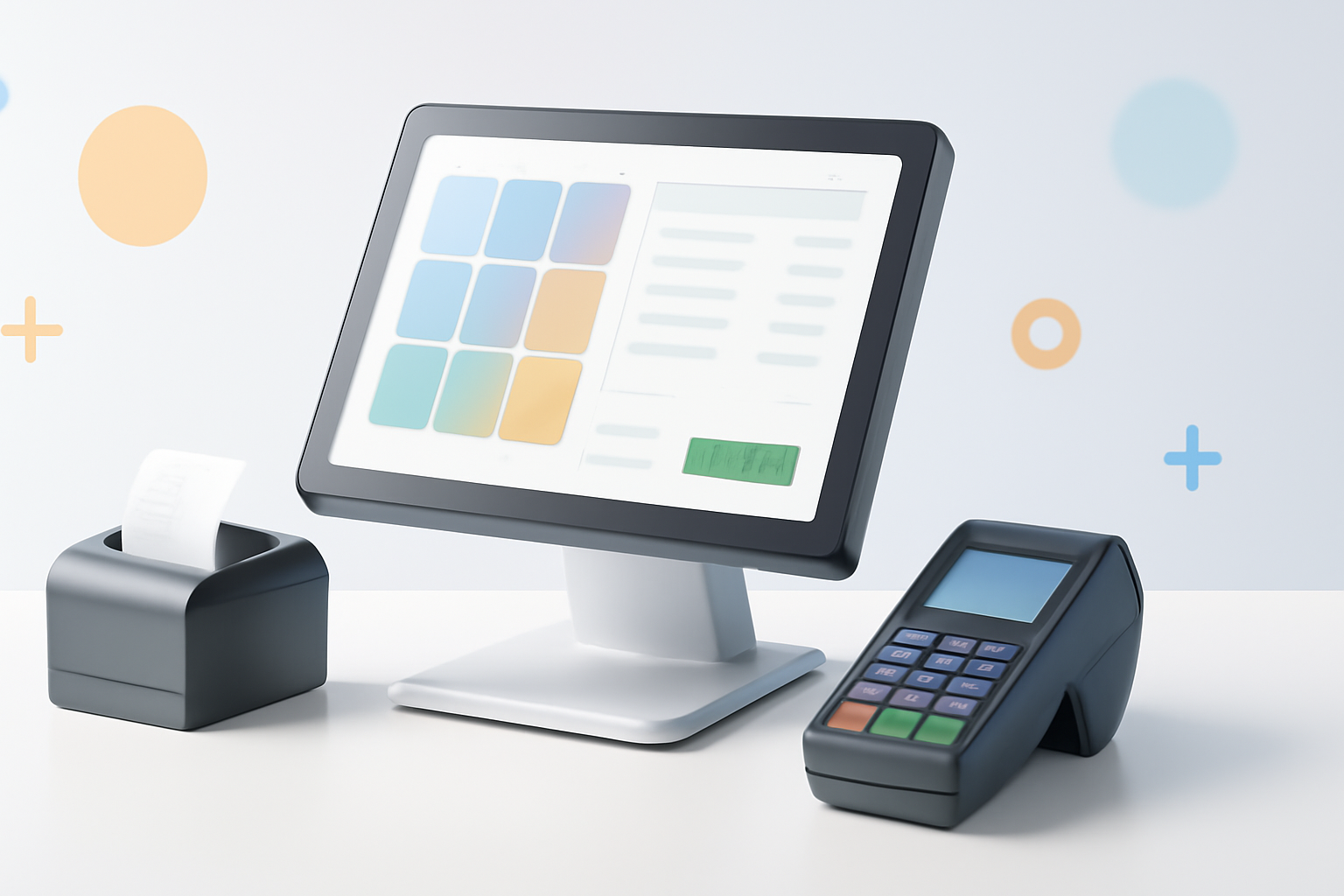
Some systems are iPad-based and look sleek on a modern countertop. Others are designed for traditional terminal setups with a dedicated touchscreen, cash drawer, receipt printer, and barcode scanner. Neither is inherently better, but one might suit your store’s layout and aesthetic more naturally.
Before signing up for any platform, ask these questions:
- Does the system require proprietary hardware, or can I use third-party equipment?
- What are the upfront hardware costs if I’m starting from scratch?
- Does the card reader support chip, swipe, and contactless payments?
- How easy is the setup, and does the provider offer onboarding support?
Proprietary hardware can lock you in. If you ever switch providers, that expensive terminal might be useless. Open or compatible hardware gives you more long-term flexibility.
Integration With the Rest of Your Business
Your POS doesn’t work in isolation. It should connect cleanly with the other tools your retail business depends on.
The most common integrations to look for include:
- E-commerce platforms — Shopify, WooCommerce, or BigCommerce if you also sell online
- Accounting software — QuickBooks or Xero for clean financial reporting
- Email marketing tools — Mailchimp or Klaviyo for customer communications
- Payroll systems — especially if your POS tracks employee hours
Poor integrations create double entry, data mismatches, and wasted time. If a system doesn’t have a native connection to software you already rely on, check whether it has an open API or supports third-party connectors like Zapier.
How to Actually Compare POS Systems Side by Side
Once you’ve narrowed down your requirements, comparing options becomes more focused. Popular retail POS systems like Square for Retail, Lightspeed Retail, Shopify POS, Clover, and Vend each have different strengths.
Square for Retail works well for smaller stores that want simplicity and low startup costs. Lightspeed Retail is better suited for stores with large, complex inventories. Shopify POS is a natural fit if you already run a Shopify online store. Clover offers flexibility but often requires hardware purchased directly from the provider or your bank.
Rather than relying on review sites alone, do this:
- Sign up for free trials on your top two or three options
- Run your actual products through the inventory system
- Process a test transaction with real hardware if possible
- Call customer support with a specific question and see how they respond
- Read recent user reviews on G2 or Capterra, filtering for businesses similar to yours
That last step — testing support before you commit — is one most retailers skip. But when something goes wrong mid-sale, response time and helpfulness matter enormously.
Watch Out for These Common Mistakes
Retailers tend to make the same handful of errors when choosing a POS system. Knowing them ahead of time helps you avoid them.
- Choosing on price alone. A cheap system that slows you down or lacks key features costs more in lost productivity than a slightly pricier one that works perfectly.
- Ignoring scalability. The system that works for your current one-location store should also be able to handle a second location without requiring a full platform switch.
- Underestimating migration effort. Moving hundreds or thousands of product records into a new system takes time. Ask providers whether they assist with data migration.
- Not training staff properly. Even great software fails when staff aren’t comfortable using it. Prioritize systems with intuitive interfaces and good training resources.
- Locking into long contracts early. Start with a monthly plan if possible, then move to annual billing once you’re confident the system fits.
How to Choose the Right POS System for Retail: The Short Version
If you take nothing else from this, take this: the best POS system for your retail store is the one that matches how you actually operate, not the one with the longest feature list or the most recognizable brand name.
Define your must-haves before you look at any software. Trial your top options with real products and real transactions. Stress-test the support. And think about where your business might be in two or three years, not just where it is today.
A POS system is a long-term relationship, not a one-time purchase. Treat the selection process accordingly and you’ll end up with a tool that genuinely supports your business rather than one you’re constantly working around.
