

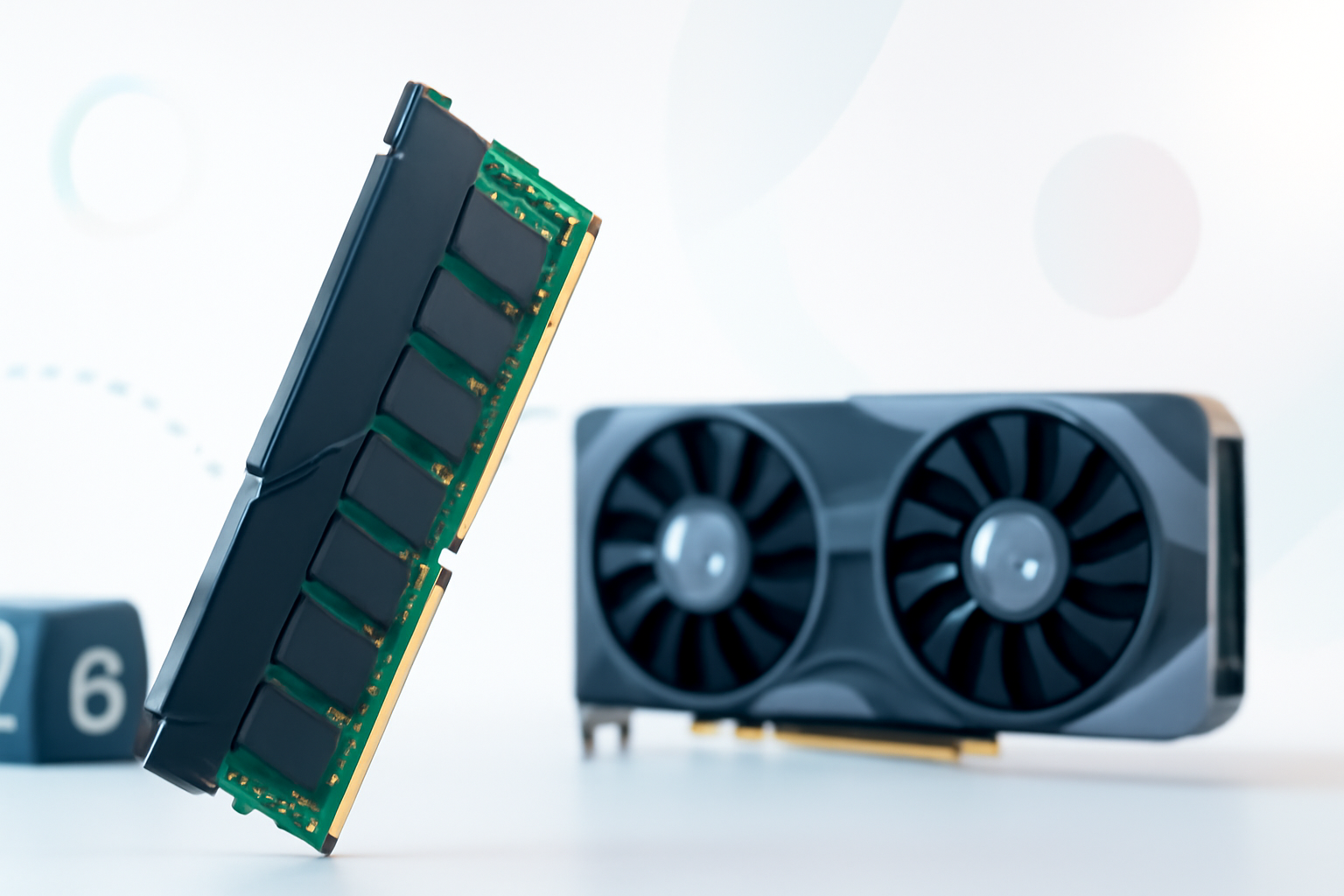
Still Debating 16GB vs 32GB? Here’s What Actually Matters for Gaming RAM
RAM is one of those specs that sounds simple until you actually start shopping. You’ve probably seen builds ranging from 16GB to 64GB, and the internet gives you a different answer depending on which forum you land on. So what do you actually need heading into 2026?
The honest answer depends on what you’re playing, how you play it, and whether you want headroom for the next couple of years or just enough to get by right now. Let’s break it down without the usual vague advice.
Why RAM Requirements Have Shifted Recently
Games have gotten greedier. Titles like Hogwarts Legacy, Alan Wake 2, and Star Wars Outlaws pushed system memory usage to places that would have been unthinkable in 2020. Open-world games in particular are now loading massive asset pools, streaming textures, and running AI-driven NPC systems all at once.
On top of that, Windows 11 itself eats more RAM in the background than older OS versions. Add in a browser with a few tabs, Discord, and maybe a streaming app, and your “available” RAM shrinks fast.
This is why the goalposts have moved. What felt like overkill two years ago is now baseline sensible.
How Much RAM Do You Need for Gaming in 2026?
Here’s the practical breakdown by use case:
16GB — Still the Minimum, Not the Sweet Spot
16GB of RAM will technically run most games in 2026, but you’ll feel the squeeze. Newer titles are recommending 16GB as a minimum spec rather than a recommended one. That’s a meaningful shift.
If you’re gaming exclusively with everything else closed, 16GB can hold up. But the moment you alt-tab, pull up YouTube, or leave a voice chat running in the background, performance can degrade. Stuttering, longer load times, and the occasional memory-related crash become more likely.
It’s workable, but you’re building a PC that’s already at its ceiling before you’ve even booted a game.
32GB — The Practical Sweet Spot for Most Gamers
32GB is where most serious gamers should land in 2026. It gives you comfortable headroom, handles multitasking without breaking a sweat, and keeps you future-proof for a realistic upgrade cycle.
Games like Cyberpunk 2077 with path tracing, Microsoft Flight Simulator 2024, and any title using Unreal Engine 5 are already pushing toward 16GB of game-only memory usage in demanding scenarios. Having 32GB means the OS, background apps, and the game all get what they need without fighting over scraps.
For streamers, content creators who also game, or anyone running a dual-monitor setup with lots of open applications, 32GB isn’t just nice to have — it’s the right call.
64GB — When Does It Actually Make Sense?
For pure gaming, 64GB is overkill in 2026. No current or announced game title requires it. However, there are real cases where it makes sense:
- You’re streaming and running video editing software alongside games
- You use virtual machines or run development environments
- You do 3D rendering, CAD work, or heavy photo/video editing on the same machine
- You future-proof for 4–5 years on a high-end workstation build
If gaming is your only use case, save the money and put it toward a better GPU or faster storage instead.
RAM Speed and Configuration Matter Too
It’s not just about how much RAM you have — it’s about how it’s configured and how fast it runs.
Dual Channel vs Single Channel
Running two sticks of RAM in dual-channel mode gives you noticeably better performance than a single stick of the same total capacity. Two 16GB sticks outperform one 32GB stick, especially in memory bandwidth-sensitive scenarios like open-world games and GPU-integrated graphics.
Always buy in matched pairs. It’s one of the easiest free performance gains you can make.
DDR4 vs DDR5
If you’re building new in 2026, DDR5 is the standard you should be targeting. Intel’s 12th, 13th, and 14th gen platforms support it, AMD’s Ryzen 7000 series requires it, and next-gen platforms are built around it.
DDR5 offers higher bandwidth and better efficiency, which games increasingly benefit from — particularly titles running on Unreal Engine 5 with Nanite and Lumen technology, which are very bandwidth-hungry.
That said, if you’re upgrading an existing DDR4 system, don’t panic. Good DDR4 at 3200MHz or 3600MHz is still plenty capable. The performance delta between DDR4 and DDR5 in gaming averages around 5–15%, which rarely justifies a full platform switch just for RAM.
Clock Speed and Latency
For DDR5 builds, aim for kits in the 6000–6400MHz range with CL30 or lower latency. This is where AMD’s EXPO and Intel’s XMP profiles tend to deliver the best real-world performance without pushing stability too hard.
Going above 7200MHz rarely translates into meaningful gaming gains and can cause compatibility headaches on some motherboards. Faster isn’t always better once you’re past the performance inflection point.
RAM Requirements by Game Type
| Game Type | Minimum RAM | Recommended RAM |
| Competitive FPS (CS2, Valorant) | 16GB | 16–32GB |
| Open World / AAA (Cyberpunk, Starfield) | 16GB | 32GB |
| Simulation (MSFS 2024, Cities Skylines 2) | 16GB | 32–64GB |
| Battle Royale (Warzone, Fortnite) | 16GB | 32GB |
| Indie / Older Titles | 8GB | 16GB |
| Streaming + Gaming | 32GB | 32–64GB |
What About Laptop Gaming?
Gaming laptops in 2026 increasingly ship with 16GB as the base configuration, but many budget models still include 8GB — sometimes in a single-channel configuration. That’s a red flag.
For a gaming laptop, you want at minimum 16GB in dual channel. Many mid-range and premium laptops now come with 32GB, which is ideal if you plan to keep the machine for 3+ years.
One critical thing to check: whether the RAM is soldered or uses upgradeable SO-DIMM slots. Soldered RAM can’t be upgraded later, so what you buy at purchase is what you’re stuck with. If a laptop only has soldered 16GB, factor in that limitation carefully.
Signs You Don’t Have Enough RAM Right Now
Not sure if your current setup is holding you back? Watch for these indicators:
- Stuttering during gameplay — particularly that jarring “hitch” that feels different from a frame rate drop
- Long texture pop-in — assets loading visibly after the scene is already rendered
- Slow alt-tab recovery — the game freezes for several seconds when you switch windows
- High disk usage during gaming — your system is using the page file because RAM is full
- Crashes in memory-intensive areas — especially in densely populated or detailed game areas
If you’re seeing two or more of these on a regular basis, a RAM upgrade is likely going to have a bigger impact than you’d expect.
Budget Considerations: Getting the Most for Your Money
RAM prices fluctuate, but as of 2026, 32GB DDR5 kits are more affordable than ever. The price premium over 16GB has shrunk significantly, which makes it hard to justify staying at 16GB on a new build.
A few buying tips worth knowing:
- Buy a kit, not two separate sticks — matched kits are tested together and less likely to have compatibility issues
- Check your motherboard’s QVL (qualified vendor list) before buying — not all RAM is equally compatible with all boards
- Enable XMP or EXPO in your BIOS after installing — RAM runs at a lower speed by default unless you activate the profile
- Reputable brands like Corsair, G.Skill, Kingston, and Crucial are generally reliable — there’s no need to chase obscure budget brands to save $10
The Honest Recommendation
If someone asks how much RAM they need for gaming in 2026, the answer is 32GB of DDR5 in a dual-channel configuration. It’s the sweet spot that covers modern AAA titles, leaves room for background apps, and gives you at least a few more years before you need to think about it again.
16GB isn’t dead, but it’s living on borrowed time for anyone who wants to play cutting-edge titles without compromise. And 64GB, while tempting for future-proofing, is genuinely unnecessary for gaming alone.
Spend your upgrade budget wisely. RAM is one of the cheaper components relative to the impact it has on day-to-day smoothness. Getting it right the first time saves you from a frustrating mid-cycle upgrade.
