

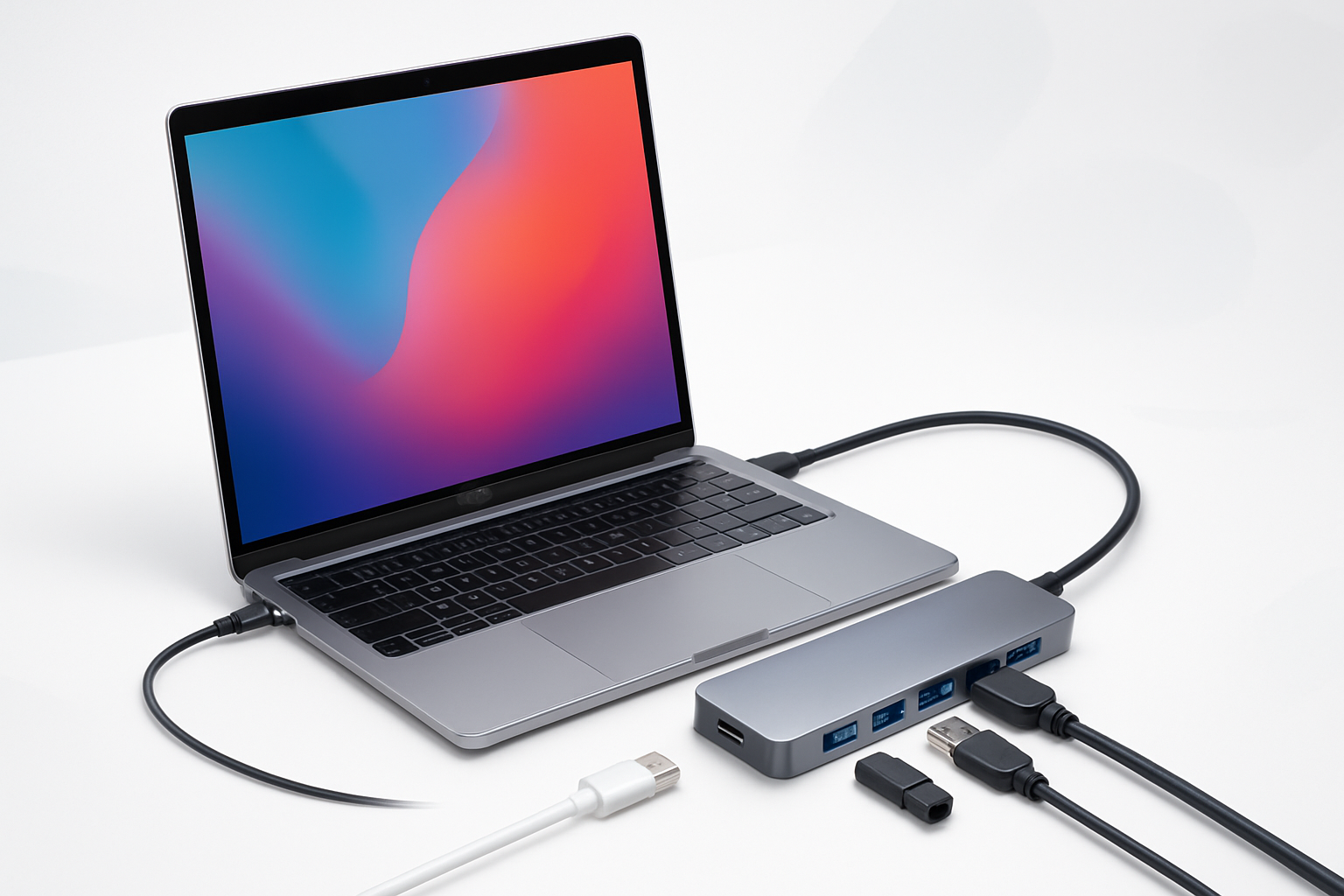
Why Your MacBook Pro Needs More Than Just Built-in Ports
Apple’s design philosophy has always favored sleek minimalism, but this approach can leave MacBook Pro users scrambling for connectivity options. Whether you’re juggling multiple external drives, connecting to legacy devices, or setting up a multi-monitor workspace, the limited port selection on modern MacBooks creates real workflow bottlenecks.
Finding the best USB hub for MacBook Pro isn’t just about adding more ports—it’s about choosing a solution that matches your specific needs without compromising performance or portability. The wrong hub can introduce lag, cause overheating, or fail when you need it most.
Let’s explore what makes a USB hub truly excellent for MacBook Pro users and which models deliver the reliability and features that matter most.
Essential Features That Separate Good Hubs from Great Ones
Not all USB hubs are created equal, especially when it comes to the demanding requirements of MacBook Pro users. Here are the critical features that define a premium hub experience:
Power Delivery Capabilities
The ability to charge your MacBook while using the hub eliminates the need to sacrifice your charging port for connectivity. Look for hubs that support at least 87W power delivery for 15-inch models, or 96W for 16-inch MacBook Pros. Some newer models require up to 140W for optimal charging speeds.
Data Transfer Speeds
USB 3.0 provides 5Gbps transfer speeds, while USB 3.1 offers 10Gbps. For professional work involving large video files or frequent backups, these speed differences become significant. Thunderbolt 3 or 4 compatibility pushes speeds up to 40Gbps, though you’ll pay a premium for this performance.
Display Output Options
HDMI ports should support 4K resolution at 60Hz minimum. If you’re running multiple monitors, look for hubs with dual HDMI outputs or a combination of HDMI and DisplayPort. Some hubs can drive two 4K displays simultaneously, while others may limit you to 1080p on secondary screens.
Build Quality and Heat Management
Aluminum construction not only matches your MacBook’s aesthetic but also provides better heat dissipation. Plastic hubs tend to run hotter under load, which can affect performance and longevity. Look for models with adequate ventilation or heat-dissipating designs.
Top USB Hubs That Actually Deliver for MacBook Pro Users
After extensive testing and user feedback analysis, several hubs consistently outperform the competition in real-world scenarios:
Satechi V2 Multiport Adapter
This hub strikes an impressive balance between functionality and portability. Its space-gray aluminum finish complements MacBook Pro aesthetics perfectly, while the compact design doesn’t add significant bulk to your setup.
Key strengths:
- 87W power delivery supports most MacBook Pro models
- 4K HDMI output at 60Hz for crisp external displays
- Gigabit Ethernet port for reliable wired connections
- Two USB 3.0 ports handle most peripheral needs
The V2 addresses overheating issues that plagued earlier Satechi models, though it can still get warm during intensive use. At around $80, it offers solid value for users who need reliable basic connectivity.
CalDigit TS3 Plus
Professional users often gravitate toward the TS3 Plus for its exceptional port selection and rock-solid performance. This Thunderbolt 3 dock provides desktop-class connectivity in a compact form factor.
Notable features:
- 85W charging keeps your MacBook powered
- Dual Thunderbolt 3 ports for daisy-chaining devices
- Multiple display outputs support complex monitor setups
- Seven USB ports accommodate extensive peripheral collections
While pricier at around $250, the TS3 Plus justifies its cost through superior build quality and comprehensive connectivity. It’s particularly valuable for users who frequently connect and disconnect from desktop setups.
Anker PowerExpand Elite
Anker’s reputation for reliable charging technology extends to their hub designs. The PowerExpand Elite focuses on practical functionality without unnecessary frills.
Primary advantages:
- 100W power delivery handles even power-hungry MacBook Pro models
- Dual HDMI ports enable true dual-monitor setups
- SD and microSD card readers serve content creators
- Compact design travels well
At approximately $150, this hub targets users who need reliable multi-monitor support without the premium price tag of professional docking solutions.
Matching Hub Capabilities to Your Workflow
The best USB hub for MacBook Pro varies significantly depending on how you actually use your machine. Consider these common scenarios:
Mobile Professionals
If you frequently work from coffee shops, client offices, or co-working spaces, prioritize portability and essential connectivity. A compact hub with HDMI, USB ports, and power delivery covers most presentation and peripheral needs without weighing down your bag.
Avoid hubs with excessive ports you’ll rarely use—they add bulk and cost without providing meaningful benefits for mobile workflows.
Creative Professionals
Video editors, photographers, and graphic designers benefit from hubs with multiple high-speed USB ports for external drives, SD card readers for camera storage, and robust display outputs for color-accurate monitors.
Consider hubs with USB-C ports that support faster transfer speeds, especially when working with 4K video files or large photo libraries. The time savings from faster transfers quickly justifies the additional cost.
Home Office Users
Permanent desk setups can accommodate larger hubs with extensive port selections. Look for models that can serve as complete docking solutions, enabling single-cable connections that simultaneously provide power, display output, and peripheral connectivity.
Ethernet ports become more valuable in home offices where Wi-Fi congestion or reliability issues affect productivity. Gigabit speeds ensure your internet connection doesn’t become a bottleneck.
Common Pitfalls That Lead to Hub Disappointment
Many MacBook Pro users end up frustrated with their hub purchases due to avoidable mistakes:
Ignoring Power Requirements
Hubs that can’t provide adequate charging power force you to choose between connectivity and keeping your laptop charged. Always verify that the hub’s power delivery rating meets or exceeds your MacBook’s requirements.
Overlooking Heat Generation
Cheap hubs often lack proper thermal management, leading to performance throttling or component failure. Read user reviews specifically mentioning long-term reliability and heat performance.
Assuming All USB Ports Are Equal
Not every USB port on a hub delivers the same performance. Some hubs share bandwidth between ports, meaning multiple high-speed devices can slow each other down. Check specifications for dedicated versus shared bandwidth allocation.
Future-Proofing Your Hub Investment
Technology evolves rapidly, but choosing a hub with forward-looking features can extend its useful life:
USB4 and Thunderbolt 4 support ensures compatibility with next-generation devices and faster transfer speeds. While not essential today, these standards will become more common over the next few years.
Higher power delivery ratings accommodate future MacBook models that may require more charging power. A hub with 100W delivery provides headroom even if your current MacBook only needs 87W.
Multiple display outputs become increasingly valuable as remote work and multi-monitor setups continue growing in popularity. Even if you only use one external monitor today, having dual display capability provides valuable flexibility.
Making the Right Choice for Your MacBook Pro Setup
Selecting the best USB hub for MacBook Pro ultimately comes down to understanding your specific connectivity needs and usage patterns. A mobile consultant requires different features than a video editor or software developer.
Start by cataloging the devices you regularly connect to your MacBook. Count USB devices, note display requirements, and consider whether you need card readers or Ethernet connectivity. This inventory will guide you toward hubs with appropriate port selections.
Factor in your budget, but remember that a reliable hub is an investment in productivity. Cheap hubs that fail or perform poorly end up costing more in lost time and replacement purchases than investing in quality upfront.
The right hub transforms your MacBook Pro into a truly versatile workstation while maintaining the portability and elegance that drew you to Apple’s ecosystem in the first place.
