

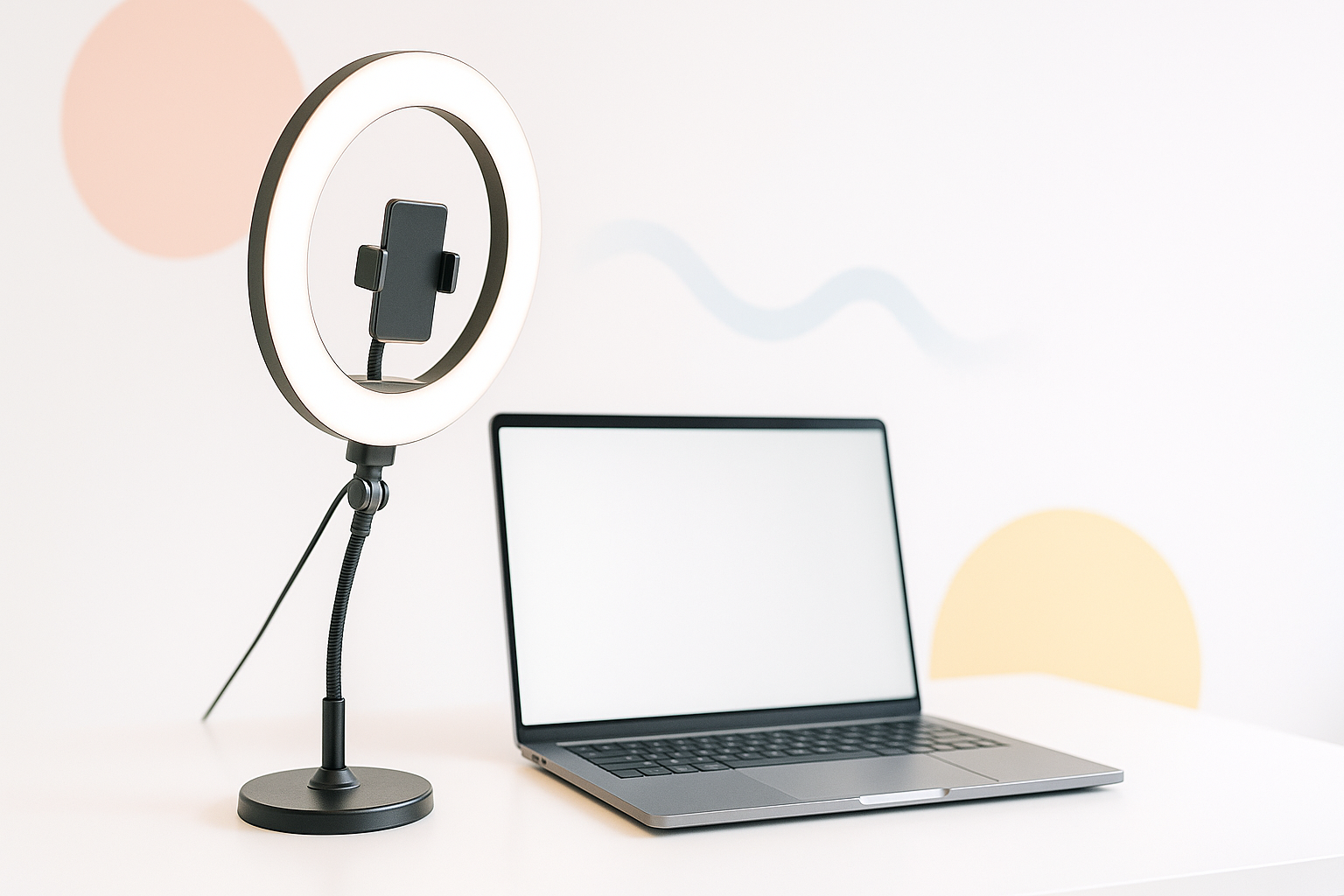
Poor lighting can make even the most polished professional look like they’re broadcasting from a cave. With remote work and virtual meetings becoming standard, your camera setup speaks volumes before you even say hello. Finding the best ring light for video calls transforms those unflattering shadows and grainy footage into crisp, professional-looking video that commands attention.
Ring lights have become the secret weapon of content creators, remote workers, and anyone who wants to look their absolute best on camera. These circular LED fixtures wrap light evenly around your face, eliminating harsh shadows while creating that coveted “studio look” right from your home office.
Why Ring Lights Revolutionize Video Call Quality
Traditional overhead lighting creates unflattering shadows under your eyes, nose, and chin. Ring lights solve this problem by providing soft, even illumination that wraps around your features. The circular design eliminates most shadows while creating a subtle catchlight in your eyes that makes you appear more alert and engaged.
Professional photographers have used ring lighting for decades because it produces incredibly flattering results. The same principles that make models look stunning in headshots work perfectly for video calls, webinars, and live streaming.
Top Ring Light Options That Actually Deliver Results
Desktop Ring Lights
Compact desktop models work perfectly for laptop users and small workspaces. The Neewer 10-inch LED ring light offers excellent value with adjustable brightness and color temperature controls. Its sturdy base keeps everything stable, while the phone holder doubles as a laptop light.
For those wanting premium features without breaking the bank, the Auxiwa clip-on ring light attaches directly to your monitor. This space-saving design eliminates desk clutter while providing professional lighting exactly where you need it.
Floor-Standing Ring Lights
Larger setups deliver more powerful illumination and greater positioning flexibility. The Diva Ring Light Super Nova stands out with its 18-inch diameter and professional-grade construction. While more expensive, it produces studio-quality results that justify the investment for frequent video call users.
The UBeesize 18-inch ring light offers similar performance at a more accessible price point. Its adjustable tripod extends up to six feet, making it perfect for standing desk users or those who prefer varied working positions.
Budget-Friendly Solutions
You don’t need to spend hundreds to improve your video call lighting. The Selfie Ring Light by Qiaya provides surprising quality for under $30. While smaller than professional models, it effectively eliminates shadows and improves skin tone reproduction.
The AIMIUKIDS ring light combines affordability with versatility, including multiple mounting options and smartphone compatibility. It’s perfect for occasional video call users who want professional results without significant investment.
Essential Features to Consider Before Buying
Ring light shopping can feel overwhelming with dozens of similar-looking options. Focus on these key specifications that actually impact your video call experience:
Adjustable Color Temperature: Look for lights offering 3000K to 6500K range. Warmer settings (3000-4000K) create cozy, approachable lighting, while cooler temperatures (5500-6500K) produce crisp, professional illumination.
Dimming Controls: Brightness adjustment lets you adapt to different times of day and ambient lighting conditions. Step-less dimming provides more precise control than preset brightness levels.
Size Considerations: Larger rings produce softer, more flattering light but require more desk space and higher power consumption. 10-inch rings work well for most video calls, while 18-inch models deliver truly professional results.
Mounting Flexibility: Consider how you’ll position the light. Tripod mounts offer maximum adjustability, clip-on designs save space, and desktop stands provide stable positioning.
Positioning Your Ring Light for Maximum Impact
Even the best ring light won’t help if positioned incorrectly. Place the light directly behind your camera, ensuring it’s centered with your face. The ring should be large enough that your camera lens fits comfortably in the center opening.
Height matters tremendously. Position the light slightly above eye level and angle it down toward your face. This creates natural-looking illumination that mimics flattering window light.
Distance affects both light intensity and shadow softness. Start about two feet away from the ring light and adjust based on your results. Closer positioning increases brightness but may create harsh lighting, while greater distance produces softer illumination.
Troubleshooting Common Video Call Lighting Issues
Uneven skin tone often results from mixing different light sources. Turn off overhead lights and close blinds when using your ring light to maintain consistent color temperature throughout your video call.
Glare on glasses can ruin otherwise perfect lighting. Slightly lower the ring light or tilt your glasses frames to redirect reflections away from the camera. Anti-reflective lens coatings also help minimize this problem.
Background lighting requires careful balance. A slightly dimmer background creates depth and helps you stand out, but complete darkness looks unnatural. Consider adding subtle background illumination with a small lamp or LED strip.
Beyond Basic Lighting: Professional Tips
Multiple light sources create more dimensional, professional-looking results. Add a small LED panel as fill light to reduce any remaining shadows while keeping your ring light as the primary source.
Color accuracy matters for certain professions. If you regularly present products, artwork, or anything requiring true-to-life colors, invest in a high-CRI ring light that accurately reproduces the full color spectrum.
Room acoustics affect video call quality almost as much as lighting. Hard surfaces reflect sound and create echo, while soft furnishings absorb unwanted reverb. Position yourself near curtains, carpet, or upholstered furniture when possible.
Making Smart Investment Decisions
Consider your actual usage patterns before buying. Occasional video call participants can achieve excellent results with budget desktop models, while daily remote workers benefit from investing in larger, more adjustable systems.
Power consumption varies significantly between models. LED ring lights typically use 20-50 watts, but larger units may require 100+ watts. Factor electricity costs and heat generation into your decision, especially for extended use.
Compatibility with existing equipment saves money and reduces clutter. Ensure your chosen ring light works with your current camera setup, whether that’s a built-in laptop camera, external webcam, or smartphone.
Choosing the best ring light for video calls transforms your on-camera presence from amateur to polished professional. Start with a quality 10-inch adjustable model if you’re unsure about features, then upgrade based on your actual needs and usage patterns. The difference in how colleagues, clients, and collaborators perceive you during video calls makes this investment worthwhile for anyone serious about their remote work setup.
