

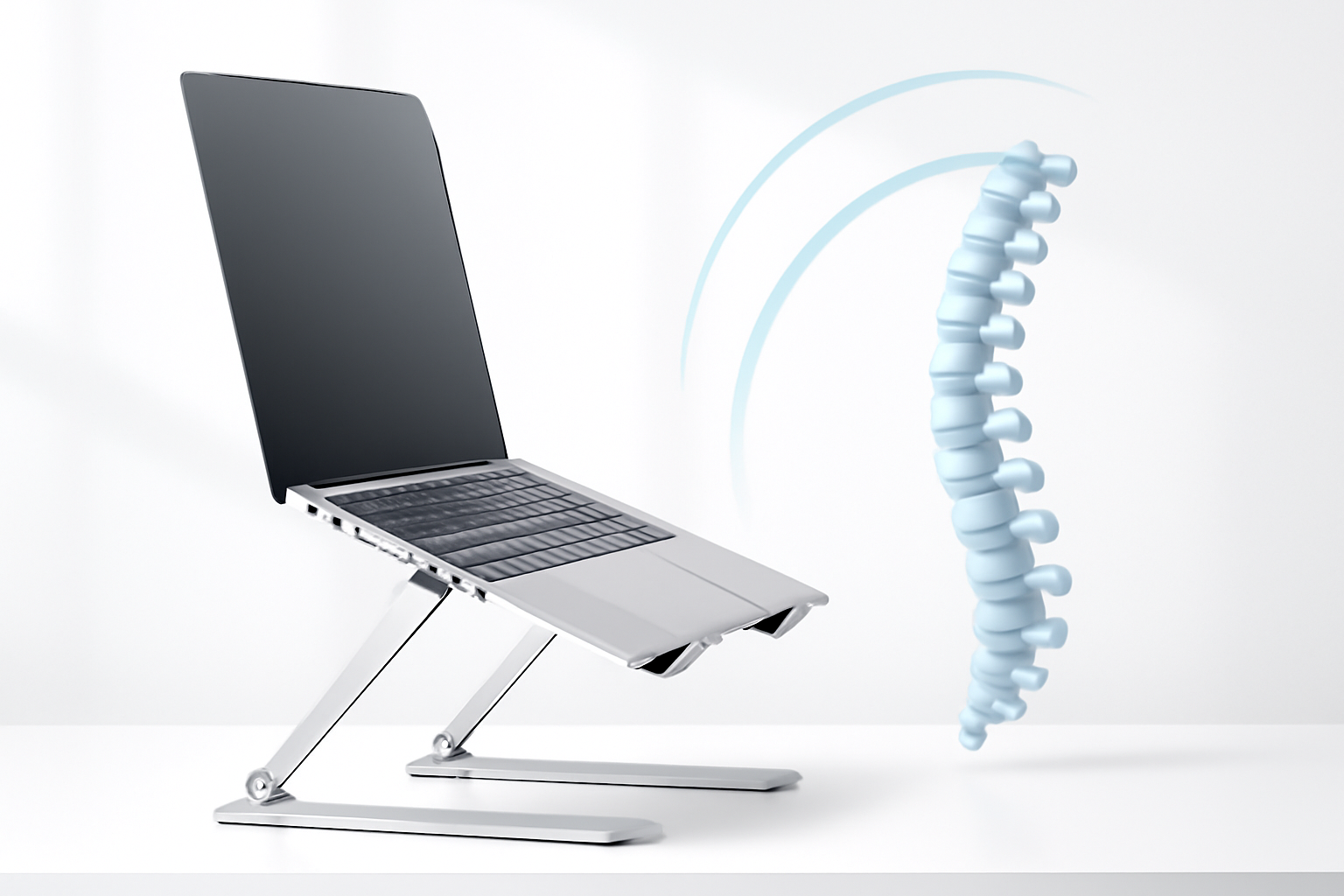
Your Neck Hurts Because Your Screen Is Too Low
Most people don’t realize it’s happening until the tension becomes impossible to ignore. You finish a long work session, stand up, and feel that familiar tightness creeping from your shoulders up into the base of your skull. The culprit isn’t always stress or a bad pillow — it’s often just your laptop sitting flat on a desk, forcing your head to drop forward at an angle all day long.
A good laptop stand fixes this. It raises your screen to eye level so your cervical spine stays neutral instead of constantly flexing under the weight of your head. And since the average human head weighs around 10–12 pounds, even a 30-degree forward tilt puts roughly 40 pounds of force on your neck muscles. That adds up fast.
Finding the best laptop stand for neck pain doesn’t require spending a fortune or becoming an ergonomics expert. But it does require knowing what actually matters — and what’s just marketing fluff.
What Makes a Laptop Stand Actually Good for Your Neck
Not all stands are created equal. Some are little more than a wedge that props your laptop up an extra inch or two — barely enough to make a difference. Others are adjustable, well-built, and designed with real ergonomic principles in mind.
Here’s what separates a stand that helps from one that just looks nice on your desk:
- Height range: Your screen’s top edge should sit roughly at eye level. Look for stands that reach at least 8–10 inches above your desk surface.
- Adjustability: A fixed-angle stand might work for one person and be useless for another. Adjustable height and tilt give you room to actually dial in your posture.
- Stability: If the stand wobbles while you type, it’s a distraction at best and a damage risk at worst.
- Ventilation: Stands that allow airflow beneath your laptop keep it cool, which matters for performance over long sessions.
- Portability: If you switch between home, the office, and coffee shops, a foldable or lightweight stand is worth prioritizing.
One thing worth noting: when you raise your laptop screen to eye level, the built-in keyboard ends up too high for comfortable typing. This means you’ll almost certainly want an external keyboard and mouse to pair with your stand — otherwise you’re just trading neck strain for wrist strain.
The Best Types of Laptop Stands for Neck and Posture Relief
Adjustable Height Stands
These are the most versatile option and generally the best starting point. They use a telescoping or accordion-style mechanism to let you set the exact height you need. Brands like Ergotron, Rain Design, and Nexstand make well-regarded options in this category.
The Nexstand K2 is a popular pick among remote workers — it folds flat, weighs almost nothing, and raises your screen to a genuinely useful height. For desk-based setups, the Ergotron LX arm system goes a step further by mounting to your desk entirely, giving you full range of motion.
Fixed Angle Stands
These are typically cheaper, simpler, and more stable. They hold your laptop at a set angle — usually around 15–25 degrees — which is enough for most people to notice a posture improvement. The Rain Design mStand is probably the most well-known example: a single-piece aluminum stand that looks clean on a desk and does its job without fuss.
The trade-off is obvious — if the preset height doesn’t work for your desk setup or your height, you can’t change it. They’re better for people with a consistent workspace than for those who move around a lot.
Lap and Portable Stands
If you regularly work on a couch or in bed (a habit that’s genuinely hard on your spine), a lap desk with a built-in stand can at least reduce some of the worst posture habits. These aren’t a replacement for a proper ergonomic setup, but they’re better than balancing a hot laptop directly on your legs at a downward angle.
Monitor Arms with Laptop Trays
For people who want maximum flexibility, a monitor arm fitted with a laptop tray attachment lets you position your screen almost anywhere in three-dimensional space. This is particularly useful if you use a laptop as a secondary display or if you frequently need to reposition throughout the day.
Comparing Popular Laptop Stands Side by Side
| Stand | Type | Height Range | Portability | Best For |
| Nexstand K2 | Adjustable | Up to 16 inches | Excellent | Remote workers, travelers |
| Rain Design mStand | Fixed | ~6 inches | Poor | Permanent desk setups |
| Lamicall Adjustable Stand | Adjustable | Up to 14 inches | Good | Budget-conscious buyers |
| Ergotron LX Arm | Monitor arm | Full range | None | Power users, dual setups |
| Roost Stand | Adjustable | Up to 13 inches | Excellent | Frequent travelers |
How to Set Up Your Stand So It Actually Helps
Buying the right stand is only half the equation. Setting it up incorrectly means you’re still fighting poor posture, just with a more expensive piece of kit on your desk.
- Adjust the height so your eyes meet the top third of your screen when looking straight ahead. You shouldn’t be tilting your head up or down.
- Position your screen an arm’s length away — roughly 20–28 inches from your face. Too close causes eye strain; too far causes you to lean forward.
- Use a separate keyboard placed at elbow height so your forearms rest parallel to the floor. Your wrists should be flat, not bent upward.
- Sit with your feet flat on the floor and your hips slightly higher than your knees. A seat cushion or adjustable chair can help here.
- Check your setup from the side view. Your ears, shoulders, and hips should form a roughly straight vertical line.
A small but often overlooked detail: if you wear bifocals or progressive lenses, you may instinctively tilt your head back to see through the lower portion of the lens. In that case, positioning your screen slightly lower than standard recommendations can actually help more.
Will a Laptop Stand Alone Fix Your Neck Pain?
Honestly? It helps — sometimes significantly — but it’s rarely the complete answer. Chronic neck pain from desk work usually comes from a combination of factors: poor monitor height, yes, but also muscle weakness, prolonged static posture, stress tension, and not moving enough throughout the day.
Think of a laptop stand as a foundational fix. It removes one of the most consistent sources of strain from your day. But pairing it with regular breaks — the 20-20-20 rule works well, where every 20 minutes you look at something 20 feet away for 20 seconds — and some basic neck mobility exercises will compound the benefit considerably.
If your neck pain is severe, persistent, or accompanied by tingling or numbness down your arm, that warrants a conversation with a physiotherapist or doctor, not just a gear upgrade.
Budget vs. Premium: Is It Worth Spending More?
The honest answer is that you don’t need to spend a lot to see real improvement. A $30–$50 adjustable stand like the Lamicall or Nexstand K2 will do more for your posture than a $200 stand used incorrectly.
That said, premium stands do tend to offer better build quality, smoother adjustment mechanisms, and longer lifespans. If you work from a fixed home desk every day, investing in something like the Ergotron or Rain Design mStand makes sense — they’re built to last years without wobbling or wearing out.
For people who move around frequently or aren’t sure yet whether a stand will work for their setup, starting with a budget option is perfectly reasonable. You can always upgrade once you understand what you actually need.
Finding the Right Fit for Your Setup
The best laptop stand for neck pain is ultimately the one that gets your screen to eye level, fits your workflow, and you’ll actually use every day. A $150 stand that sits in a drawer because it’s too bulky to bother with isn’t helping anyone.
Think about where you work most often. Think about whether you need to pack up and move, or whether your desk is a fixed setup. Consider whether you’re willing to invest in an external keyboard to complete the ergonomic picture — because without one, even the best stand in the world has limits.
Small, consistent improvements to how you sit and position your screen add up over weeks and months. Neck pain that’s been building for years won’t disappear overnight, but making your workspace actively work with your body instead of against it is one of the most practical things you can do for long-term comfort.
