

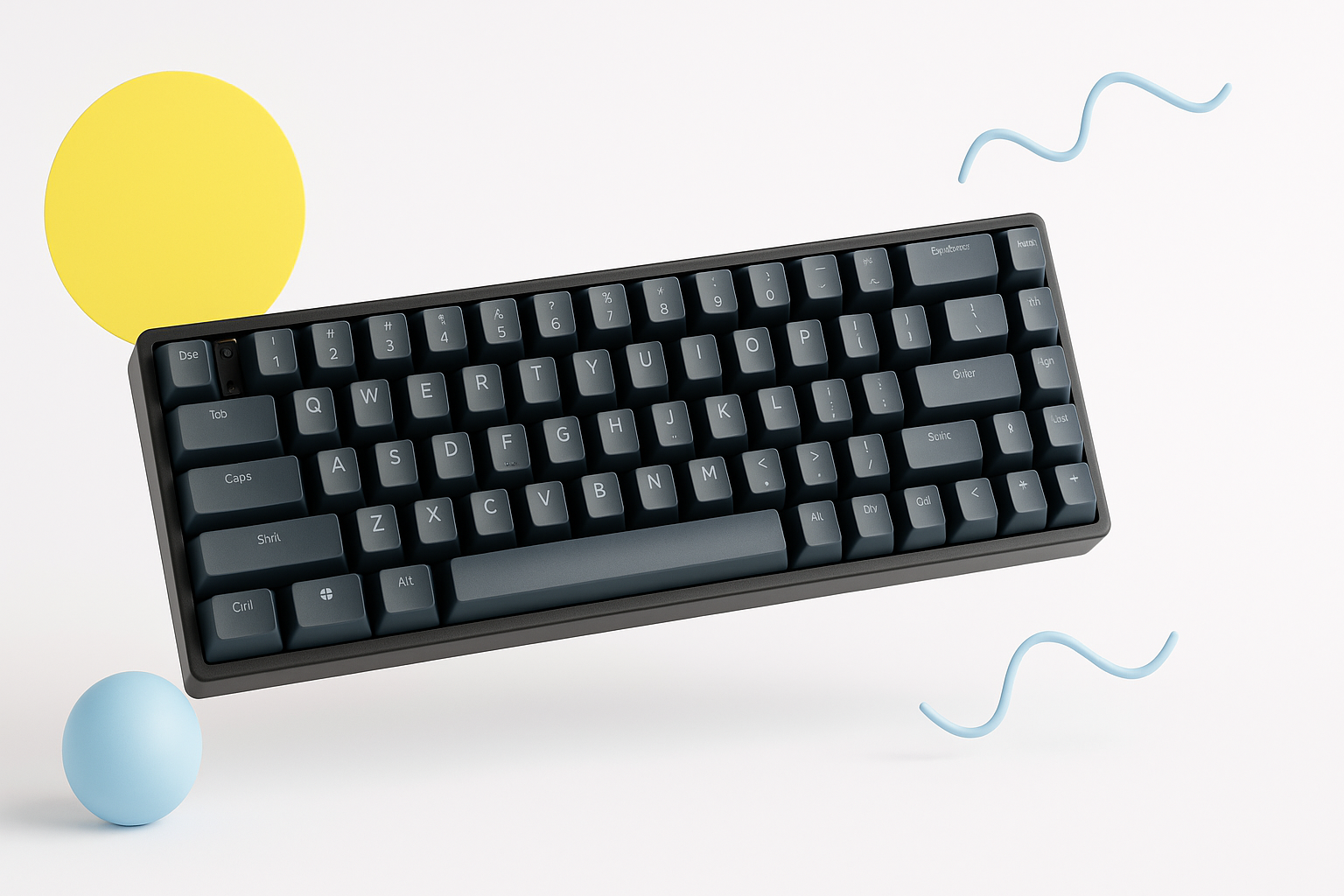
Why Budget Mechanical Keyboards Are Worth Your Money
The mechanical keyboard market has exploded in recent years, but you don’t need to spend $200+ to experience the satisfying click and superior typing feel these keyboards offer. Finding the best budget mechanical keyboard means getting premium features without the premium price tag.
Budget doesn’t mean cheap quality anymore. Many keyboards under $100 now feature genuine mechanical switches, solid build quality, and essential features that were once reserved for high-end models. The key is knowing which compromises are worth making and which features you absolutely need.
Whether you’re gaming, coding, or simply want a better typing experience for daily work, a well-chosen budget mechanical keyboard can transform your computer setup without breaking the bank.
What Makes a Mechanical Keyboard Worth Buying
Mechanical keyboards use individual switches beneath each key, unlike membrane keyboards that rely on a rubber dome system. This design creates several advantages that explain why enthusiasts swear by them.
The tactile feedback helps reduce typing errors because you can feel exactly when each keystroke registers. This precision is especially valuable for fast typists and gamers who need reliable input registration.
Durability is another major benefit. Quality mechanical switches are rated for 50-100 million keystrokes, compared to 5-10 million for typical membrane keyboards. Even budget mechanical keyboards often outlast expensive membrane alternatives.
The customization potential sets mechanical keyboards apart too. Most allow you to swap keycaps, and some support switch replacement. This modularity means your keyboard can evolve with your preferences over time.
Key Features to Look for in Budget Options
Not all budget mechanical keyboards are created equal. Focus on these essential features to ensure you get genuine value rather than just a low price.
Switch Quality and Type
The switch type dramatically affects your typing experience. Cherry MX switches remain the gold standard, but they’re expensive. Fortunately, several manufacturers now produce excellent alternatives at lower costs.
Gateron switches offer smooth linear action and reliable tactile variants at budget-friendly prices. Outemu switches provide decent performance for entry-level keyboards. Kailh switches have improved significantly and appear in many value-oriented models.
Consider your primary use case when choosing switch types:
- Linear switches (Red variants) – Smooth for gaming and quiet typing
- Tactile switches (Brown variants) – Balanced for typing and gaming
- Clicky switches (Blue variants) – Satisfying for typing but louder
Build Quality and Materials
A plastic case isn’t necessarily bad, but look for keyboards with reinforced internal plates. Steel or aluminum mounting plates provide stability and prevent flex during intense typing or gaming sessions.
Double-shot keycaps resist wear better than pad-printed legends. However, decent laser-etched keycaps can be acceptable at budget price points if other features compensate.
Pay attention to cable quality too. Detachable USB-C cables offer more flexibility than permanently attached micro-USB connections.
Layout and Size Considerations
Full-size keyboards include a number pad but take up significant desk space. Tenkeyless (TKL) layouts remove the numpad while keeping function keys. 60% keyboards eliminate function keys entirely, requiring function layer access for some keys.
Compact layouts save space and often cost less, but make sure you’re comfortable with any missing keys before committing.
Top Budget Mechanical Keyboard Recommendations
These keyboards represent the best value in different price ranges and use cases, proven through extensive real-world testing and user feedback.
Under $50: Entry-Level Champions
Redragon K552 Kumara – This TKL keyboard with Outemu Blue switches delivers authentic mechanical feel at an incredibly low price. The build quality exceeds expectations for the cost, though keycap legends may wear over time.
TECWARE Phantom – Available in multiple switch types and sizes, offering hot-swappable switches in some variants. The RGB lighting adds visual appeal without inflating the price significantly.
$50-$80: Sweet Spot Territory
Keychron C1 – Features Gateron switches and Mac/Windows compatibility. The wired design keeps costs down while maintaining Keychron’s reputation for quality. Available in multiple layouts and switch options.
Royal Kludge RK61 – A 60% wireless keyboard with hot-swappable switches. The compact design and wireless capability make it perfect for minimalist setups or portable use.
Cooler Master CK721 – Combines wireless connectivity with excellent build quality. The south-facing switches support standard keycap sets, and the included software allows extensive customization.
$80-$100: Premium Budget Options
Keychron K2 – The wireless design, Mac compatibility, and premium feel justify the higher price. Hot-swappable switch versions provide excellent upgrade potential.
Ducky One 2 Mini – While occasionally pushing past $100, this 60% keyboard offers exceptional build quality and comes with premium PBT keycaps that resist shine and wear.
Common Pitfalls When Shopping for Affordable Mechanical Keyboards
Many buyers make predictable mistakes that lead to disappointment. Avoiding these issues will help ensure your budget keyboard purchase succeeds.
Ignoring switch preferences is the biggest error. If possible, test different switch types before buying. Many computer stores have display models, or consider purchasing a switch tester with various options.
Focusing solely on price can backfire. A $30 keyboard with terrible switches and flimsy construction offers poor value compared to a $60 model that lasts years longer.
Overlooking layout compatibility causes frustration later. Make sure any compact layout includes the keys you use regularly, or verify you’re comfortable accessing missing keys through function combinations.
Assuming all “mechanical” keyboards are equal leads to disappointment. Some ultra-cheap keyboards use mechanical-style switches that don’t deliver the same experience as genuine mechanical switches.
Making Your Budget Keyboard Even Better
A few simple modifications can significantly improve any budget mechanical keyboard’s performance and aesthetics.
Adding foam dampening inside the case reduces hollow sounds and creates a more premium typing feel. Thin foam sheets from craft stores work perfectly for this modification.
Upgrading keycaps provides immediate visual and tactile improvements. PBT keycaps resist wear and often feel better than stock ABS caps. Even basic white or black PBT sets transform the typing experience.
Lubricating switches smooths out scratchiness, though this requires disassembly and patience. Start with easily accessible switches to practice the technique.
Switch films can reduce wobble in budget switches, creating more consistent feel across all keys. This modification works especially well with Gateron and Outemu switches common in budget keyboards.
Wireless vs Wired: Which Budget Option Works Better
Wireless mechanical keyboards were once exclusively expensive, but budget options now exist with some trade-offs to consider.
Wired keyboards offer consistent performance without battery concerns. They’re also typically $20-30 cheaper than equivalent wireless models. For desktop setups where cable management isn’t problematic, wired keyboards often provide better value.
Wireless models provide desk flexibility and work well for multiple device setups. However, budget wireless keyboards may have higher input latency or less reliable connections compared to premium models.
Battery life varies significantly among budget wireless keyboards. Look for models claiming 30+ hours of use, and check whether they support wired operation while charging.
When to Spend More vs When Budget Options Suffice
Budget mechanical keyboards work excellently for most users, but certain situations justify spending more initially.
Professional content creators who type extensively may benefit from premium switches and better ergonomics. The comfort improvements can justify higher costs when using the keyboard for 8+ hours daily.
Competitive gamers might need the absolute lowest latency and most consistent switch performance. However, many budget gaming keyboards now perform well enough for all but the most demanding esports applications.
Users planning extensive modifications might prefer starting with a higher-quality base. Premium keyboards often have better modification potential and compatibility with aftermarket parts.
For casual users, students, or anyone trying mechanical keyboards for the first time, budget options provide an excellent introduction without significant financial risk.
Finding Your Perfect Budget Mechanical Keyboard
The best budget mechanical keyboard delivers the core mechanical keyboard experience without unnecessary premium features that inflate costs. Focus on solid switches, decent build quality, and the layout that matches your needs.
Start by determining your switch preference, required layout, and whether wireless connectivity is worth the extra cost. Then choose from reputable budget models that emphasize the features most important to your use case.
Remember that even a $50 mechanical keyboard can provide years of superior typing experience compared to any membrane alternative. The mechanical keyboard world offers genuine performance benefits at every price point, making it easier than ever to find an option that fits both your needs and budget.
