

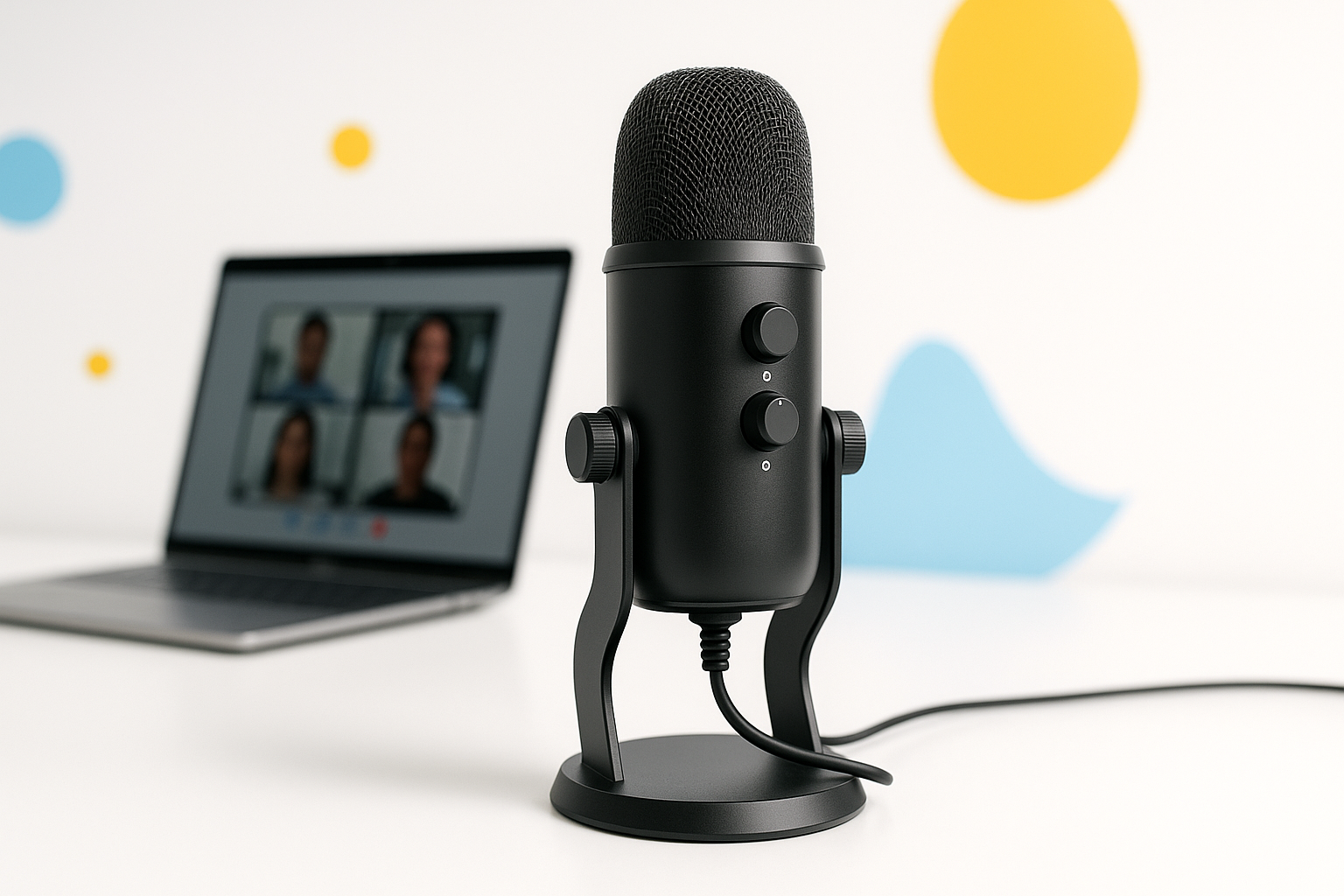
Why Your Built-in Microphone Isn’t Cutting It
That tinny, echo-filled audio coming through your laptop’s built-in mic is making you sound like you’re calling from the bottom of a well. Poor audio quality can tank your professional credibility faster than showing up late to a meeting.
Finding the best microphone for Zoom calls under 100 dollars doesn’t mean settling for mediocre sound. The right mic can transform your virtual presence, making you sound clear, confident, and professional without breaking your budget.
After testing dozens of microphones across different price points, I’ve identified the top performers that deliver exceptional audio quality while staying well under the $100 mark. These aren’t just “good enough” options—they’re microphones that will genuinely elevate your video calls.
Top USB Microphones That Deliver Professional Sound
USB microphones offer the perfect balance of convenience and quality for most remote workers. They plug directly into your computer without requiring additional equipment, making them ideal for home offices and shared workspaces.
Audio-Technica ATR2100x-USB ($79)
This dynamic microphone excels in noisy environments, making it perfect for home offices where you can’t control background sounds. The ATR2100x-USB features both USB and XLR outputs, giving you flexibility to upgrade your setup later.
The built-in headphone monitoring lets you hear exactly how you sound in real-time. Its cardioid pickup pattern focuses on your voice while rejecting sounds from behind and to the sides.
- Exceptional noise rejection for busy households
- Dual USB/XLR connectivity for future upgrades
- Built-in headphone monitoring
- Rugged construction that handles daily use
Blue Yeti Nano ($99)
The Yeti Nano strips away the complexity of its bigger sibling while maintaining broadcast-quality sound. Its compact design won’t dominate your desk space, and the plug-and-play setup gets you running in seconds.
Real-time LED monitoring shows when you’re muted or live, preventing those awkward “you’re on mute” moments. The cardioid pickup pattern captures your voice clearly while minimizing keyboard clicks and room echo.
- Broadcast-quality condenser capsule
- Real-time LED monitoring
- Compact footprint
- No-latency headphone monitoring
Samson Q2U ($69)
This hybrid microphone offers both USB and XLR connectivity, making it incredibly versatile for different recording scenarios. The dynamic design handles close-mic technique well, so you don’t need to worry about breathing sounds or plosives.
The Q2U’s internal shock mounting reduces handling noise and vibrations from your desk. Its frequency response is specifically tuned for speech, ensuring your voice cuts through clearly on video calls.
- Dual USB/XLR outputs
- Internal shock mounting
- Speech-optimized frequency response
- Includes windscreen and desktop stand
Best Microphone for Zoom Calls Under 100: Desktop vs. Headset Options
Choosing between desktop and headset microphones depends on your specific needs and work environment. Each style offers distinct advantages that can make or break your virtual meeting experience.
Desktop Microphones: When Freedom Matters
Desktop mics give you the freedom to move naturally during calls without being tethered to your computer. They’re ideal for presentations where you need to gesture or move around your workspace.
The Audio-Technica ATR2500x-USB ($89) stands out for its side-address design, which feels more natural than speaking into a traditional end-address mic. Its built-in headphone jack eliminates the need for a separate audio interface.
For shared spaces, the Shure MV7 (typically $99 on sale) offers exceptional background noise rejection. Its internal pop filter reduces the need for additional accessories, keeping your setup clean and professional.
Professional Headset Solutions
Broadcast-quality headsets provide consistent mic positioning and eliminate feedback issues that can plague desktop setups. They’re particularly valuable for all-day calling sessions.
The Audio-Technica BPHS1 ($99) delivers broadcast-station quality with its dynamic microphone element and closed-back design. The boom mic stays positioned perfectly, ensuring consistent audio levels throughout long calls.
For lighter daily use, the Beyerdynamic DT 297 PV (often available under $100) combines exceptional comfort with professional-grade audio. Its hypercardioid pattern provides excellent isolation in noisy environments.
Technical Features That Actually Matter for Video Calls
Marketing specs can be misleading when choosing microphones. Here’s what really impacts your Zoom call quality and what you can safely ignore.
Pickup Patterns: Why Cardioid Wins
Cardioid microphones capture sound primarily from the front while rejecting noise from the back and sides. This pattern works perfectly for video calls, focusing on your voice while minimizing room echo and background disturbances.
Avoid omnidirectional microphones for calls—they pick up everything in the room equally, including air conditioning, traffic, and your neighbor’s lawnmower.
Frequency Response: Speech Optimization
Look for microphones with slight presence boosts in the 2-5kHz range. This frequency range contains the consonants that make speech intelligible, ensuring your words cut through clearly even with internet compression.
Flat frequency response isn’t always better for calls. Microphones designed specifically for speech often sound more natural than studio mics optimized for music recording.
Self-Noise Specifications
Self-noise below 16dBA ensures the microphone won’t add audible hiss to your calls. Most quality USB microphones in this price range achieve 12-15dBA self-noise, which is perfectly adequate for video conferencing.
| Microphone | Self-Noise | Max SPL | Pickup Pattern |
| ATR2100x-USB | 13dBA | 144dB | Cardioid |
| Blue Yeti Nano | 16dBA | 110dB | Cardioid |
| Samson Q2U | 15dBA | 131dB | Cardioid |
Setup Tips That Maximize Your Microphone’s Performance
Even the best microphone won’t sound professional with poor positioning and room treatment. These simple adjustments can dramatically improve your audio quality without additional purchases.
Optimal Positioning for Clear Audio
Position your microphone 6-8 inches from your mouth, slightly off to the side to avoid breathing directly into the capsule. This distance captures your natural voice without picking up excessive mouth sounds.
Angle the microphone slightly upward toward your mouth rather than straight across. This positioning captures the resonance from your chest voice while avoiding nasal tones.
Simple Room Treatment Solutions
Hard surfaces create echo that makes you sound distant and unprofessional. Adding soft materials around your workspace—pillows, curtains, or even a heavy blanket behind your monitor—can significantly reduce room reflections.
Face away from hard walls when possible. Positioning yourself with a soft surface (like a bookshelf or fabric wall hanging) behind the microphone helps absorb unwanted reflections.
Computer Settings That Matter
Set your microphone input level so your voice peaks around -12dB to -6dB in your computer’s input meter. This provides plenty of headroom while ensuring a strong signal that cuts through internet compression.
Disable automatic gain control in Zoom and other conferencing apps when using a quality external microphone. AGC can cause pumping and breathing artifacts that make you sound less professional.
Budget-Conscious Alternatives Worth Considering
If $70-100 stretches your budget, several excellent options under $50 still deliver significant improvements over built-in microphones.
The Audio-Technica ATR2005-USB ($45) offers similar performance to the ATR2100x with slightly fewer features. You lose the headphone monitoring, but the core audio quality remains exceptional.
For desktop use, the Fifine K669B ($35) provides surprisingly good speech quality with a convenient mute button. While it lacks the refinement of pricier options, it’s a solid entry point for improving your call audio.
The Samson Go Mic ($40) excels as a portable solution. Its compact size makes it perfect for traveling professionals who need consistent audio quality across different locations.
Making Your Final Decision
The best microphone for Zoom calls under 100 dollars ultimately depends on your specific environment and usage patterns. Dynamic microphones like the ATR2100x-USB excel in noisy spaces, while condenser options like the Blue Yeti Nano provide exceptional detail in controlled environments.
Consider your workspace carefully. If you share space with others or deal with background noise, prioritize microphones with excellent rejection characteristics. For quiet home offices, focus on models that capture the full richness of your voice.
Remember that good audio quality is just as important as video in virtual meetings. Investing in a quality microphone sends a clear message about your professionalism and attention to detail—qualities that matter whether you’re leading team meetings or interviewing for your dream job.
