

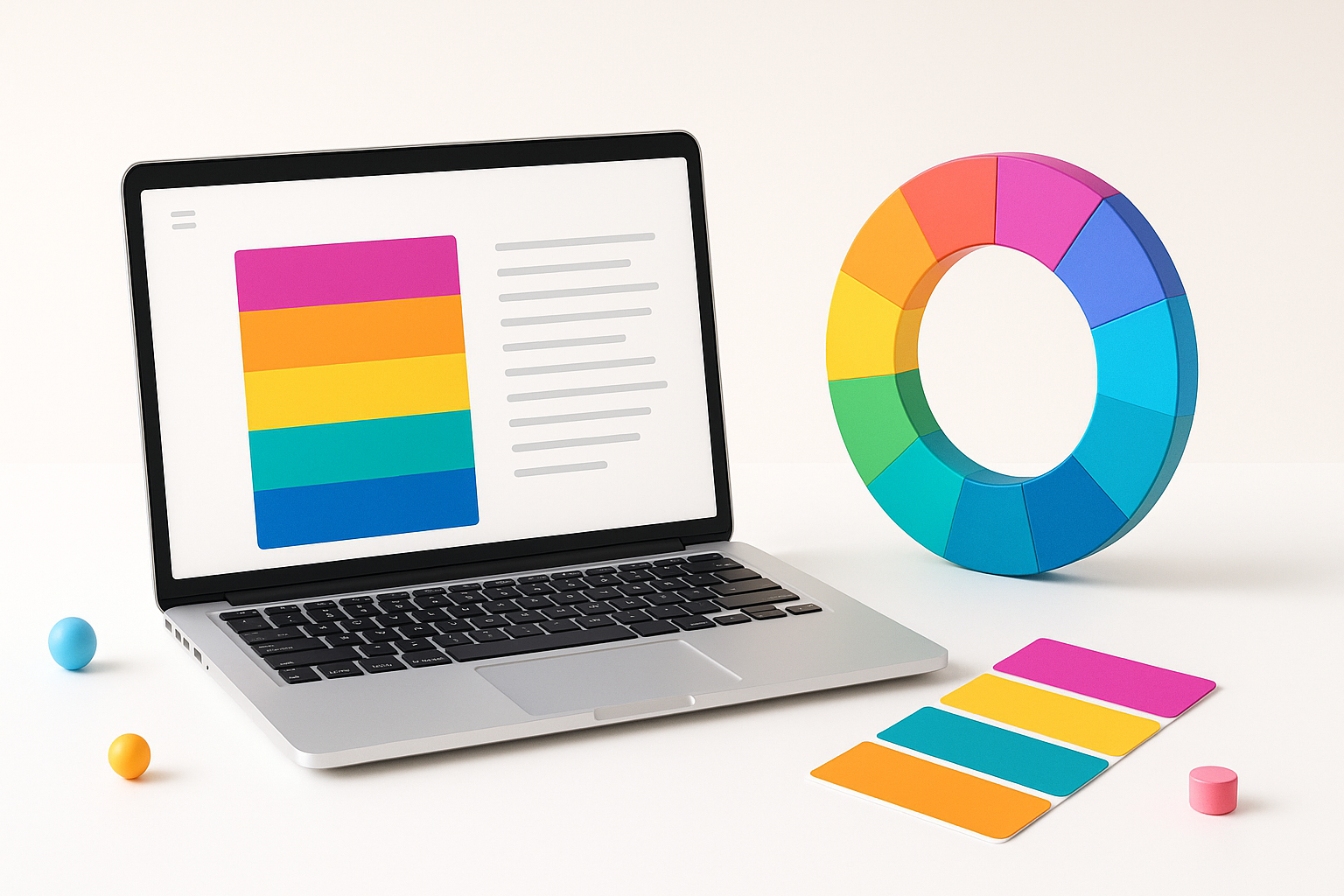
Your Website’s First Impression Starts With Color
Colors speak before words do. When someone lands on your website, their brain processes the color scheme within milliseconds, forming an immediate impression about your brand’s personality, trustworthiness, and professionalism. Learning how to choose a color palette for a website isn’t just about making things look pretty—it’s about creating an emotional connection with your visitors and guiding their behavior.
The wrong color choices can make visitors bounce faster than you can say “brand identity,” while the right palette keeps them engaged and converts them into customers. The good news? You don’t need a design degree to master this skill.
Understanding Color Psychology for Web Design
Every color triggers specific emotional responses in your visitors. Blue conveys trust and professionalism, which explains why banks and tech companies love it. Red creates urgency and excitement—perfect for sales pages and call-to-action buttons. Green suggests growth, health, and money, making it ideal for financial services and wellness brands.
However, context matters more than textbook definitions. A deep navy blue feels sophisticated and premium, while a bright electric blue screams playful and energetic. Cultural backgrounds also influence color perception, so consider your target audience’s demographics when making decisions.
Here are the core emotional associations:
- Red: Energy, passion, urgency, power
- Blue: Trust, stability, professionalism, calm
- Green: Growth, nature, money, harmony
- Orange: Creativity, enthusiasm, warmth, friendliness
- Purple: Luxury, creativity, mystery, sophistication
- Yellow: Happiness, optimism, attention, caution
- Black: Elegance, power, sophistication, mystery
- White: Purity, simplicity, cleanliness, space
The 60-30-10 Rule for Website Color Balance
Professional designers swear by the 60-30-10 rule, and it’s surprisingly simple to implement. Your dominant color covers 60% of your design space—typically your background and main content areas. The secondary color fills 30% of the space through navigation bars, sidebars, and section backgrounds. Your accent color pops in the remaining 10% through buttons, links, and highlights.
This formula prevents color chaos and creates visual hierarchy. Imagine a website with a white background (60%), light gray sections (30%), and bright blue buttons (10%). The eye naturally knows where to look and what to click.
Most successful websites stick to three to five colors maximum. More colors create confusion and dilute your brand message. Think of Apple’s website—predominantly white with strategic use of black text and colorful product imagery. Simple, clean, effective.
How to Choose Colors That Match Your Brand Personality
Your color palette should reflect your brand’s core personality traits. Ask yourself: Is your brand playful or serious? Modern or traditional? Luxurious or accessible? Energetic or calming?
A law firm needs colors that communicate trust and stability—think deep blues, grays, and whites. A children’s toy company can embrace bright, energetic colors like orange, yellow, and green. A luxury spa should lean toward calming, sophisticated tones like muted purples, soft grays, and cream.
Study your competitors, but don’t copy them. If every competitor uses blue, consider how a different color might help you stand out while still meeting customer expectations. Sometimes breaking the mold works brilliantly—like how T-Mobile used magenta to differentiate itself in a sea of blue telecom brands.
Questions to Guide Your Color Decisions
- What emotions do you want visitors to feel?
- How do you want to be perceived compared to competitors?
- What colors already exist in your logo or brand materials?
- Who is your primary target audience?
- What actions do you want users to take on your site?
Essential Tools for Building Your Color Palette
You don’t need expensive software to create professional color palettes. Several free online tools make the process straightforward and enjoyable.
Adobe Color (formerly Kuler) generates harmonious color schemes based on color theory principles. Upload an image you love, and it extracts a palette automatically. You can also browse thousands of user-created palettes for inspiration.
Coolors.co offers an intuitive palette generator. Press the spacebar to generate new combinations, lock colors you like, and export the final palette in various formats. It’s addictive in the best way possible.
Material Design Color Tool by Google helps you preview how colors work together in realistic interface layouts. It’s particularly useful for ensuring your chosen colors meet accessibility standards.
Paletton focuses on color theory relationships—complementary, triadic, and analogous schemes. It’s perfect for understanding why certain color combinations feel harmonious or jarring.
Color Accessibility and User Experience Considerations
Beautiful colors mean nothing if users can’t read your content. Web Content Accessibility Guidelines (WCAG) require sufficient contrast between text and background colors. The minimum contrast ratio is 4.5:1 for normal text and 3:1 for large text.
Tools like WebAIM’s Contrast Checker help you verify your color combinations meet these standards. This isn’t just about legal compliance—better contrast improves readability for everyone, especially users with visual impairments or those viewing your site in bright sunlight.
Consider colorblind users, who represent about 8% of men and 0.5% of women. Avoid relying solely on color to communicate important information. If your error messages are red and success messages are green, also include icons or text labels to reinforce the meaning.
Test your palette across different devices and lighting conditions. Colors appear differently on various screens, and what looks perfect on your high-end monitor might appear washed out on a budget smartphone.
Testing and Refining Your Website Color Choices
Once you’ve selected a palette, test it with real users before committing fully. Create mockups or simple landing pages featuring your color scheme and gather feedback from your target audience.
A/B testing proves invaluable for optimizing individual color elements. Test different button colors to see which generates more clicks. Experiment with background colors to improve time-on-page metrics. Small color changes often produce surprisingly large results.
Monitor your analytics after implementing new colors. Look for changes in bounce rate, conversion rates, and user engagement. If metrics decline, don’t be afraid to adjust your approach.
Pay attention to seasonal considerations too. Darker colors might work well for a winter launch but feel heavy during spring. Some brands successfully rotate accent colors seasonally while maintaining their core palette year-round.
Common Color Palette Mistakes to Avoid
Many websites fail because they choose colors based on personal preference rather than strategic thinking. Your favorite color might not be right for your brand or audience. Make decisions based on data and user research, not gut feelings.
Avoid using too many colors at once. More isn’t better—it’s confusing. Stick to your primary palette and introduce additional colors sparingly for special promotions or seasonal campaigns.
Don’t ignore color meanings in different cultures. Red means good fortune in China but danger in Western cultures. If you’re targeting global audiences, research cultural color associations in your key markets.
Resist the urge to follow every design trend. While staying current is important, your color palette should reflect your brand’s long-term identity, not this month’s popular aesthetic.
Bringing Your Color Vision to Life
Mastering how to choose a color palette for a website requires balancing psychology, aesthetics, accessibility, and brand strategy. Start with your brand personality, understand your audience’s preferences, and use proven tools to create harmonious combinations.
Remember that color choices aren’t permanent. Digital designs allow for evolution and optimization based on user feedback and performance data. The key is making informed decisions from the start, then refining based on real-world results.
Your website’s color palette is working 24/7 to communicate your brand values and guide user behavior. Invest the time to get it right, and you’ll create a visual foundation that serves your business for years to come.
