

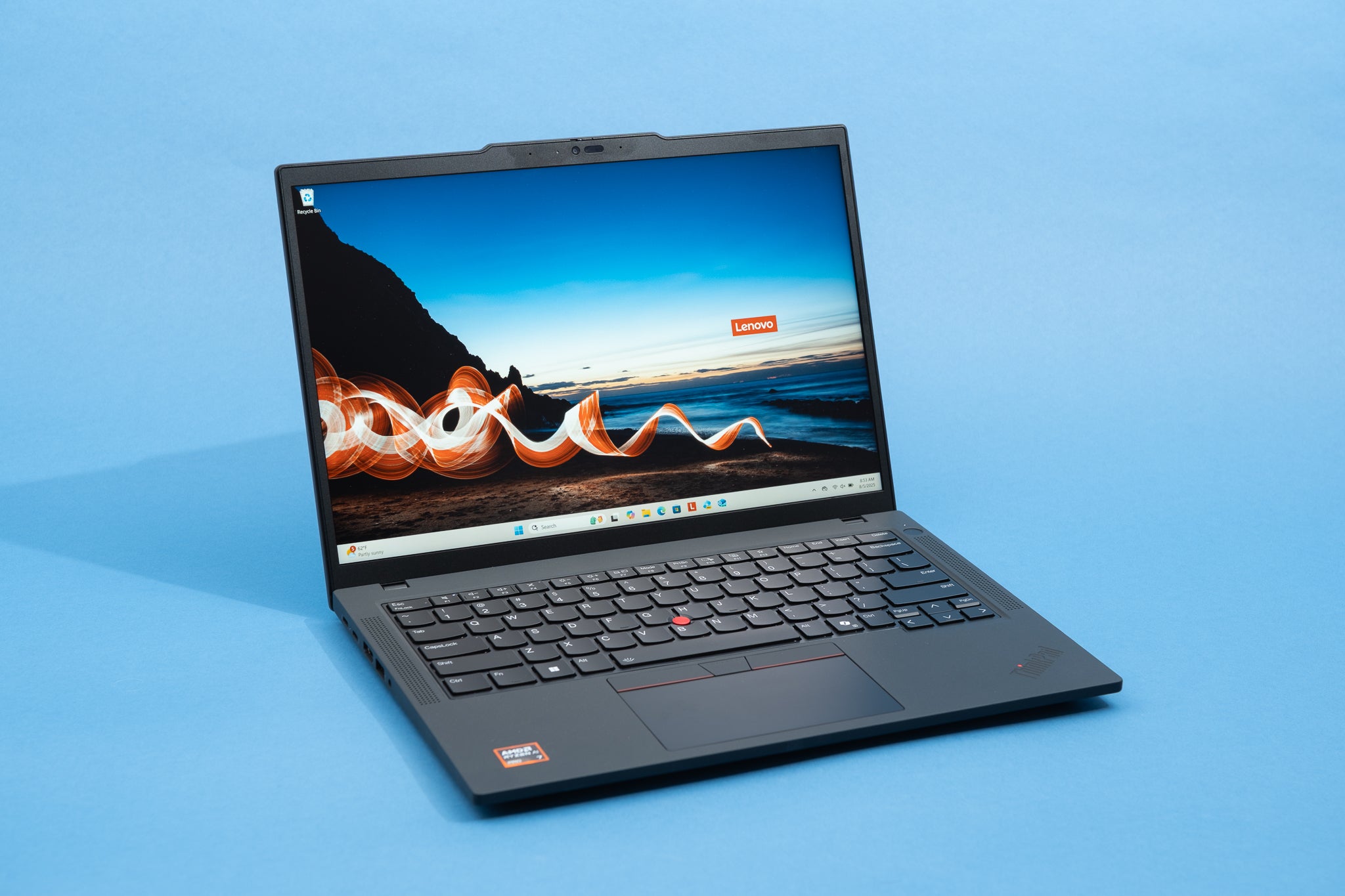
The right laptop depends entirely on how you plan to use it. A laptop that’s perfect for a student may be terrible for gaming. A gaming laptop might be overkill—and uncomfortable—for office work. And a work laptop might struggle with creative or technical tasks.
This guide breaks everything down in a simple, practical way so you can choose the right laptop for work, gaming, or study without wasting money or regretting your decision later.
First Things First: What Will You Use the Laptop For?
Before comparing brands or specs, get clear on your primary use case.
- Work and productivity
- Gaming
- Studying and note-taking
- Creative or technical tasks
- Portability and travel
Trying to buy a laptop that does everything perfectly usually leads to compromises. It’s better to prioritize your main use and then look for balance.
Choosing a Laptop for Work
Work laptops focus on reliability, comfort, and efficiency. They should feel smooth, quiet, and dependable throughout the workday.
Typical Work Tasks
- Email and communication
- Web browsing
- Office applications
- Video calls
- Light multitasking
Processor: You Don’t Need the Fastest One
For work laptops, mid-range processors are more than powerful enough. Consistency and efficiency matter far more than peak performance.
A well-optimized processor can handle everyday tasks smoothly for years without overheating or draining the battery.
RAM: Smooth Multitasking Matters
- 8GB RAM – Minimum for smooth work
- 16GB RAM – Ideal for heavy multitasking
More RAM allows you to switch between apps without slowdowns, especially when working with many browser tabs.
Storage: Speed Over Size
Always choose SSD storage. It dramatically improves boot times, app loading, and overall responsiveness.
- 256GB SSD – Minimum
- 512GB SSD – Better for large files
Display, Keyboard & Battery Life
A comfortable display, good keyboard, and long battery life matter more than raw power for work laptops.
- Full HD display or higher
- Comfortable keyboard and trackpad
- 8+ hours of real-world battery life
Choosing a Laptop for Gaming
Gaming laptops prioritize performance, cooling, and graphics power. They are heavier and louder, but that’s the trade-off for smooth gameplay.
Graphics Card: The Most Important Spec
For gaming, the graphics card matters more than any other component. Integrated graphics are not suitable for modern gaming.
Always check real-world gaming benchmarks rather than relying on model names alone.
Processor & RAM for Gaming
- Balanced processor and GPU pairing
- 16GB RAM recommended
An extremely powerful processor won’t help if the graphics card is weak.
Display & Cooling
- 120Hz or higher refresh rate
- Good cooling system
- Stable performance under load
Poor cooling leads to performance drops and long-term hardware wear.
Battery Expectations
Gaming laptops are not built for long battery life. Short battery life during gaming is normal and expected.
Choosing a Laptop for Study
Student laptops should be portable, reliable, affordable, and comfortable to use throughout the day.
Typical Student Use
- Online classes
- Note-taking
- Assignments and research
- Light media consumption
Portability & Battery Life
Students often carry laptops daily, so weight and battery life matter a lot.
- Lightweight design
- 8–10 hours of battery life
- Efficient processor
Performance for Students
- Mid-range processor
- 8GB RAM
- SSD storage
Unless your studies involve heavy software, high-end specs are unnecessary.
One Laptop for Work, Gaming, and Study
A single laptop can handle all three roles, but compromises are unavoidable.
Look for a balanced machine with:
- Capable processor
- Mid-range dedicated graphics
- Decent battery life
- Reasonable weight
Build Quality & Design
Build quality affects durability and daily comfort.
- Strong hinges
- Minimal flex
- Good port selection
- Comfortable materials
Operating System Considerations
Choose an operating system based on software compatibility, workflow, and personal preference. The best OS is the one that fits your daily needs.
Common Laptop Buying Mistakes
- Buying based only on specs
- Ignoring battery life
- Overpaying for unused power
- Forgetting portability
- Skipping real user reviews
How Long Should a Laptop Last?
A good laptop should last:
- 4–6 years for work or study
- 3–5 years for gaming
Longevity depends on cooling, build quality, and software support.
The Smart Way to Choose a Laptop
Instead of asking which laptop is the most powerful, ask:
- Does it fit my daily use?
- Is it comfortable to use?
- Will it still feel good after years?
The best laptop is the one you enjoy using every day.
Final Thoughts
Choosing the right laptop doesn’t have to be stressful. Once you understand your main use case—work, gaming, or study—the decision becomes much easier.
Focus on balanced performance, comfort, reliable battery life, and long-term usability. Do that, and your laptop will feel like a helpful tool rather than a constant frustration.
