

Why Your CRM and Email Marketing Tool Shouldn’t Live in Separate Worlds
Most businesses collect customer data in one place and send emails from another. The result? Marketing teams guessing who to target, sales teams frustrated by irrelevant follow-ups, and customers receiving messages that feel completely disconnected from their actual experience.
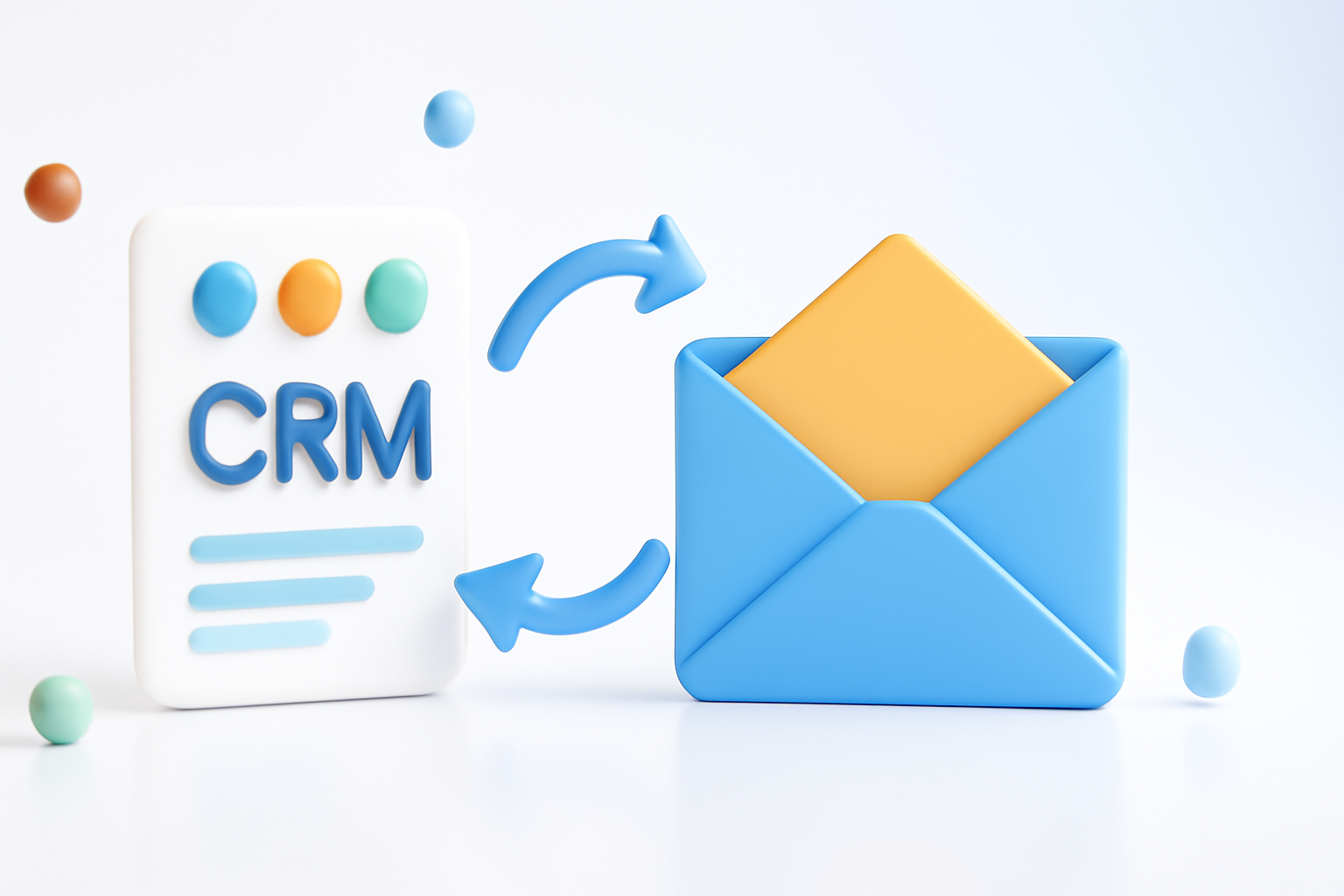
Connecting your CRM with your email marketing platform changes all of that. When these two systems share data, you can send the right message to the right person at exactly the right moment — without manually exporting spreadsheets or copying and pasting contact lists every week.
Knowing how to integrate CRM with email marketing isn’t just a technical skill. It’s a business decision that directly affects your revenue, your retention rates, and how your brand comes across to customers.
What Actually Happens When You Integrate the Two Systems
Before getting into the how, it helps to understand what the integration actually does behind the scenes.
When your CRM and email platform are connected, contact records sync automatically. Every time someone fills out a form, makes a purchase, or gets added to your CRM by your sales team, that information flows into your email system without anyone lifting a finger.
But it goes deeper than just syncing contacts. A good integration also passes behavioral data in both directions:
- Email opens and clicks get recorded in the CRM contact record
- Deal stages in the CRM can trigger automated email sequences
- Unsubscribes in your email platform update the CRM immediately
- Tags and segments you create in the CRM automatically apply to email lists
- Purchase history or lead score can determine which email campaign someone enters
The practical result is that your sales team can see exactly which emails a lead has opened before jumping on a call. Your marketing team can stop emailing closed-won customers with introductory offers. And your automation workflows can react to real customer behavior instead of made-up assumptions.
Choosing the Right Integration Method
There’s no single way to connect a CRM with an email marketing tool. Your approach will depend on which platforms you use and how sophisticated you need the connection to be.
Native Integrations
Some CRM and email tools are built by the same company or offer official direct integrations. HubSpot, for example, has its own marketing email platform built directly into the CRM. Salesforce integrates natively with Pardot and Marketing Cloud. ActiveCampaign markets itself as both a CRM and an email automation tool in one.
These native connections are usually the easiest to set up and the most reliable. Data flows cleanly between systems, and you typically get access to more advanced features than you would through a third-party bridge.
Third-Party Connectors
If your CRM and email platform don’t have a direct integration, tools like Zapier, Make (formerly Integromat), or Pabbly Connect can bridge the gap. You set up automated “zaps” or workflows that trigger actions across platforms.
For example: When a new contact is added to your CRM with the tag “trial user,” add them to the onboarding sequence in Mailchimp.
This approach works well for small to medium operations. The limitation is that it can get expensive as your contact list grows, and complex multi-step automations can sometimes break or lag.
API Integration
If you have developer resources, connecting your CRM and email tool via API gives you the most control. You can build custom sync logic, handle edge cases, and avoid the per-task fees of connector tools.
Most major CRMs (Salesforce, Zoho, Pipedrive) and email platforms (Klaviyo, SendGrid, Mailchimp) offer well-documented APIs. This route requires upfront development time but pays off at scale.
Step-by-Step: How to Set Up the Integration
Here’s a practical walkthrough that applies regardless of which platforms you’re using.
- Audit your current data. Before connecting anything, clean up your CRM contacts. Remove duplicates, standardize field names (first name, email, company size, etc.), and decide which data points matter for segmentation. Bad data in means bad data out.
- Map your fields. Identify which CRM fields should map to which email platform fields. For instance, your CRM’s “Lead Status” field might map to a tag in your email tool. Write this down before you start clicking buttons.
- Choose your integration method. Based on what’s described above, pick the approach that fits your tech stack and budget.
- Set up the initial contact sync. Most integrations let you do a one-time historical import followed by ongoing real-time or daily syncing. Start with a small segment (say, 100 contacts) to test that fields are mapping correctly before syncing your entire database.
- Define your sync rules. Decide which direction data flows. Should email engagement data update the CRM? Should CRM stage changes trigger email campaigns? You don’t have to enable everything — start with what solves your most pressing problem.
- Build at least one automated workflow to test it. Create a simple automation — like sending a welcome email when a new CRM contact is created — and trigger it manually on a test record. Check that the email sends, that opens are recorded back in the CRM, and that nothing breaks.
- Monitor and refine. Check sync logs in the first week. Look for contacts that didn’t transfer, field mismatches, or duplicate records. Integrations rarely work perfectly out of the box.
The Segmentation Advantage You Get After Integration
Once your systems are talking to each other, the real marketing power kicks in — proper segmentation.
Instead of blasting your entire list with the same email, you can create highly specific audience segments based on CRM data:
- Leads at a specific stage in your pipeline
- Customers who haven’t purchased in 90 days
- Contacts from a specific industry or company size
- Prospects who opened your last three emails but never clicked
- Customers who purchased Product A but not Product B
This kind of granularity makes your email campaigns dramatically more relevant, which translates directly to higher open rates, better click-through rates, and more conversions.
Common Mistakes That Derail Integrations
A few pitfalls show up constantly with CRM and email marketing integrations. Avoiding them from the start saves a lot of headaches.
Syncing without cleaning first
Connecting platforms with messy data just accelerates the mess. If your CRM has duplicate contacts, incomplete records, or inconsistent formatting, all of that lands in your email tool too. Clean before you connect.
Overcomplicating the automation too early
It’s tempting to build 15-step behavioral workflows on day one. Resist that. Start simple, prove it works, then layer in complexity. Complex automations built on shaky foundations tend to fail silently — and you might not notice until months later when you’re wondering why your open rates have tanked.
Ignoring unsubscribe compliance
When someone unsubscribes from your emails, that opt-out needs to be respected across both systems. Make sure your integration syncs unsubscribe and suppression data in real time. Emailing an opt-out is a compliance issue in most countries, not just an annoyance.
Forgetting about contact ownership
In many CRMs, contacts are “owned” by specific sales reps. When marketing emails go out through the integrated system, make sure you have clear rules about who gets notified of what, and that personalization tokens (like “your account manager Sarah”) are being pulled from the right field.
Popular CRM and Email Platform Pairings
| CRM | Email Platform | Integration Type | Best For |
| HubSpot CRM | HubSpot Email | Native (same platform) | SMBs wanting an all-in-one solution |
| Salesforce | Pardot / Marketing Cloud | Native | Enterprise marketing teams |
| Pipedrive | Mailchimp | Native integration | Small sales teams with light email needs |
| Zoho CRM | Zoho Campaigns | Native (same ecosystem) | Budget-conscious teams already in Zoho |
| Any CRM | Klaviyo | API or Zapier | E-commerce focused email marketing |
| Pipedrive / Copper | ActiveCampaign | Native or Zapier | SMBs needing strong automation |
What Good Looks Like After a Successful Integration
Here’s a realistic example of what becomes possible once everything is working properly.
A prospect fills out a contact form on your website. Your CRM automatically creates a contact record, assigns it to a sales rep, and tags it as “inbound lead.” That tag triggers a five-email nurturing sequence in your email platform. The prospect opens emails two and four, which gets noted in the CRM.
When the sales rep calls, they can see exactly which content the prospect engaged with. They can tailor the conversation accordingly — skipping the basics and going straight to what the lead clearly cares about.
If the deal closes, the CRM status change automatically removes the prospect from the nurture sequence and adds them to a customer onboarding campaign. No manual list management. No awkward “still interested?” email going to someone who just signed a contract.
That’s the real value here — not just saved time, but a genuinely better experience for everyone involved.
Bringing It Together Without Overcomplicating Things
Learning how to integrate CRM with email marketing doesn’t require a technical background or an enterprise budget. What it requires is a clear plan, clean data, and a willingness to start simple and build from there.
The businesses that get the most out of this setup aren’t necessarily the ones with the most sophisticated tools. They’re the ones who’ve thought carefully about their customer journey and built their automation to support it, rather than working around it.
Start with one workflow. Get it working well. Then expand. The integration pays for itself quickly when your sales and marketing teams are finally working from the same source of truth.
