

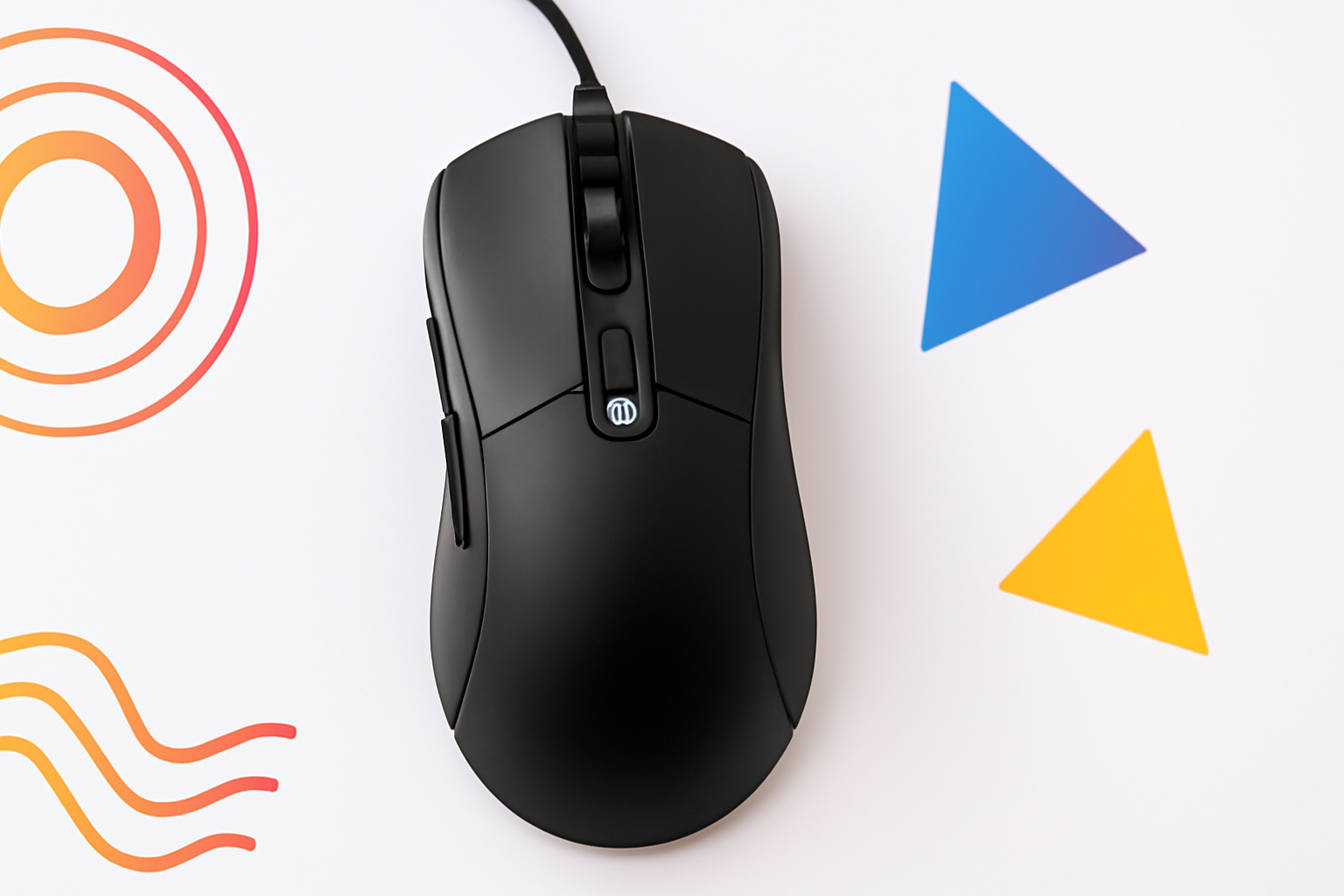
Your Mouse Has a DPI Setting — Here’s Why It Actually Matters
You’ve probably noticed the DPI button on your gaming mouse, or seen the spec listed on the box when you bought it. Maybe you’ve changed the setting without really knowing what it does. That number — whether it’s 800, 1600, or 16,000 — quietly controls one of the most fundamental parts of how you interact with your computer every single day.
So what does DPI mean on a mouse, exactly? And more importantly, should you care about it? The short answer is yes — but not in the way most gaming brands would have you believe.
What DPI Actually Means
DPI stands for dots per inch. It’s a measurement of how sensitive your mouse is to physical movement. Specifically, it tells you how many pixels your cursor will move on screen for every inch you physically move the mouse across your desk.
Here’s a simple way to think about it:
- At 400 DPI, moving your mouse one inch moves the cursor 400 pixels.
- At 1600 DPI, that same one inch of movement moves the cursor 1,600 pixels.
- At 3200 DPI, you’re moving the cursor 3,200 pixels per inch of hand movement.
The higher the DPI, the less physical effort it takes to move your cursor across the screen. A mouse set to a very high DPI will feel lightning fast — almost twitchy. A lower DPI setting makes the cursor feel slower and more controlled.
It’s worth knowing that DPI is sometimes referred to as CPI (counts per inch), which is technically the more accurate term for mice. The two are often used interchangeably, though.
High DPI vs Low DPI: What’s the Real Difference?
This is where things get interesting, because the marketing around DPI is often misleading. Mouse manufacturers love to advertise enormous DPI numbers as if they’re a sign of quality. You’ll see mice boasting 25,600 DPI or higher. But does that actually make them better?
Not necessarily.
High DPI settings
A high DPI setting means your cursor covers more screen distance with less hand movement. This can feel fast and efficient, but it also makes precision much harder. Small, unintentional hand tremors get amplified. Clicking on a tiny button or placing a cursor exactly where you want it becomes genuinely difficult at extreme DPI values.
Low DPI settings
Lower DPI gives you more control and precision. You have to move your mouse further to cross the screen, but each movement is more deliberate and exact. This is why many professional FPS (first-person shooter) gamers actually play at surprisingly low DPI settings — often between 400 and 800 — despite having access to mice capable of 20,000+.
Most pro gamers compensate for low DPI by increasing their in-game sensitivity settings, giving them precise aim without sacrificing cursor control.
DPI and Screen Resolution: The Connection Most People Miss
Your ideal DPI setting doesn’t exist in isolation — it’s directly tied to your monitor’s resolution. A 4K monitor (3840 x 2160 pixels) has far more pixels than a 1080p screen. If you use the same DPI on both, the cursor will feel noticeably slower on the 4K display because there are so many more pixels to travel across.
This means you might need a slightly higher DPI when moving to a higher-resolution monitor just to maintain the same feel of cursor speed.
| Monitor Resolution | Suggested Starting DPI Range |
| 1080p (1920 x 1080) | 800 – 1600 DPI |
| 1440p (2560 x 1440) | 1000 – 2400 DPI |
| 4K (3840 x 2160) | 1600 – 3200 DPI |
These are starting points, not rules. Personal preference plays a huge role, and you should always experiment to find what feels natural for how you actually use your computer.
Does a Higher DPI Mouse Mean Better Quality?
This is one of the most common misconceptions in the mouse world. A higher maximum DPI does not mean a mouse is more accurate or better built. What actually determines mouse quality is its optical sensor.
A premium sensor — like those from PixArt or Logitech’s HERO line — tracks movement accurately and consistently at its rated DPI values. A cheap sensor might technically hit 16,000 DPI, but the tracking becomes unreliable and jittery at high settings. This is sometimes called sensor smoothing or angle snapping, where the mouse tries to compensate for its inaccuracy by artificially straightening your movement paths.
When shopping for a mouse, look at the sensor model, not just the DPI ceiling. Reviews from hardware testing sites that measure actual sensor performance will tell you far more than the box ever will.
How to Find the Right DPI for What You’re Doing
There’s no single “correct” DPI. It depends entirely on what you’re using your mouse for.
Gaming
Different game genres benefit from different sensitivity levels. Fast-paced shooters where precision is everything typically favor lower DPI. Real-time strategy games or MMOs, where you’re frequently clicking across large UI elements, can work fine at higher settings.
- FPS games (like CS2, Valorant, Apex Legends): 400–1000 DPI is a common range among competitive players.
- MOBA and RTS games (like Dota 2, StarCraft II): 1000–2000 DPI tends to work well.
- MMORPGs and casual games: 1200–2400 DPI is comfortable for most players.
Graphic Design and Photo Editing
Precision work like retouching photos, drawing in Illustrator, or placing design elements pixel-perfectly often benefits from a lower DPI setting. Some designers even use a separate sensitivity profile for detailed work versus general navigation.
Everyday Office and Productivity Use
For browsing the web, writing, and general productivity work, most people find somewhere between 800 and 1600 DPI comfortable. It’s enough speed to move across the screen without making precise clicks feel like a challenge.
Polling Rate: DPI’s Less-Talked-About Partner
While you’re thinking about mouse performance, it’s worth understanding polling rate too. This is measured in Hz and refers to how many times per second your mouse reports its position to your computer.
- 125 Hz = reports 125 times per second
- 500 Hz = reports 500 times per second
- 1000 Hz = reports 1,000 times per second
A higher polling rate means smoother, more responsive cursor movement with less perceived delay. Most modern gaming mice run at 1000 Hz by default. Some newer models push 4000 Hz or even 8000 Hz, though the real-world difference becomes minimal beyond 1000 Hz for most users.
DPI and polling rate work together. Even a high-DPI mouse can feel sluggish if it has a low polling rate, because the position updates aren’t frequent enough to feel smooth.
How to Change Your Mouse DPI
Depending on your mouse, you have a few options:
- Physical DPI button: Many gaming mice have a button (often near the scroll wheel) that cycles through preset DPI levels. An indicator light usually tells you which setting you’re on.
- Manufacturer software: Tools like Logitech G HUB, Razer Synapse, or SteelSeries GG let you create custom DPI profiles and assign them to specific buttons or games.
- Windows settings: Windows has a pointer speed setting under Mouse Properties, but this is not the same as DPI. It applies a software multiplier, which can reduce cursor accuracy. It’s generally better to set your DPI at the hardware level and leave Windows pointer speed at the default middle setting.
What DPI Should You Actually Use?
The honest answer: start at 800 DPI and adjust from there. It’s a sensible middle ground that works for most tasks. Move it up if everything feels frustratingly slow, or down if precision feels out of reach.
Don’t chase large numbers. A mouse set to 16,000 DPI is not going to make you a better gamer or a more efficient designer. It’s just going to make your cursor move a lot — and not always where you want it to go.
The best DPI setting is the one where you stop thinking about your mouse and start focusing on what you’re actually doing on screen.
Understanding DPI Puts You in Control
Knowing what DPI means on a mouse gives you real, practical control over your computing experience. It’s not just a gaming spec — it affects how comfortable you feel using your computer for hours at a time, how accurately you can click on things, and how naturally your hand movement translates to what happens on screen.
Take ten minutes to experiment with a few different settings. Most people who do end up surprised at how much of a difference it makes — and how long they’d been using the wrong one without realizing it.
