

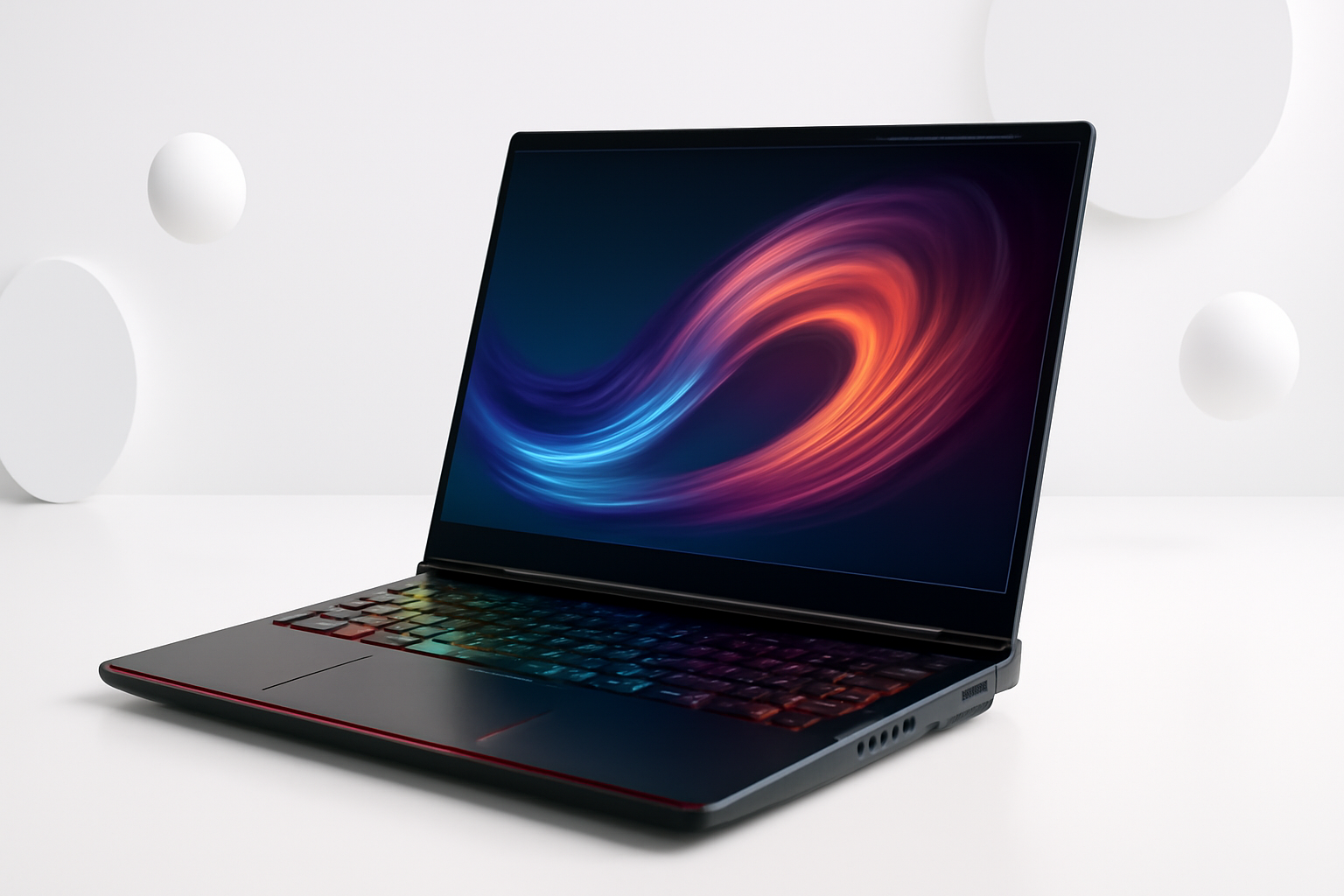
Gaming Laptops as Daily Drivers: More Practical Than You’d Think
There’s a common assumption that gaming laptops are these loud, battery-draining machines that only make sense if you’re actively fragging opponents in a dark room. But that picture is increasingly outdated. Plenty of people are using gaming laptops as their one and only machine — for work, school, creative projects, and yes, gaming on the side.
So the real question isn’t whether a gaming laptop can handle everyday tasks. It absolutely can. The better question is whether it’s the right trade-off for your situation — because there are some genuine downsides worth understanding before you spend $1,000 or more.
What “Everyday Use” Actually Means
Before comparing specs, it helps to be honest about what daily use looks like for most people. For the average person, that usually means:
- Web browsing and streaming video
- Office work — documents, spreadsheets, video calls
- Light photo or video editing
- Email and communication apps
- Occasional gaming or content consumption
A gaming laptop handles all of this without breaking a sweat. In fact, the hardware inside most modern gaming laptops — whether it’s an Intel Core i7 or AMD Ryzen 9, paired with 16GB of RAM or more — is genuinely overkill for standard productivity work.
Where things get more nuanced is around portability, battery life, and whether the machine fits your lifestyle outside of your desk.
The Real Strengths of Using a Gaming Laptop Daily
Raw Performance for Everything You Throw at It
Gaming laptops are built to handle demanding, sustained workloads. That same hardware that pushes high frame rates in graphically intensive games also excels at rendering video, running virtual machines, or keeping 30 browser tabs open while you’re on a Zoom call.
If you do any creative work — video editing in DaVinci Resolve, 3D modeling, music production — a gaming laptop with a dedicated GPU gives you serious headroom that a standard ultrabook simply doesn’t have.
Better Thermals Than Most People Expect
Modern gaming laptops from brands like ASUS ROG, Lenovo Legion, and Razer Blade have improved their thermal management considerably. Under regular office workloads, the fans barely spin up. You’d never know you were sitting behind a gaming machine.
It’s only when you push the GPU hard — playing AAA games or doing heavy rendering — that the cooling system kicks into high gear. Day-to-day tasks like browsing or typing don’t trigger that response.
Display Quality Is Often Excellent
Gaming laptops frequently ship with high-refresh-rate displays — 144Hz, 165Hz, even 240Hz. While that’s marketed for gaming, it also makes general use noticeably smoother. Scrolling through web pages, moving windows around, watching video — everything just feels more fluid compared to a standard 60Hz screen.
Many models also offer IPS or OLED panels with good color accuracy, which makes them competitive with premium productivity laptops in the $1,000–$1,500 range.
Connectivity and Ports
This is an underrated advantage. Gaming laptops tend to be generous with ports — USB-A, USB-C, HDMI, SD card slots, and sometimes even an Ethernet port built in. For everyday use, this means fewer dongles and adapters cluttering your desk.
Is a Gaming Laptop Good for Everyday Use? The Honest Downsides
No honest answer ignores the trade-offs. And they’re real.
Battery Life Is the Biggest Compromise
This is the most significant drawback for people who use their laptops away from a power outlet. Gaming laptops prioritize performance over efficiency. Most get somewhere between 4–7 hours of real-world battery life during light use. A few newer models with NVIDIA’s MUX switch or AMD-only graphics configurations do better, but they still won’t match the 10–15 hours you’d get from a MacBook Air or a Dell XPS 13.
If you’re a student who moves between lectures all day, or someone who works from cafes without easy access to outlets, this matters a lot.
They’re Heavy and Bulky
Most gaming laptops weigh between 2.2kg and 2.8kg (roughly 5–6 lbs), and that’s before you pack in the chunky power brick. Ultrabooks are typically half that weight. Over the course of a day of commuting, the difference is very real on your shoulders.
There are exceptions — the Razer Blade 15 and ASUS Zephyrus G14 are notably thinner and lighter — but they tend to cost more and sometimes sacrifice cooling performance to achieve that form factor.
The Design Isn’t Always Office-Appropriate
Not everyone wants to pull out a laptop covered in RGB lighting and aggressive angular styling during a client meeting. Gaming aesthetics have toned down in recent years, but if visual discretion matters to you, it’s worth looking specifically for models with cleaner designs — the Lenovo Legion Slim series or the ASUS ProArt Studiobook, for example, lean more understated.
Fan Noise Under Load
When the machine is pushed — even by something like exporting a video or running a complex spreadsheet calculation — the fans can get noticeable. During regular use it’s fine, but worth knowing if you work in quiet environments like libraries or open-plan offices.
How Gaming Laptops Compare to Regular Laptops for Daily Tasks
| Feature | Gaming Laptop | Standard Ultrabook |
| Processing Power | High — excellent for multitasking and creative work | Moderate to good for everyday tasks |
| Battery Life | 4–7 hours average | 8–15 hours average |
| Weight | 2.2–2.8kg typically | 1.0–1.5kg typically |
| Display Quality | Often excellent — high refresh rate, good color | Varies widely by price |
| Port Selection | Usually comprehensive | Often limited — may need a hub |
| Upgradeability | RAM and storage often upgradeable | Frequently soldered and sealed |
| Price for Performance | Strong value at mid-range | Premium often goes to form factor |
Who Should Buy a Gaming Laptop as Their Everyday Machine
A gaming laptop makes a lot of sense if you fit into one or more of these categories:
- You want one device for everything. Instead of a gaming PC and a separate work laptop, a gaming laptop covers both — especially useful if you live in a smaller space or travel between locations.
- You do creative or technical work. Video editing, 3D animation, software development, data analysis — the extra GPU and processing power pay real dividends.
- You mostly work at a desk. If you’re plugged in most of the day, battery life stops being a dealbreaker. Keep it on charge and the downsides largely disappear.
- You want better long-term value. Gaming laptops tend to age more gracefully because they have more headroom. A mid-range gaming laptop bought today will still run demanding software three or four years from now.
On the other hand, if you’re a frequent traveler, a student constantly on the move, or someone who values a featherlight bag above all else — the weight and battery penalties will wear on you quickly.
Practical Tips If You Decide to Go With One
If you’re leaning toward a gaming laptop as your daily machine, a few things will make the experience significantly better:
- Use a power plan that throttles performance when plugged in. Windows lets you set balanced or efficiency modes when you don’t need full power. This reduces heat and fan noise dramatically.
- Invest in a good laptop bag. The weight is real — a padded, ergonomic backpack designed for heavier loads makes a genuine difference.
- Turn off RGB lighting when you don’t need it. Most brands offer software control. This saves a small but meaningful amount of battery and looks more professional.
- Get an external mouse and keyboard for desk use. Gaming laptop keyboards are generally fine, but working at a desk with peripherals is more comfortable long-term.
- Check for a MUX switch or hybrid graphics option. Models with the ability to disable the discrete GPU during regular use can extend battery life noticeably.
Some Models Worth Considering
Rather than recommending one specific laptop (pricing and availability change constantly), these lines tend to strike a good balance between gaming capability and daily usability:
- ASUS ROG Zephyrus G14 / G16 — lighter builds with strong AMD hardware, better battery than most gaming laptops
- Lenovo Legion Slim 5 / 7 — business-friendly design without the aggressive gamer aesthetic, competitive pricing
- Razer Blade 15 — premium build quality, slim profile, closer to an ultrabook feel with gaming internals
- MSI Stealth series — understated design, solid all-around performance
The Verdict on Gaming Laptops for Everyday Use
A gaming laptop is genuinely good for everyday use — often excellent, depending on how you use a computer. The performance surplus means you’re never waiting on your machine, the display is usually a pleasure to look at, and having ports is something you don’t appreciate until you’ve suffered through dongle life.
The trade-offs around weight and battery are real, but for a large portion of people — especially those who work primarily at a desk and want a single machine that handles both productivity and entertainment — a gaming laptop is a smart, practical choice.
The key is matching the laptop to your actual habits. If you know you’ll be on the go all day without access to power, look at efficiency-focused options or compromise with a lighter gaming laptop from the Zephyrus or Legion Slim families. But if your desk has an outlet nearby, the case for a gaming laptop as your everyday machine is stronger than most people assume.
