

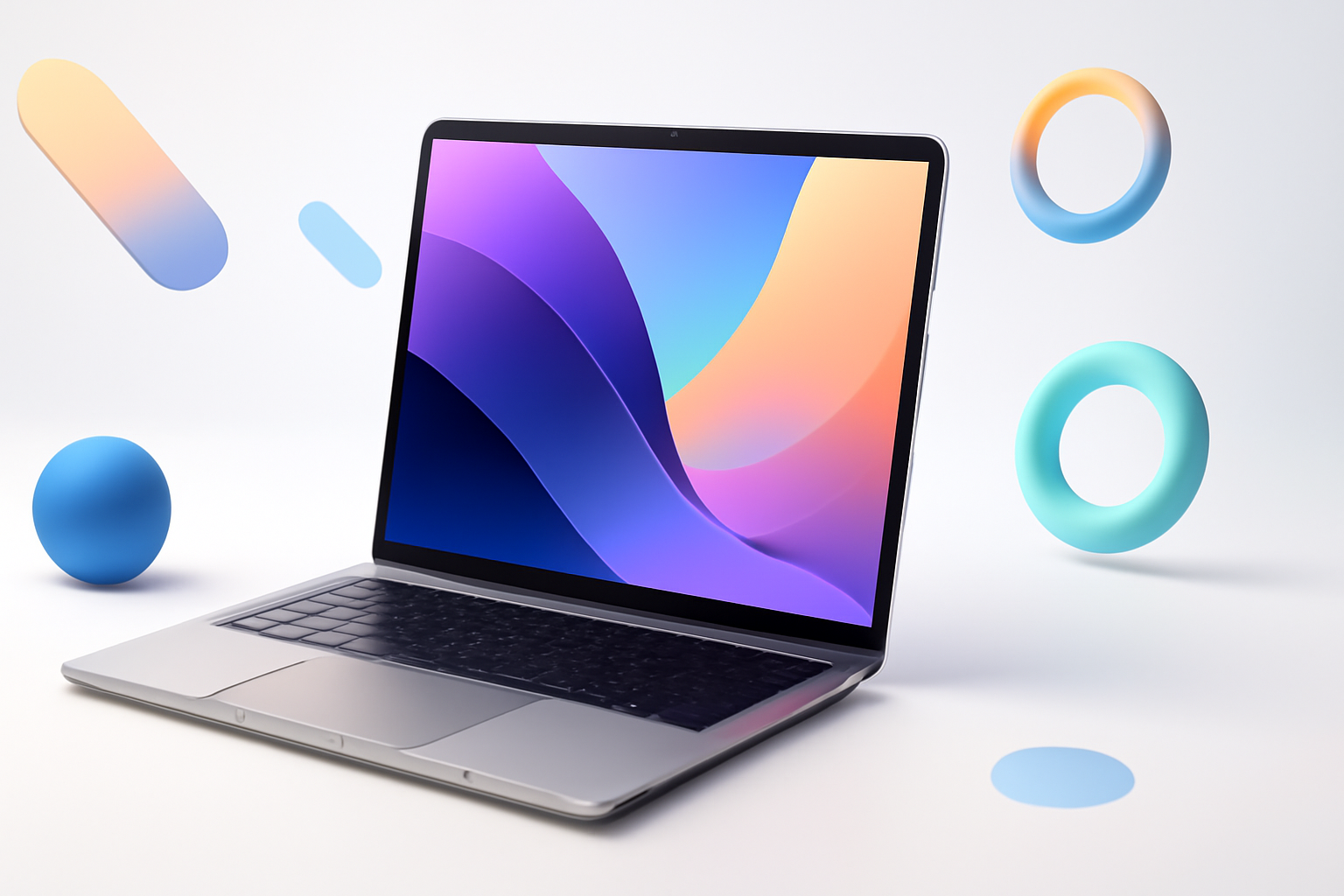
Working Remotely Has Changed — Has Your Laptop Kept Up?
Remote work isn’t a trend anymore. It’s a permanent setup for millions of people, and the demands on your hardware have quietly gotten more intense. Video calls, cloud apps, local AI tools, multi-monitor setups — your laptop is doing a lot more than it was even two years ago.
Picking the right machine in 2026 means thinking beyond specs on a box. Battery life matters more than raw clock speed for most people. Display quality affects how tired your eyes feel at 4pm. Weight becomes a real issue if you’re carrying your office in a backpack three days a week.
This breakdown focuses on what remote workers actually need — not just benchmark scores — to help you find the best laptop for remote work in 2026 without wasting money on features you’ll never use.
What Remote Workers Actually Need From a Laptop
Before jumping into specific models, it’s worth being honest about priorities. Remote workers aren’t video editors or game developers. The workload is usually a mix of browser tabs, video conferencing, document editing, and communication tools.
That said, there are a few specs that genuinely matter:
- Battery life: Aim for 10+ hours of real-world use, not manufacturer claims
- RAM: 16GB is the new baseline; 32GB if you keep 20+ tabs open
- Display: At least 1080p, ideally with good brightness for working near windows
- Keyboard quality: You’ll type thousands of words a day — this matters more than people think
- Port selection: HDMI or USB-C to external monitors, USB-A for peripherals, a headphone jack
- Webcam quality: Built-in webcam should be at least 1080p in 2026
- Weight: Under 1.5kg is ideal if you move between locations
Processor choice also shapes a lot. Apple Silicon (M3, M4) chips lead on efficiency. Intel’s Core Ultra and AMD Ryzen AI series are strong on the Windows side, particularly for people who rely on Windows-only software.
Top Laptops Worth Considering for Remote Work in 2026
Apple MacBook Air 15-inch (M4)
The MacBook Air remains the closest thing to a perfect remote work laptop for most people. The M4 chip handles everyday workloads with ease while sipping battery — you’ll realistically get 12 to 14 hours of mixed use. The fanless design means complete silence during calls, which is a small thing that becomes a big deal over time.
The 15-inch version gives you more screen real estate without crossing into “this is too heavy to carry” territory. At around 1.51kg, it’s still genuinely portable.
The downsides are real though. No HDMI port means you’ll need a hub or dongle for external displays. macOS isn’t compatible with every business tool, and if your company is Windows-dependent, you may hit friction.
Dell XPS 13 (2026)
Dell’s XPS 13 has earned its reputation. The 2026 model continues refining what was already a strong formula — compact chassis, excellent build quality, and a keyboard that feels responsive without being harsh. It’s one of the best Windows laptops for remote workers who prioritize portability.
The OLED display option is genuinely impressive for a 13-inch machine. Colors are vivid, blacks are deep, and it makes a noticeable difference if you spend a lot of time reading or working with visual content.
Battery life on the XPS 13 is respectable but not class-leading. Expect around 9 to 10 hours with moderate use. It also runs warm under load, though for typical remote work tasks that rarely becomes a real problem.
Lenovo ThinkPad X1 Carbon (Gen 13)
If your remote work involves constant travel, video calls with clients, and sensitive company data, the ThinkPad X1 Carbon is worth serious consideration. It’s been the go-to business laptop for years, and the Gen 13 doesn’t break that streak.
It’s light (under 1.12kg), has one of the best keyboards on any laptop, and comes with enterprise-grade security features like a fingerprint reader, IR camera for face unlock, and hardware camera shutter. The battery lasts a solid 10 to 12 hours in real use.
It’s not a showpiece — the design is intentionally understated. But for people who work in offices, hotels, and airport lounges, the ThinkPad’s reliability is hard to argue with.
ASUS Zenbook 14 OLED
For remote workers watching their budget more carefully, the Zenbook 14 OLED punches well above its price. You get a stunning OLED display, solid AMD Ryzen AI performance, and all-day battery life in a slim, well-built package.
It’s not as premium-feeling as the MacBook or ThinkPad when you hold it, but for someone who needs a reliable machine for calls, documents, and cloud-based work, it’s hard to beat at this price point.
Microsoft Surface Laptop 7
Microsoft’s Surface Laptop 7 runs on Qualcomm Snapdragon X Elite, which represents a genuine shift in Windows hardware. The battery life is exceptional — genuinely comparable to Apple Silicon — and the fanless design keeps it completely quiet.
The display is sharp, the keyboard is comfortable, and the overall build quality feels premium. It’s worth noting that app compatibility on ARM-based Windows has improved significantly, though some older or niche software can still cause headaches. If your tools are modern and web-based, this largely won’t be an issue.
How These Laptops Compare Side by Side
| Laptop | Weight | Battery Life | RAM (Base) | Best For |
| MacBook Air 15″ M4 | 1.51kg | 12–14 hrs | 16GB | macOS users, all-day battery |
| Dell XPS 13 (2026) | 1.17kg | 9–10 hrs | 16GB | Portability, display quality |
| ThinkPad X1 Carbon Gen 13 | 1.12kg | 10–12 hrs | 16GB | Business travel, typing-heavy work |
| ASUS Zenbook 14 OLED | 1.39kg | 10–11 hrs | 16GB | Budget-conscious remote workers |
| Surface Laptop 7 | 1.34kg | 12–15 hrs | 16GB | Quiet use, long battery, modern apps |
Questions People Often Ask Before Buying
Is 16GB RAM enough for remote work?
For most remote workers, yes. 16GB handles video calls, dozens of browser tabs, Slack, email, and productivity apps without breaking a sweat. If you regularly run virtual machines, use local AI tools, or edit video, bump up to 32GB. On Apple Silicon machines especially, 16GB goes further than it does on Windows machines due to unified memory architecture.
Does operating system matter for remote work?
More than people admit. If your company uses Microsoft 365 heavily, both macOS and Windows handle it well — but Windows has tighter native integration with Active Directory, VPN clients, and enterprise IT tools. If you’re a freelancer or self-employed, macOS tends to have a smoother, less maintenance-heavy experience day to day.
Should you get a 13-inch or 15-inch laptop?
Think about how often you connect to an external monitor. If your desk setup includes a second screen, a 13-inch is perfectly fine as your travel machine. If you frequently work from cafes or on the road without an external display, 15 inches gives your eyes more room to breathe without going too large to carry comfortably.
What about refurbished laptops?
Genuinely a smart option if you’re budget-conscious. A refurbished ThinkPad X1 Carbon from two generations back or a certified refurbished MacBook Air will outperform a cheap new laptop every time. Just buy from a reputable source — manufacturer-certified or well-reviewed third-party refurbishers — and confirm the battery health before purchasing.
The Accessories That Make Any Laptop Better for Remote Work
No laptop exists in isolation. A few well-chosen accessories can transform even a mid-range machine into a genuinely pleasant work setup:
- A USB-C hub: Expands connectivity without cluttering your bag — look for one with HDMI, USB-A, and SD card slots
- A laptop stand: Raises the screen to eye level, reduces neck strain, and makes you look better on video calls
- An external keyboard and mouse: When docked at your desk, using external peripherals reduces wear on your laptop and improves ergonomics dramatically
- A quality headset: Built-in microphones are passable; a dedicated headset with noise cancellation is noticeably better for call-heavy work
- A laptop sleeve or case: Protects your investment and keeps your bag organized
Finding the Right Fit for Your Work Style
The best laptop for remote work in 2026 isn’t the one with the most impressive specs — it’s the one that gets out of your way and lets you focus. Battery life that doesn’t require you to hunt for outlets. A keyboard that doesn’t make your wrists ache by 3pm. A display that doesn’t leave you squinting in a bright room.
If budget isn’t a constraint and you use macOS, the MacBook Air M4 is genuinely hard to beat. For Windows users who travel constantly, the ThinkPad X1 Carbon’s combination of weight, keyboard quality, and durability earns its reputation. And if you’re trying to stretch your spending further without sacrificing day-to-day performance, the Zenbook 14 OLED delivers more than its price suggests.
Think honestly about where you work, what software you rely on, and how much you move around. The answer usually becomes pretty clear from there.
