

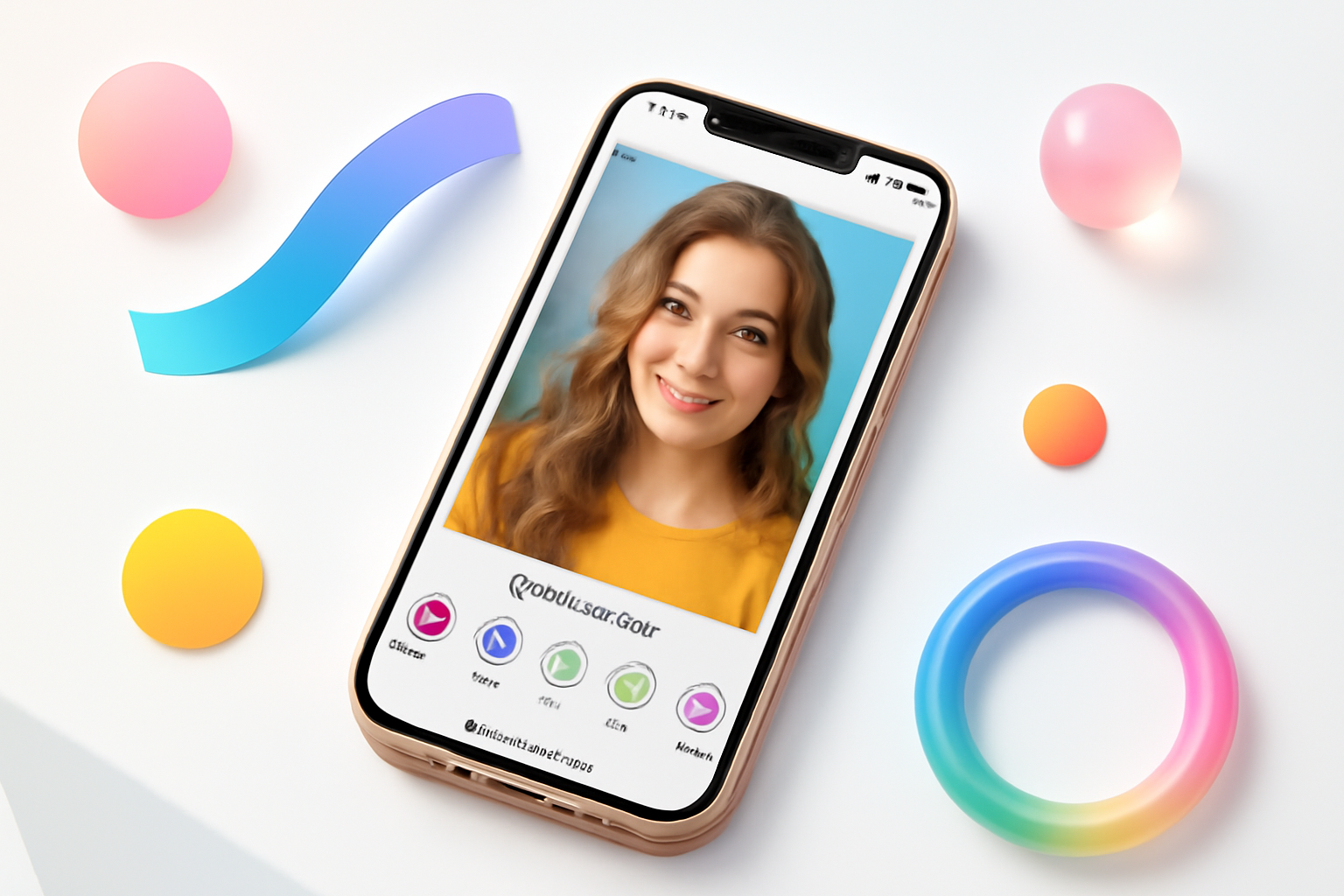
What Makes YouCam Perfect Worth Using?
Selfie editing apps come and go, but YouCam Perfect has managed to stick around — and for good reason. It’s not just a beauty filter slapped on top of a camera. It’s a surprisingly capable photo editing suite that handles everything from skin smoothing to full-body reshaping, all from your phone.
If you’ve seen flawlessly edited selfies on Instagram and wondered how people achieve that polished look without a professional photographer, there’s a decent chance YouCam Perfect was involved. The app has quietly become one of the most downloaded photo editors on both iOS and Android, sitting comfortably in the top beauty app charts for years.
But is it actually worth your time — or your money? Here’s an honest breakdown.
Core Features That Actually Get Used
A lot of apps promise a hundred features and deliver maybe five good ones. YouCam Perfect is a bit more balanced. Its feature set is large, but several tools genuinely stand out from the crowd.
Skin Retouching and Blemish Removal
This is the bread and butter of the app. The skin smoothing tool does a solid job of evening out skin tone without making you look like a plastic doll — though you do need to keep the intensity dial in check. Push it too high and the effect gets obvious fast.
The blemish remover works well for small spots and redness. It uses AI to detect skin areas automatically, which saves you from manually selecting every patch. For quick edits before posting, this feature alone is worth having.
Face and Body Reshaping
YouCam Perfect includes tools for slimming, contouring, and reshaping facial features. You can adjust jaw width, slim the nose, enlarge eyes, or reshape the overall face structure. The body reshaping tool lets you slim the waist or adjust proportions in full-body shots.
These tools work best with caution. Overuse creates that warped, unreal look that’s immediately noticeable. Used subtly, though, they’re effective.
Makeup Filters and AR Try-On
One of the more interesting features is the virtual makeup section. You can try on lipstick shades, eyeshadow, blush, and even eyeliner in real time using the camera — similar to what some beauty brand apps offer, but with a wider range of looks.
It’s genuinely useful if you’re trying to visualize a makeup look before buying products. Brands occasionally partner with the app to let users try their specific shades, which adds some real-world utility beyond just playing around.
Background Editing
The background removal and replacement tool has improved significantly over time. It handles hair and complex edges better than most free apps, though it still struggles occasionally with flyaway strands or intricate backgrounds.
You can replace the background with solid colors, custom images, or preset scenes. For creating profile photos or product-style shots, this feature is genuinely handy.
The AI Tools: Hype vs. Reality
YouCam Perfect leans heavily into AI-powered editing, and the results are mixed depending on what you’re trying to do.
The AI scene enhancement tool analyzes your photo and applies automatic adjustments — exposure, contrast, color balance. It’s hit or miss. Sometimes it makes a photo look noticeably better in one tap. Other times it oversaturates the image or introduces an odd color cast.
The AI portrait mode, which simulates depth-of-field blur, is more reliable. It does a reasonable job of separating the subject from the background, though it’s not a substitute for actual optical bokeh from a good camera lens.
Where the AI genuinely earns its keep is in the skin detection system. Rather than you manually masking skin areas, the app figures out where your face and body are and applies retouching precisely — that’s a real time-saver for anyone editing multiple photos quickly.
YouCam Perfect Free vs. Premium: What’s the Real Difference?
The free version is functional, but it’s clearly designed to nudge you toward a subscription. Here’s a quick comparison of what you get:
| Feature | Free | Premium |
| Basic skin smoothing | ✓ | ✓ |
| Blemish remover | ✓ (limited) | ✓ (full) |
| Watermark-free exports | ✗ | ✓ |
| All makeup filters | ✗ | ✓ |
| HD export quality | ✗ | ✓ |
| Body reshaping tools | Limited | Full access |
| Background replacement | Basic | Advanced |
| Ad-free experience | ✗ | ✓ |
The watermark issue is a dealbreaker for anyone sharing edited photos publicly. The free version stamps your image with the app’s logo, which looks unprofessional and is hard to edit out after the fact.
Premium pricing varies by region and often changes with promotions, but it generally runs around $3–6 per month depending on the subscription length you choose.
How It Compares to Other Selfie Editing Apps
The selfie editing space is crowded. Apps like Facetune, Snapseed, and AirBrush all compete in similar territory. Here’s where YouCam Perfect sits in that landscape:
- Vs. Facetune: Facetune has a more refined whitening and teeth editing tool. YouCam Perfect wins on overall feature variety and the AR makeup try-on capability.
- Vs. Snapseed: Snapseed is the better general photo editor with more precise manual controls. YouCam Perfect is more focused on portraits and selfies specifically.
- Vs. AirBrush: These two are very close in functionality. AirBrush has a slightly cleaner interface; YouCam Perfect edges ahead on body editing tools.
- Vs. Adobe Lightroom Mobile: Not a fair comparison — Lightroom is for serious photo editing across all genres. YouCam Perfect is purpose-built for selfies and beauty editing.
If your primary use case is editing selfies quickly for social media, YouCam Perfect is among the best options available. If you need broader photo editing capabilities, pairing it with something like Snapseed makes sense.
Tips for Getting Better Results
The app can produce natural-looking results, but that largely depends on how you use it. A few things that make a real difference:
- Start with a good photo. Even the best retouching tool can’t rescue a badly lit, blurry image. Shoot in natural light whenever possible and make sure the photo is in focus before you start editing.
- Use lower intensity settings. Most first-time users crank the sliders too high. Start at 30–40% intensity on skin smoothing and work up only if needed.
- Edit one feature at a time. Applying multiple reshaping tools simultaneously makes it harder to control the final result. Make one adjustment, evaluate, then move to the next.
- Compare before and after regularly. The app has a side-by-side comparison button. Use it often. It’s easy to lose perspective on how much you’ve changed an image.
- Don’t neglect lighting adjustments. Skin retouching looks more natural when the overall exposure and color balance are also corrected. Adjust brightness and white balance before applying beauty effects.
Privacy and Data Considerations
Any app that processes facial images deserves a hard look on privacy. YouCam Perfect is developed by Perfect Corp, a Taiwanese company. The app requests camera access, photo library access, and occasionally asks for other permissions depending on features used.
The company’s privacy policy states that photos processed on-device are not stored on their servers unless you specifically use cloud-based features or explicitly share them. That said, it’s worth reviewing the current permissions the app has on your device and revoking any that seem unnecessary for how you actually use it.
If you’re cautious about facial data, it’s reasonable to be selective about which apps you give camera access to. That applies to YouCam Perfect the same as any other beauty app in this category.
Who Gets the Most Value from YouCam Perfect
Not everyone needs this app. But for certain use cases, it’s genuinely hard to beat.
- Content creators who post selfies regularly and need fast, polished edits
- People who want to try makeup looks virtually before buying
- Anyone building a professional-looking profile photo on a budget
- Small business owners who photograph themselves for social media and don’t want to hire an editor
If you rarely take selfies or prefer a more raw, unfiltered aesthetic, you’ll get little use out of it. The app is also less useful for landscape photography, food photography, or any genre outside of portraits.
Final Thoughts on YouCam Perfect
YouCam Perfect has earned its place as a go-to portrait editing app because it actually delivers on most of what it promises. The AI-powered retouching is fast, the makeup try-on feature adds genuine value, and the overall toolset is deep enough to handle most selfie editing needs.
The free version is worth downloading just to test the core features, but you’ll hit its limits quickly if you’re serious about using it regularly. The subscription is reasonably priced for what you get — especially compared to the cost of professional photo editing software.
It’s not a perfect app — the AI enhancements can be inconsistent, and the body editing tools require a careful hand. But as a selfie editor built specifically for portrait photography and beauty editing on mobile, YouCam Perfect remains one of the strongest options available right now.
