

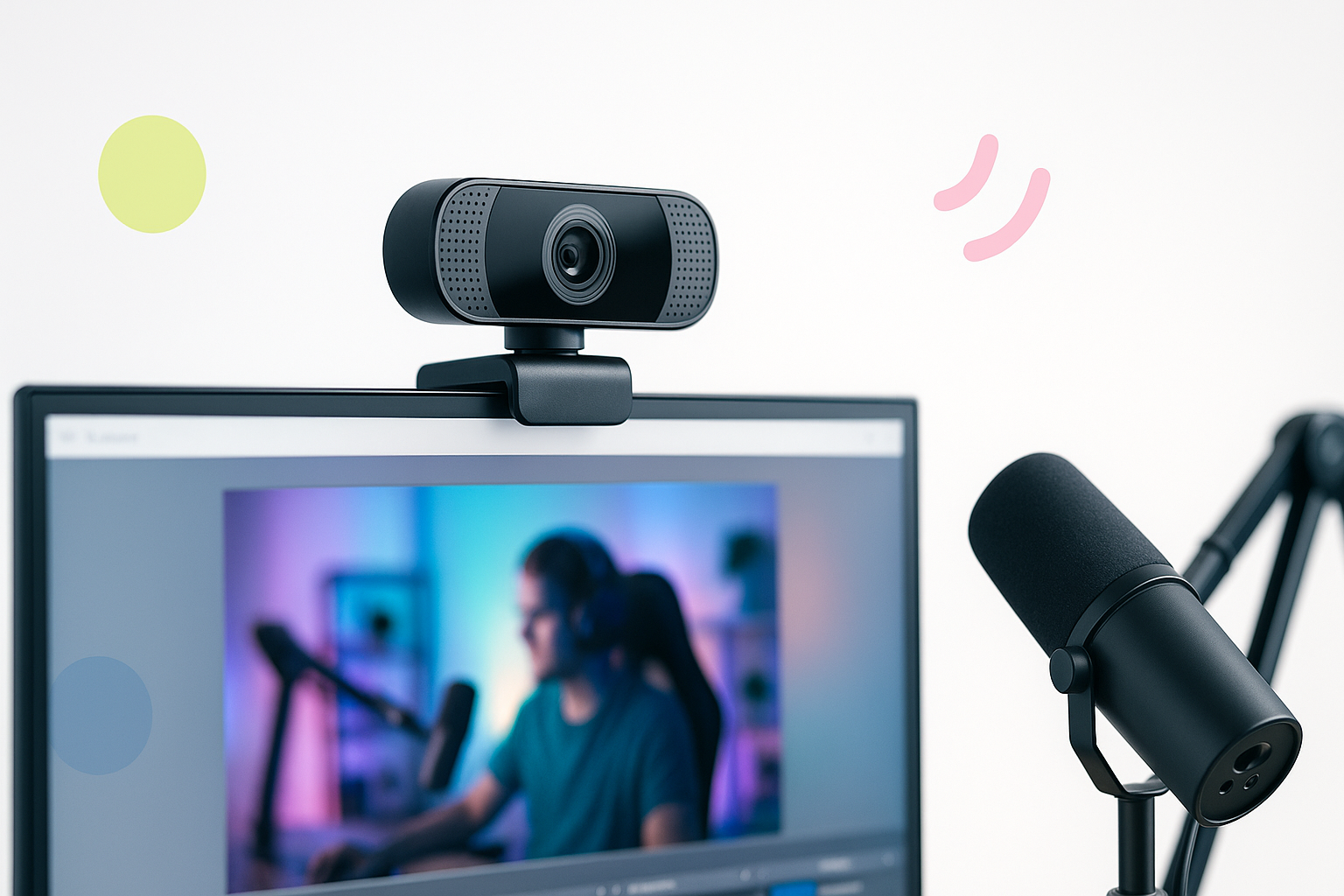
Why Your Built-in Camera Won’t Cut It
Starting your streaming journey with a laptop’s built-in camera feels natural, but you’ll quickly discover its limitations. Poor lighting makes you look washed out or shadowy, while grainy video quality screams “amateur hour” to viewers. If you’re serious about building an audience, investing in the best webcam for streaming beginners becomes essential within your first few streams.
The good news? You don’t need to spend hundreds of dollars to dramatically improve your stream quality. Modern webcams designed for content creators offer features that were once exclusive to expensive broadcasting equipment, making professional-looking streams accessible to everyone.
What Makes a Webcam Perfect for New Streamers
Not every webcam works well for streaming. While some excel at video calls, streaming demands different capabilities that directly impact viewer retention and channel growth.
Resolution matters, but 4K isn’t necessary. Most streaming platforms compress video anyway, so 1080p provides the sweet spot between quality and performance. Your computer won’t struggle to process the feed, and viewers get crisp, clear video.
Frame rate determines how smooth your movements appear on screen. Look for cameras capable of 60fps at 1080p, especially if you plan to stream games or do active content. Nothing breaks immersion like choppy, stuttering video.
Low-light performance separates good webcams from great ones. Unless you’ve invested in professional lighting, your camera needs to handle typical room lighting without making you look like a ghost or hiding you in shadows.
Auto-focus speed becomes crucial during streams. Manual focus adjustments mid-stream look unprofessional, so your camera should track your movements seamlessly.
Top Webcam Choices That Won’t Break Your Budget
After testing dozens of options, these cameras consistently deliver professional results without requiring a second mortgage.
Logitech C920s Pro HD
This camera has earned legendary status among streamers for good reason. The C920s produces excellent 1080p video with natural color reproduction that makes you look healthy and vibrant on camera.
Its auto-focus system works quickly and quietly, while the built-in microphone provides surprisingly clear audio for a webcam. Privacy-conscious streamers appreciate the physical lens cover that slides over the camera when not in use.
The mounting system accommodates various monitor thicknesses, and the camera stays put once positioned. Price-wise, it typically costs between $70-90, making it accessible for most budgets.
Razer Kiyo
Razer designed the Kiyo specifically for streamers, and it shows. The built-in ring light solves lighting problems instantly, providing soft, even illumination that flatters your face.
Video quality matches the C920s, but the integrated lighting gives the Kiyo a significant advantage in poorly lit rooms. The light has multiple brightness levels, so you can adjust it based on your environment.
The trade-off comes in form factor – the ring light makes the camera bulkier than traditional webcams. However, if lighting has been your biggest challenge, this camera eliminates that problem completely.
Elgato Facecam
Elgato built this camera for serious content creators who want maximum control. Unlike other webcams, the Facecam uses uncompressed video, giving you raw footage that looks incredibly sharp.
The fixed focus lens stays sharp from about 24 inches away – perfect for typical desk setups. Color accuracy exceeds most webcams in this price range, making your skin tones look natural under various lighting conditions.
Professional streamers often choose the Facecam because it integrates seamlessly with Elgato’s other streaming products, creating a cohesive ecosystem for content creation.
Budget-Friendly Alternatives Under $50
Starting streaming doesn’t require a huge upfront investment. These cameras provide solid performance at entry-level prices.
The Logitech C270 delivers 720p video that looks significantly better than built-in laptop cameras. While not 1080p, the image quality remains crisp and clear for viewers watching on phones or smaller screens.
NexiGo’s N60 offers 1080p recording with software-based auto-focus. The image quality impresses for the price point, though low-light performance lags behind more expensive options.
Both cameras work well for testing the streaming waters before committing to pricier equipment. Many successful streamers started with similar budget webcams and upgraded as their channels grew.
Setup Tips That Transform Your Stream Quality
Even the best camera produces mediocre results without proper positioning and setup. These techniques maximize your webcam’s potential.
Position your camera at eye level. Looking up or down at the camera creates unflattering angles that distract viewers from your content. Adjust your monitor height or use a camera mount to achieve the proper position.
Place your primary light source in front of you, slightly off to one side. A simple desk lamp with a white bulb dramatically improves how you appear on camera. Avoid having windows or bright lights behind you, as they’ll turn you into a silhouette.
Test your audio setup alongside video. While webcam microphones work in a pinch, investing in a basic USB microphone like the Audio-Technica ATR2100x-USB provides much better sound quality for around $70.
Configure your streaming software properly. OBS Studio, the most popular free streaming software, allows you to adjust camera settings like brightness, contrast, and saturation to perfect your image.
Common Mistakes New Streamers Make
Avoiding these pitfalls saves time and frustration while helping you build a professional-looking stream faster.
Many beginners obsess over getting the most expensive equipment immediately. Your personality and content matter more than having a $300 webcam. Start with a solid mid-range option and upgrade as your channel grows and generates revenue.
Neglecting audio quality hurts streams more than mediocre video. Viewers will tolerate lower video quality, but poor audio makes streams unwatchable. Balance your budget between a decent webcam and acceptable audio equipment.
Inconsistent lighting creates jarring changes in your appearance throughout streams. If you rely on natural light from windows, consider investing in artificial lighting to maintain consistent video quality regardless of time of day.
Forgetting to test your setup before going live leads to technical difficulties during streams. Always do a quick test recording to check video and audio levels before starting your broadcast.
Making Your Final Decision
Choosing the best webcam for streaming beginners depends on your specific situation and goals. If you’re testing whether streaming suits you, a budget option like the C270 provides a low-risk entry point.
For those committed to regular streaming, the Logitech C920s offers the best balance of quality, features, and price. Its proven track record and widespread compatibility make it a safe choice for new streamers.
Remember that your webcam is just one piece of creating engaging streams. Focus on developing interesting content and connecting with your audience – these skills matter more than having the perfect camera setup from day one.
