

Why n8n Workflows Can Transform Your Business Operations
Automation has moved beyond simple if-then statements. The best n8n workflow examples demonstrate how businesses can create sophisticated automation systems that handle complex tasks across multiple platforms without writing a single line of code.
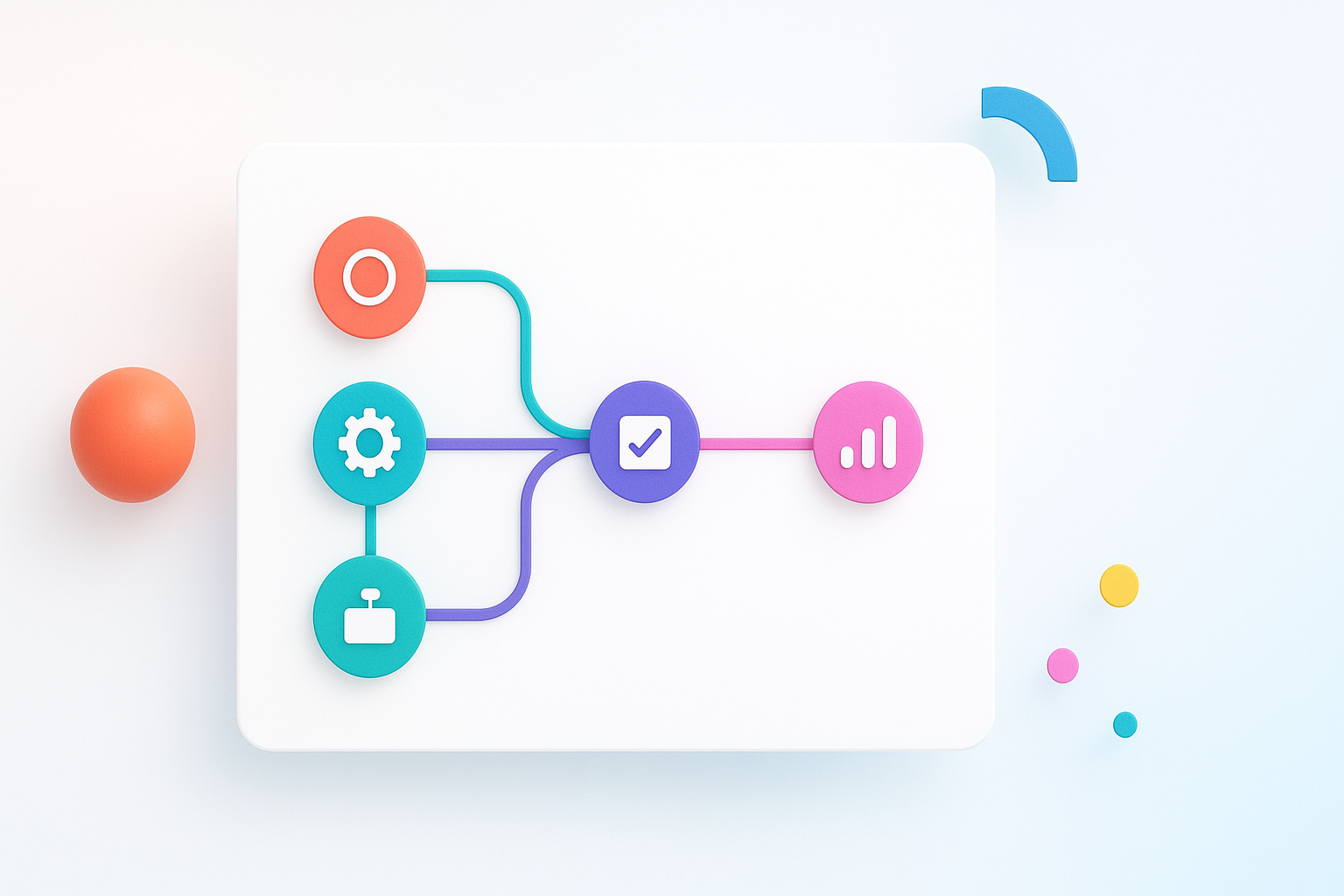
n8n’s visual workflow builder lets you connect different apps, databases, and services through a drag-and-drop interface. Unlike basic automation tools, n8n offers advanced features like conditional logic, data transformation, and error handling that make it suitable for enterprise-level processes.
The workflows we’ll explore range from simple time-savers to complex business processes that can eliminate hours of manual work each day.
Customer Support Automation That Actually Works
One of the most impactful workflow categories involves customer support automation. These workflows don’t just create tickets—they intelligently route, prioritize, and sometimes resolve issues automatically.
Smart Ticket Routing System
This workflow monitors incoming support emails and automatically categorizes them based on keywords, sender information, and urgency indicators. When a new email arrives:
- The system analyzes the content for technical keywords, billing terms, or urgent language
- It checks if the sender is a premium customer or has an existing high-priority case
- Based on these factors, it assigns the ticket to the appropriate team member
- The customer receives an immediate response with estimated resolution time
This workflow typically reduces response time by 60% and ensures specialized team members handle relevant issues from the start.
Multi-Channel Support Consolidation
Modern customers reach out through email, chat, social media, and phone. This workflow creates a unified support experience by:
- Collecting messages from Slack, Discord, Twitter DMs, and email into a central hub
- Creating a comprehensive customer profile that includes interaction history across all channels
- Preventing duplicate responses when customers contact through multiple channels
- Automatically escalating cases that remain unresolved after a specific timeframe
Sales Pipeline Automation That Boosts Revenue
Sales workflows often provide the highest return on investment because they directly impact revenue generation. These examples focus on nurturing leads and closing deals more efficiently.
Lead Scoring and Nurturing Engine
This sophisticated workflow tracks prospect behavior across your website, email campaigns, and social media to assign dynamic lead scores. The system:
- Monitors website visits, download activity, and email engagement
- Increases scores for high-value actions like pricing page visits or demo requests
- Automatically enrolls warm leads into targeted email sequences
- Notifies sales reps immediately when leads reach predefined score thresholds
Companies using this workflow typically see 25% more qualified leads and 15% shorter sales cycles.
Contract Management and Follow-up
This workflow eliminates deals falling through the cracks by automating contract processes:
- Generates personalized contracts using data from your CRM
- Sends contracts through DocuSign or similar platforms
- Tracks signing progress and sends gentle reminders
- Automatically creates onboarding tasks once contracts are signed
- Updates financial forecasting spreadsheets in real-time
Content Creation and Marketing Workflows
Content marketing workflows help maintain consistent publishing schedules while ensuring quality and brand alignment across channels.
Social Media Content Distribution
Rather than manually posting to each platform, this workflow creates platform-optimized content from a single source:
- Pulls new blog posts from your CMS
- Generates platform-specific excerpts (Twitter threads, LinkedIn posts, Facebook updates)
- Creates visual assets using predefined templates
- Schedules posts at optimal times for each platform
- Monitors engagement and saves high-performing content for reuse
SEO Monitoring and Reporting
This workflow keeps your SEO strategy on track by automating monitoring and reporting tasks:
- Tracks keyword rankings across multiple search engines
- Monitors competitor content and backlink activity
- Generates weekly SEO reports with actionable insights
- Alerts you to significant ranking changes or technical issues
- Creates content briefs for declining keywords
Financial and Administrative Process Automation
Back-office workflows might not be glamorous, but they often provide the most immediate time savings and accuracy improvements.
Invoice Processing and Expense Management
This workflow handles the entire invoice lifecycle without human intervention:
- Extracts data from PDF invoices using OCR technology
- Matches invoices to purchase orders and contracts
- Routes invoices for approval based on amount and department
- Schedules payments according to terms and cash flow rules
- Updates accounting systems and generates expense reports
Employee Onboarding Coordination
New hire processes involve multiple departments and systems. This workflow ensures nothing falls through the cracks:
- Triggers equipment ordering based on role and location
- Creates accounts in all necessary systems (email, project management, security)
- Schedules orientation sessions and training
- Sends welcome packages and first-day instructions
- Tracks completion of required paperwork and certifications
Advanced Integration Workflows
These workflows demonstrate n8n’s power when connecting disparate systems that don’t naturally work together.
E-commerce Inventory Synchronization
For businesses selling across multiple platforms, this workflow maintains accurate inventory levels:
- Monitors stock levels across Shopify, Amazon, eBay, and physical stores
- Updates inventory counts in real-time when sales occur
- Automatically adjusts prices based on demand and competition
- Generates reorder alerts when stock reaches predefined thresholds
- Pauses listings when items go out of stock
Data Backup and Disaster Recovery
This workflow protects critical business data across multiple cloud services:
- Daily backups of CRM, project management, and financial data
- Encrypts and stores backups in multiple geographic locations
- Tests backup integrity automatically
- Monitors for unusual data changes that might indicate security issues
- Provides one-click restoration capabilities
Getting Started With Your First n8n Workflow
The best n8n workflow examples share common characteristics: they solve real business problems, include proper error handling, and provide measurable value.
Start by identifying repetitive tasks that involve multiple applications or require consistent execution. Look for processes where human error is costly or where delays impact customer experience.
Begin with simpler workflows before attempting complex multi-step processes. A basic two-app integration can provide immediate value while you learn the platform’s capabilities.
Consider data privacy and security requirements from the beginning. n8n allows self-hosting, which gives you complete control over sensitive information.
Monitor your workflows regularly and gather feedback from team members who interact with automated processes. The most successful implementations evolve based on real usage patterns and changing business needs.
These workflow examples demonstrate n8n’s versatility across different business functions. The platform’s strength lies in its ability to handle both simple automations and complex business logic while maintaining the flexibility to adapt as your needs change.
