

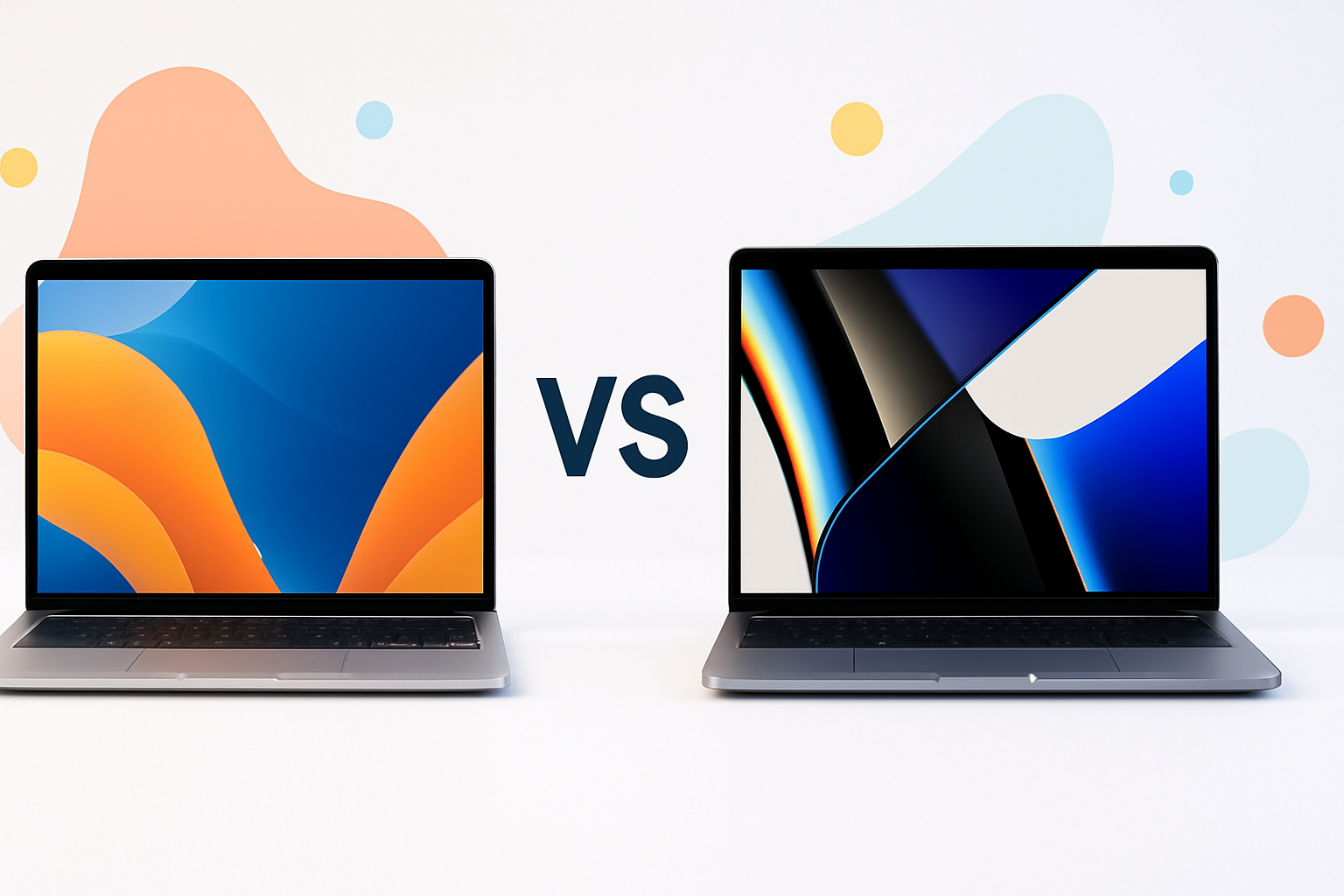
Choosing Between MacBook Air vs MacBook Pro for Students: What Really Matters
Picking the right laptop for college can feel overwhelming, especially when you’re comparing Apple’s two most popular options. Both the MacBook Air and MacBook Pro offer excellent performance, but they serve different types of students and academic needs.
The decision often comes down to your specific coursework, budget constraints, and how you plan to use your laptop throughout your academic journey. Let’s break down the key differences to help you make the smartest choice for your situation.
Performance: How Much Power Do You Actually Need?
The MacBook Air handles most student tasks beautifully. Whether you’re writing research papers, browsing the web, streaming lectures, or working on presentations, the M2 chip delivers smooth performance without breaking a sweat.
However, certain academic disciplines demand more computational muscle:
- Engineering students running CAD software or simulations
- Computer science majors compiling large codebases
- Film and media students editing 4K video projects
- Architecture students working with 3D modeling software
- Music production students using professional audio software
The MacBook Pro’s additional GPU cores and enhanced thermal management make it the better choice for these intensive workflows. The Pro can sustain high performance longer without throttling, which matters during those late-night project sessions.
Real-World Performance Differences
For everyday tasks like Microsoft Office, Google Workspace, and web browsing, you won’t notice much difference between the two models. Both handle multiple browser tabs, video calls, and basic photo editing effortlessly.
The gap widens with demanding applications. Video exports that take 20 minutes on a MacBook Pro might take 35-40 minutes on the Air. While not earth-shattering, these differences add up over four years of coursework.
Budget Considerations: Getting the Most Bang for Your Buck
College budgets are tight, and the price difference between these models can influence your decision significantly. The MacBook Air starts at a lower price point and often provides the best value for general academic use.
Here’s how to think about the investment:
| MacBook Air | MacBook Pro |
| Lower upfront cost | Higher performance for specialized tasks |
| Excellent for 90% of student needs | Future-proofed for demanding coursework |
| More money for other college expenses | May eliminate need for lab computer time |
Consider your program’s specific requirements before deciding. An English major might find the Air perfectly adequate for four years, while an engineering student could save time and frustration with the Pro’s extra power.
Educational Discounts and Timing
Apple offers education pricing that can narrow the gap between models. Additionally, back-to-school promotions sometimes include free AirPods or gift cards, effectively reducing the real cost difference.
Refurbished models from Apple also provide significant savings while maintaining full warranty coverage. A refurbished MacBook Pro might cost similar to a new MacBook Air while offering superior performance.
Portability and Battery Life: Your Daily Campus Companion
College life involves constant movement between classes, libraries, coffee shops, and dorm rooms. Weight and battery life become crucial factors in your daily experience.
The MacBook Air wins the portability contest hands down. At just 2.7 pounds, it disappears in your backpack. You’ll barely notice it during those marathon study sessions when you’re moving between multiple locations.
Battery life on both models easily handles a full day of classes and studying. However, the Air typically stretches a bit further on lighter tasks, while the Pro’s battery drains faster during intensive work.
Real Campus Usage Scenarios
Picture yourself taking notes in a crowded lecture hall. The Air’s smaller footprint fits better on those tiny fold-out desks. During group projects in cramped study rooms, every inch of table space matters.
The Pro’s larger screen provides more workspace for complex projects, but it also means less room for textbooks and notebooks when you’re working in tight spaces.
Display Quality and Size: When Bigger Makes a Difference
Both laptops feature excellent Retina displays, but the MacBook Pro offers additional screen real estate and enhanced brightness. For students who spend hours staring at spreadsheets, code, or research documents, the extra space can reduce eye strain and improve productivity.
The Pro’s display also handles outdoor use better thanks to higher peak brightness. If you enjoy studying outside or frequently work in brightly lit environments, this advantage becomes noticeable.
Specific Use Cases for Display Preferences
Students in visual fields benefit most from the Pro’s superior display:
- Graphic design students need color accuracy and screen space
- Photography students require precise color representation
- Business students working with complex financial models appreciate the extra room
- Pre-med students studying detailed anatomical diagrams benefit from the clarity
Storage and Memory: Planning for Four Years of Files
College generates an enormous amount of digital content. Four years of research papers, projects, photos, videos, and software installations add up quickly. Both models offer various storage configurations, but your choice impacts long-term usability.
Base storage models often feel cramped after two years. Consider upgrading to at least 512GB regardless of which model you choose. Cloud storage helps, but you can’t always rely on internet connectivity.
The memory configuration also affects multitasking performance. Students frequently juggle multiple applications simultaneously—research browsers, document editors, communication apps, and streaming services all running together.
Storage Strategy Tips
Smart storage management extends your laptop’s useful life:
- Invest in external storage for media files and archives
- Use cloud services for collaboration and backup
- Regularly clean out old files and unused applications
- Consider which programs you’ll need to install for your major
Connectivity and Accessories: Adapting to Different Environments
College technology environments vary widely. Some classrooms have modern setups with wireless projection, while others still rely on older connection standards. Your laptop needs to adapt to different presentation systems, lab equipment, and study setups.
The MacBook Pro typically offers more ports, reducing your need for dongles and adapters. This convenience matters when you’re rushing between classes or presenting in unfamiliar rooms.
Both models work well with external monitors for dorm room setups. A larger external display can transform your small laptop into a powerful workstation for intensive study sessions.
Long-Term Value: Thinking Beyond Graduation
Your college laptop should serve you well into your early career. The MacBook Air often provides better value for students entering fields that don’t require intensive computing, while the MacBook Pro might prove essential for technical careers.
Consider your post-graduation plans when making this investment. A laptop that barely meets your senior year requirements might struggle with entry-level professional demands.
Apple’s strong resale value helps both models maintain worth after graduation. A well-maintained MacBook can offset a significant portion of your next computer purchase.
Making Your Decision: Matching Your Needs
The choice between MacBook Air vs MacBook Pro for students ultimately depends on your specific academic path and personal preferences. Most students find the Air perfectly adequate for their needs while appreciating the cost savings and portability benefits.
Choose the MacBook Pro if you’re pursuing demanding fields like engineering, computer science, or media production. The extra performance and screen space will prove valuable throughout your academic career.
Stick with the MacBook Air if you’re studying liberal arts, business, or social sciences where computing demands remain moderate. Use the money you save for other educational expenses or to upgrade storage and accessories.
Remember that either choice represents a solid investment in your education. Both laptops will serve you reliably through college and beyond, making this decision more about optimization than necessity.
